On this page(8)
How to Improve Email Deliverability: The Complete Checklist
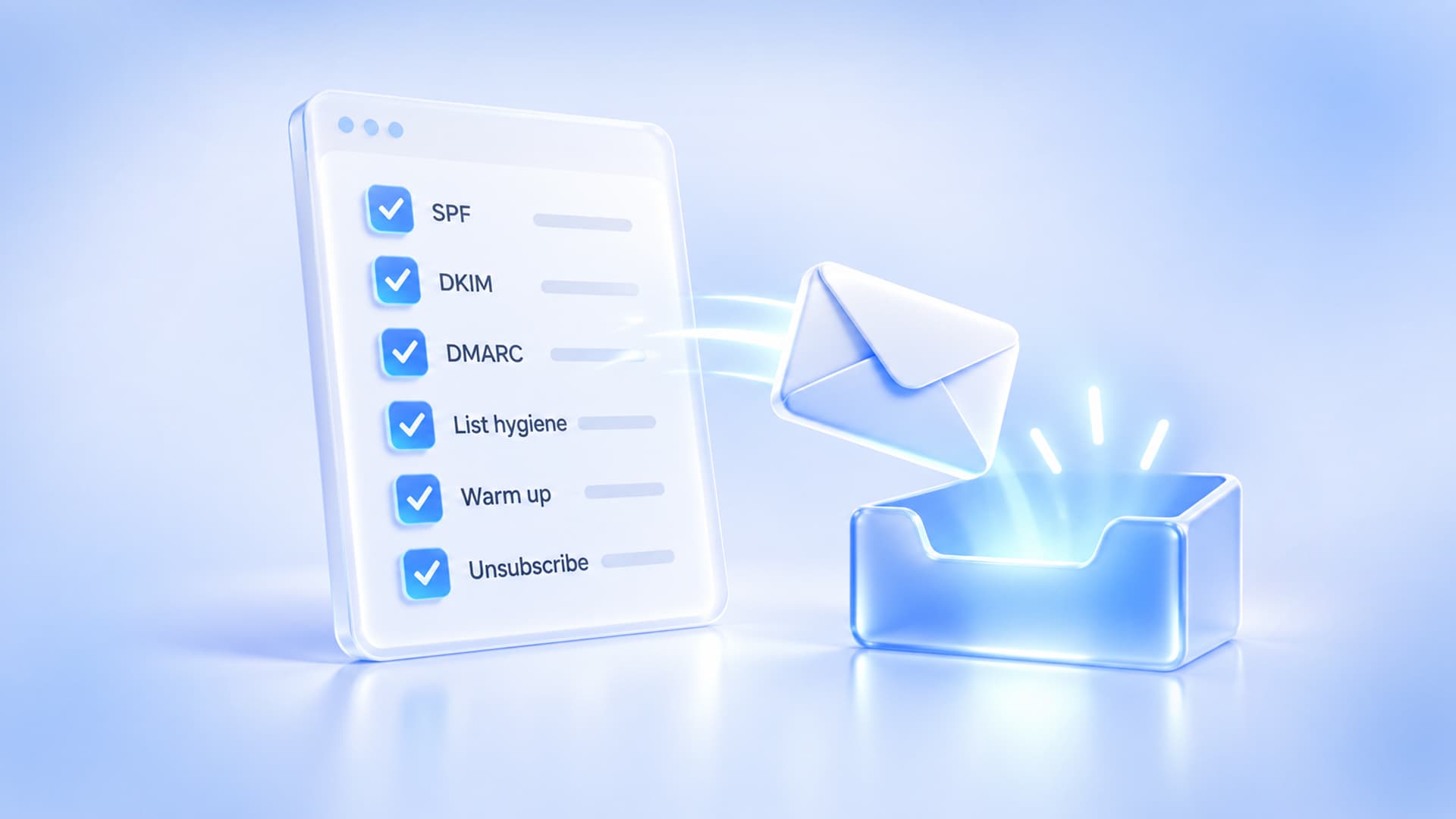
To understand how to improve email deliverability, group your work into five pillars – authentication, reputation, list hygiene, content, and monitoring – because deliverability isn’t one setting you flip, it’s the combined result of doing all five consistently well.
Improve email deliverability by authenticating your mail (SPF, DKIM, DMARC), protecting your sender reputation (warm up, send consistently), keeping your list clean (opt-in only, remove dead addresses), sending wanted and well-built content, and monitoring the metrics that warn you early. Master these five and your email reaches the inbox.
Deliverability is the quiet difference between email that works and email that vanishes. You can write the perfect campaign, but if it lands in spam – or gets rejected outright – none of it matters. The reassuring news is that deliverability is systematic: it rewards a handful of good habits. This is your master checklist, with links to go deeper on each piece.
Pillar 1: Authentication
Authentication proves your mail is really from you, and it’s now mandatory for bulk senders. Publish SPF, enable DKIM signing, and add a DMARC policy – then make sure your From domain aligns. This single pillar is the foundation everything else sits on. Details: email DNS records explained and SPF, DKIM & DMARC explained.
Pillar 2: Sender reputation
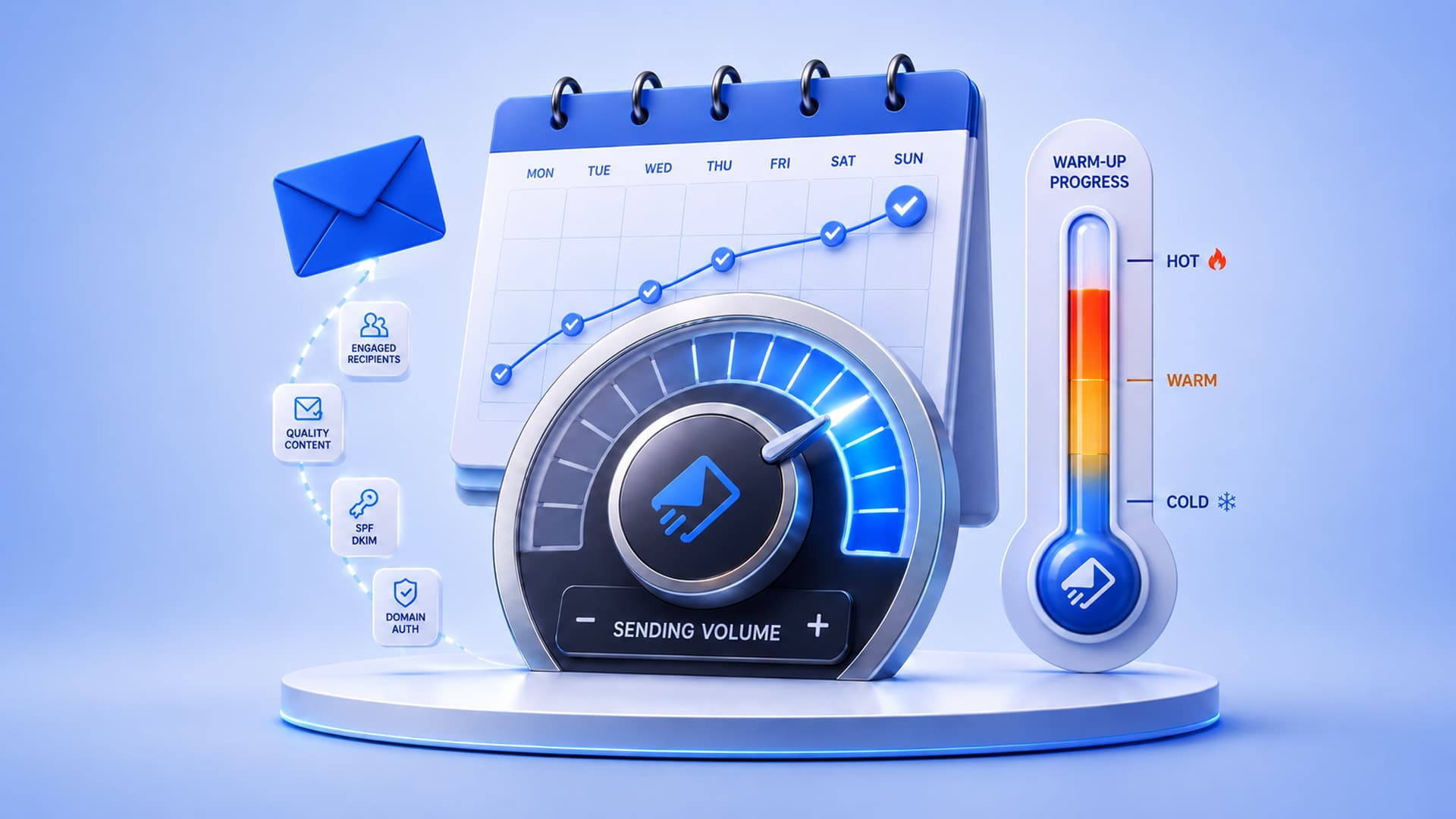
Providers trust senders with a track record of wanted mail. Protect your reputation by warming up new domains, sending on a consistent schedule (not erratic bursts), and sending from infrastructure you control rather than a crowded shared IP. If you’re starting fresh, follow our domain warm-up guide. If you’ve been blocklisted, see email blacklist removal.
Pillar 3: List hygiene
Your list quality is your reputation’s fuel. Use double opt-in, never buy lists, remove hard bounces promptly, and sunset subscribers who haven’t engaged in months. Clean lists avoid spam traps and keep bounce rates low – both of which protect deliverability. Understanding bounce codes helps you act on the right signals.
Pillar 4: Content & sending practices
What you send matters as much as how you send it. Write honest subject lines that match the body, keep a healthy text-to-image balance with alt text, include a clear (and one-click) unsubscribe, and build emails that render everywhere – see the visual email builder. If your mail is already landing in spam, our guide to why emails go to spam covers the content pitfalls in detail.
Pillar 5: Monitoring
You can’t improve what you don’t watch. Track bounce rate, spam-complaint rate (keep it under 0.1%), open/engagement trends, and inbox placement. Use Google Postmaster Tools and your platform’s analytics, and set up DMARC reporting so you catch authentication problems early. Monitoring turns deliverability from guesswork into a dashboard.
The master deliverability checklist
- SPF, DKIM, and DMARC published and passing, with aligned From domain.
- New domains and IPs warmed up gradually.
- Consistent sending schedule and volume.
- Double opt-in; no purchased lists.
- Hard bounces and long-term non-engagers removed regularly.
- Honest subject lines; balanced text and images with alt text.
- Compliant one-click unsubscribe, honored within two days.
- Emails tested in Outlook and on mobile.
- Spam-complaint rate under 0.1%; bounce rate low.
- Postmaster Tools and DMARC reports monitored.
- Sending from a reputation you control (your own SES/domain).
Deliverability, built in
EmailSendX runs on your own Amazon SES with authentication setup, warm-up guidance, list hygiene tools, one-click unsubscribe, and deliverability monitoring – the whole checklist, in one platform.
Frequently asked questions
What is a good email deliverability rate?
Aim for inbox placement of 95%+ and keep hard bounces under ~2% and spam complaints under 0.1%. Exact benchmarks vary by industry, but consistently high inbox placement is the goal.
What’s the fastest way to improve deliverability?
Fix authentication first (SPF, DKIM, DMARC) and clean your list. Those two changes resolve the majority of deliverability problems and can be done quickly.
Does sending volume affect deliverability?
Yes – sudden spikes hurt, especially on newer domains. Consistent volume and gradual increases protect your reputation.
How is deliverability different from delivery rate?
Delivery rate just means the email wasn’t bounced. Deliverability means it actually reached the inbox rather than spam. You can have a high delivery rate and still poor deliverability.
Ready to try it?