On this page(6)
Why do my emails go to spam? The short answer
Why do my emails go to spam? Mostly because of failed authentication and weak sender reputation — not because you used the word “free.” Mailbox providers like Gmail and Outlook decide placement by asking three questions: Can I verify who sent this? Does this sender have a clean history? Do recipients actually want it? Fix those, in that order, and you fix the spam problem. The 7 checks below take an afternoon.
If your emails go to spam, it’s tempting to blame your subject line — but subject-line wording is one of the last things a spam filter weighs. By the time a filter reads your copy, it has already judged your domain, your authentication records, and your reputation. So the real emails-going-to-spam fix almost always lives in your setup, not your words.
This guide is the email spam folder fix checklist: seven checks, ordered by impact, to stop emails going to spam for good. If you’ve been wondering why are my emails going to spam when the content looks fine, start at the top — most senders solve it before they reach check 4.
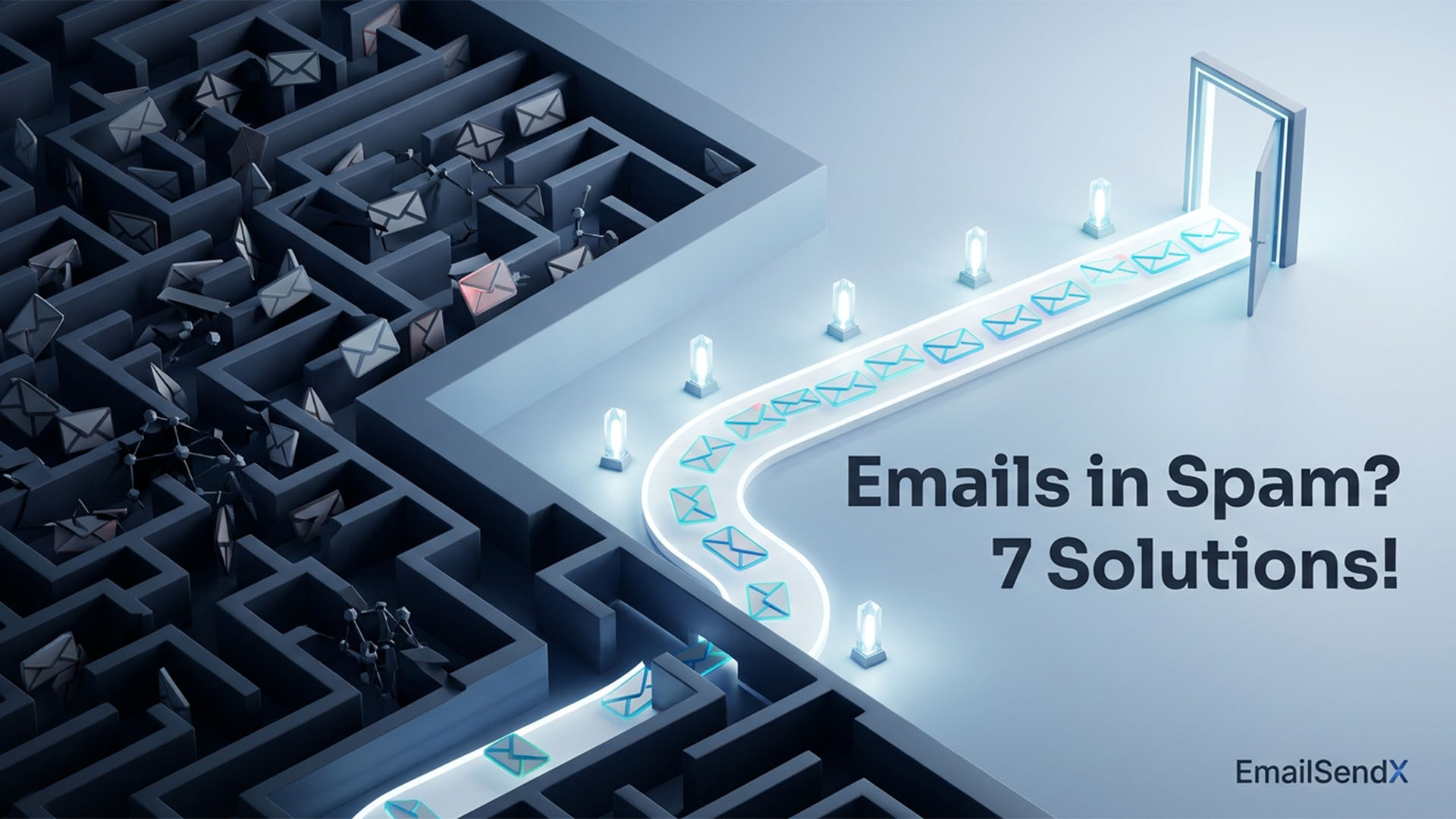
What actually decides whether you hit the inbox
Every major mailbox provider runs an inbound message through the same three gates. Think of them as a funnel: fail an early gate and the later ones barely matter.
Here’s the part most people get backwards: industry inbox-placement studies have for years put the global average around 83–85% — meaning roughly 1 in 6 legitimate marketing emails never reaches the inbox. The senders in that missing sixth almost always share the same two failures: broken authentication and an unmanaged reputation.
Spam filters don’t read your email and decide you’re a spammer. They decide whether to trust you before they ever read a word — and trust is something you configure and earn, not something you write.
The 7 checks that fix inbox placement
1. Authenticate your domain: SPF, DKIM, and DMARC Highest impact
This is the single biggest lever, and since Google and Yahoo’s 2024 bulk-sender rules, it’s mandatory: if you send volume without all three, you’ll be filtered or rejected outright.
- SPF tells receivers which servers are allowed to send for your domain.
- DKIM cryptographically signs your mail so it can’t be tampered with or forged.
- DMARC ties the two together and tells receivers what to do if a message fails.
Check yours: send a message to a Gmail account, open Show original, and confirm SPF, DKIM, and DMARC all read PASS. If any say fail or none, that’s your spam problem — fix it first.
2. Check your domain and IP reputation Highest impact
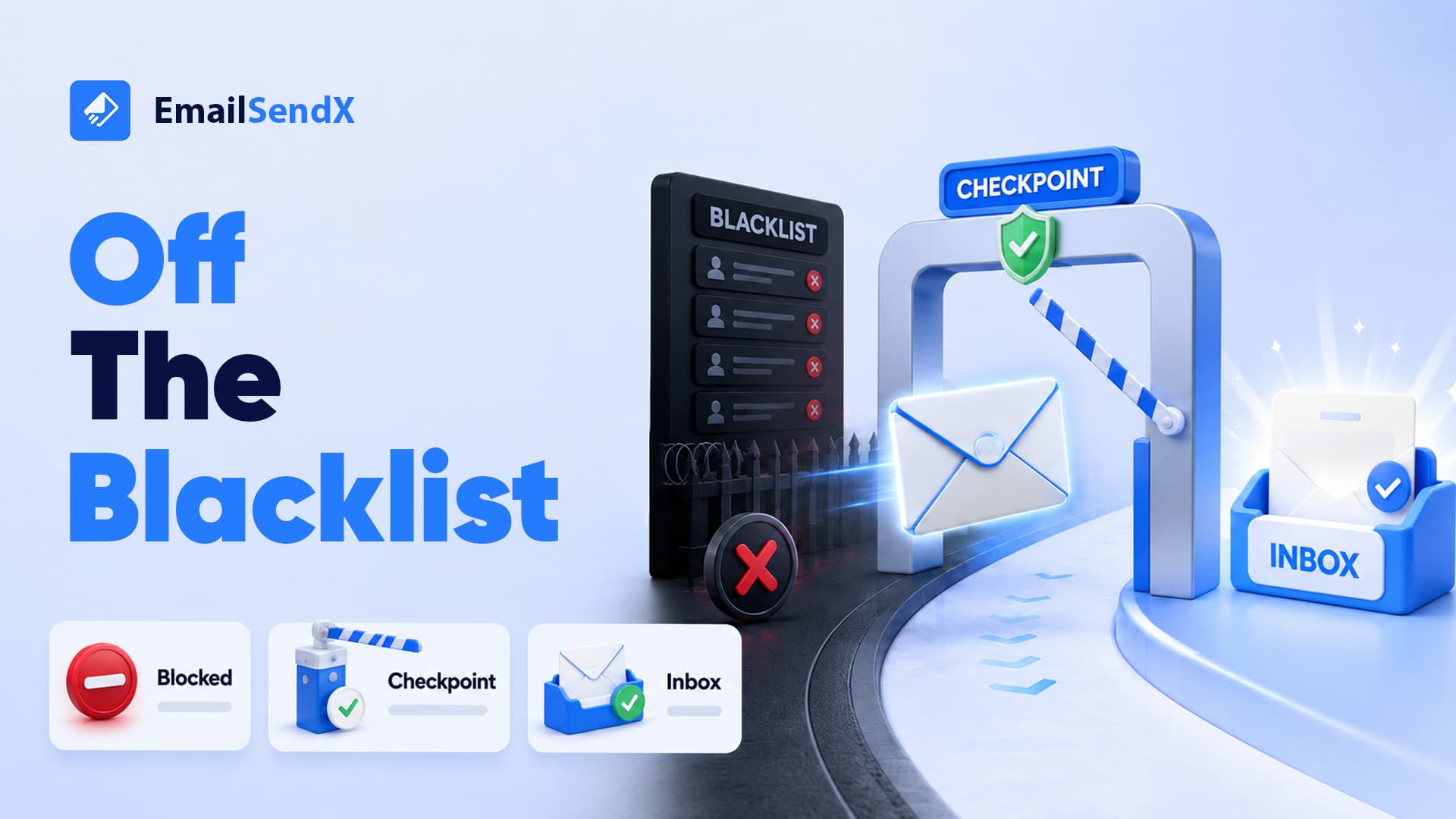
Mailbox providers keep a running score on your sending domain and IP. Two free tools tell you where you stand: Google Postmaster Tools (domain reputation + Gmail spam-complaint rate) and a blacklist check like MXToolbox (confirms you’re not on Spamhaus). Keep your Gmail-reported complaint rate under 0.10% and never let it cross 0.30% — that’s the line Google draws, and crossing it tanks placement for weeks.
3. Warm up and keep your volume consistent High impact
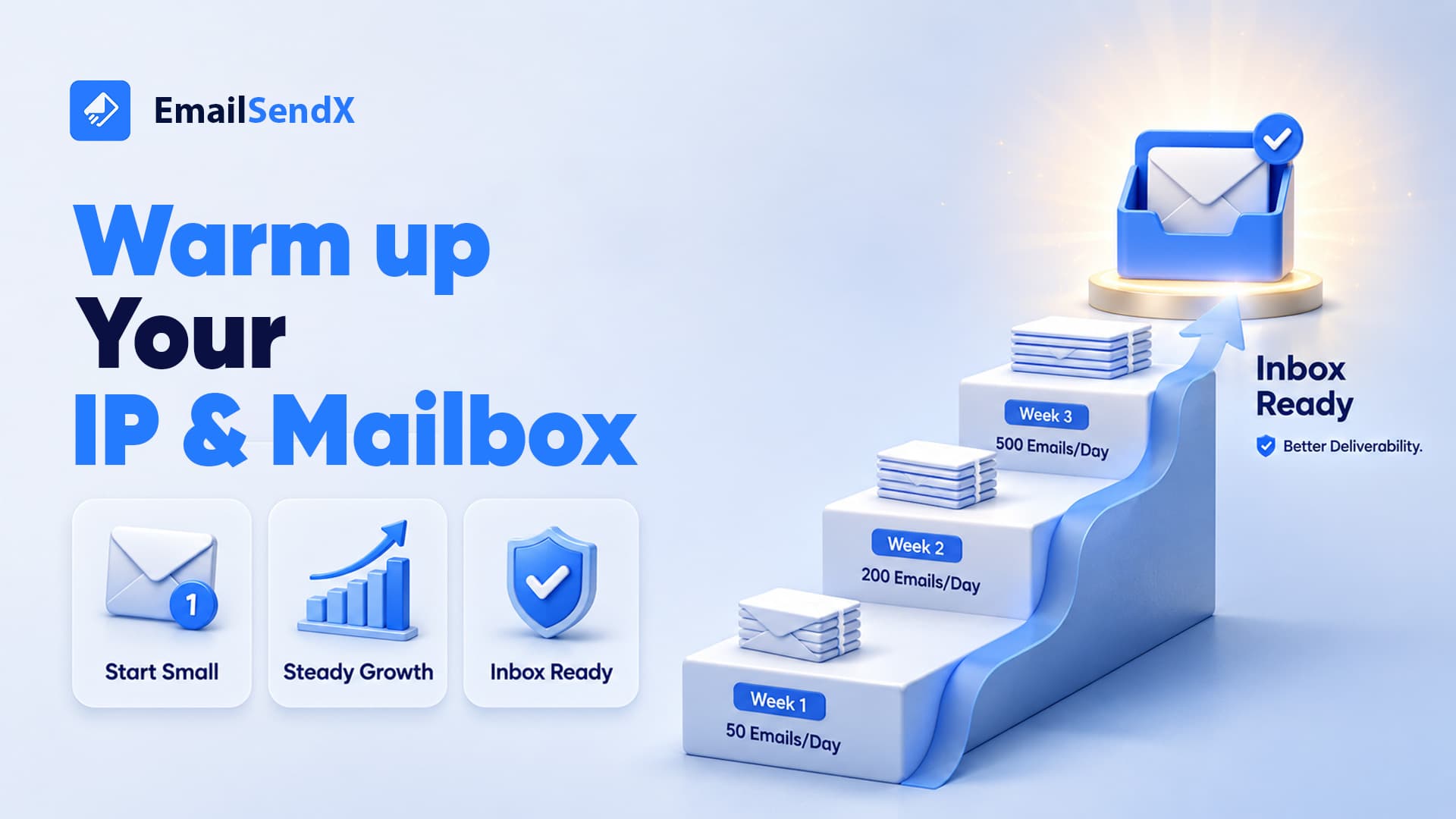
A brand-new domain or IP has zero reputation. Blast 50,000 emails on day one and providers read it as a spam attack. Ramp gradually — a few hundred a day, doubling roughly every few days over 4–6 weeks — and keep daily volume steady afterward. Erratic spikes look like a compromised account.
4. Clean your list and kill the bounces High impact
Sending to dead addresses and spam traps is the fastest way to wreck reputation. Before a big send: remove hard bounces immediately, suppress addresses unengaged for 6–12 months, and validate new lists before import — an old purchased list is almost guaranteed to contain traps.
5. Audit content: trigger words, ratios, and links Moderate impact
Content matters far less than people think, but a few patterns still hurt:
| Pattern | Why it hurts | Fix |
|---|---|---|
| Image-only email | Filters can’t read it; classic spammer tactic | Keep a healthy text-to-image balance |
| URL shorteners (bit.ly) | Hides the destination; heavily abused | Use full branded links on your own domain |
| “FREE!!!”, ALL CAPS, red text | Pattern-matches promotional spam | Write like a human, not a billboard |
| Many mismatched link domains | Looks like a redirect chain | Link to your own domain; keep link count sane |
| No plain-text version | HTML-only mail scores worse | Always send multipart text + HTML |
6. Earn engagement — and let unhappy people leave easily High impact
Gmail’s filters are heavily engagement-driven. The counter-intuitive truth: a visible one-click unsubscribe is good for deliverability, because someone who unsubscribes doesn’t hit “report spam” — and one spam complaint hurts far more than one unsubscribe. Since 2024, a working one-click List-Unsubscribe header is required for bulk senders.
7. Fix the technical hygiene most senders skip Moderate impact
- PTR / reverse DNS — your sending IP should resolve back to a hostname on your domain.
- Custom return-path aligned with your sending domain (improves DMARC alignment).
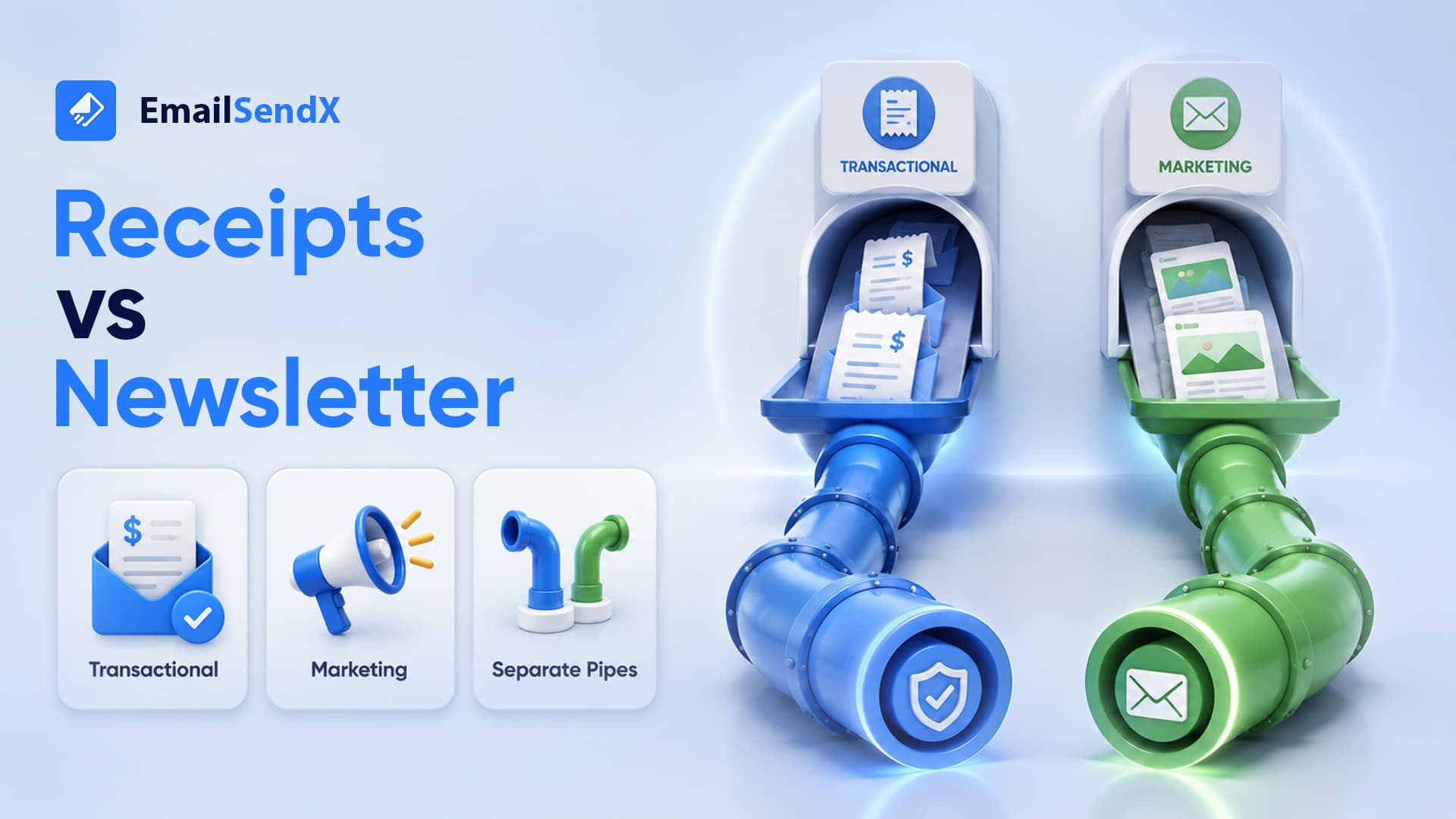
- Separate streams — don’t mix transactional receipts and bulk marketing in one reputation pool.
- BIMI (optional) — once DMARC is enforced, so it shows your logo in the inbox and lifts trust.
A real example: the agency that “suddenly” hit spam
A 6-person marketing agency ran newsletters for a dozen clients from one shared setup. For a year everything landed fine. Then one client imported an old 40,000-contact list from a previous vendor and sent to all of it at once.
Within 48 hours, every client’s campaigns were landing in spam. The old list was full of dead addresses and spam traps; so, the complaint rate spiked past 0.5%, the shared domain’s reputation dropped to “Low” in Postmaster Tools, and the damage spilled across every brand sharing that reputation pool. So, the fix took two weeks: pause sending, remove the toxic list, isolate the risky client onto its own subdomain, and slowly rebuild volume.
Reputation is shared. One careless send on a shared domain or IP can put every other sender in that pool into the spam folder — which is exactly why isolation and list hygiene aren’t optional.
Your afternoon checklist
| # | Check | How to verify in 2 minutes |
|---|---|---|
| 1 | SPF / DKIM / DMARC pass | Gmail → Show original → all three say PASS |
| 2 | Reputation is High/Medium | Google Postmaster Tools + blacklist check |
| 3 | Volume is warmed & steady | No sudden 10× spikes in send logs |
| 4 | List is clean | Bounce rate <2%, none unengaged 12+ months |
| 5 | Content is balanced | Text + HTML, branded links, no image-only |
| 6 | One-click unsubscribe works | List-Unsubscribe header present & functional |
| 7 | Technical hygiene set | PTR resolves, streams separated |
Stop guessing before you hit send
EmailSendX runs every campaign through a pre-send check — authentication status, spam-trigger scan, and inbox preview — so you catch these problems before they reach a single recipient. Authentication is guided, reputation is monitored, and transactional and marketing streams stay isolated by default.
Frequently asked questions
Why do my emails go to spam only in Gmail (or only Outlook)?
Each provider weights signals differently. Also, Gmail leans on engagement and domain reputation; Outlook on its own IP reputation. So, landing in spam at one provider points to a reputation problem specific to that provider — check Postmaster Tools for Gmail and SNDS for Outlook.
Will changing my subject line fix the spam problem?
Rarely on its own. Subject-line wording is a minor, late-stage signal. If authentication or reputation is broken, no subject line will save you.
How long does it take to recover a damaged sender reputation?
Typically 2–4 weeks of consistent, clean, well-engaged sending. Also, there’s no instant reset.
Is buying an email list ever safe?
No. Purchased lists almost always contain spam traps and unengaged addresses that destroy reputation fast.
Ready to try it?