On this page(6)
Email bounce codes explained: the short answer
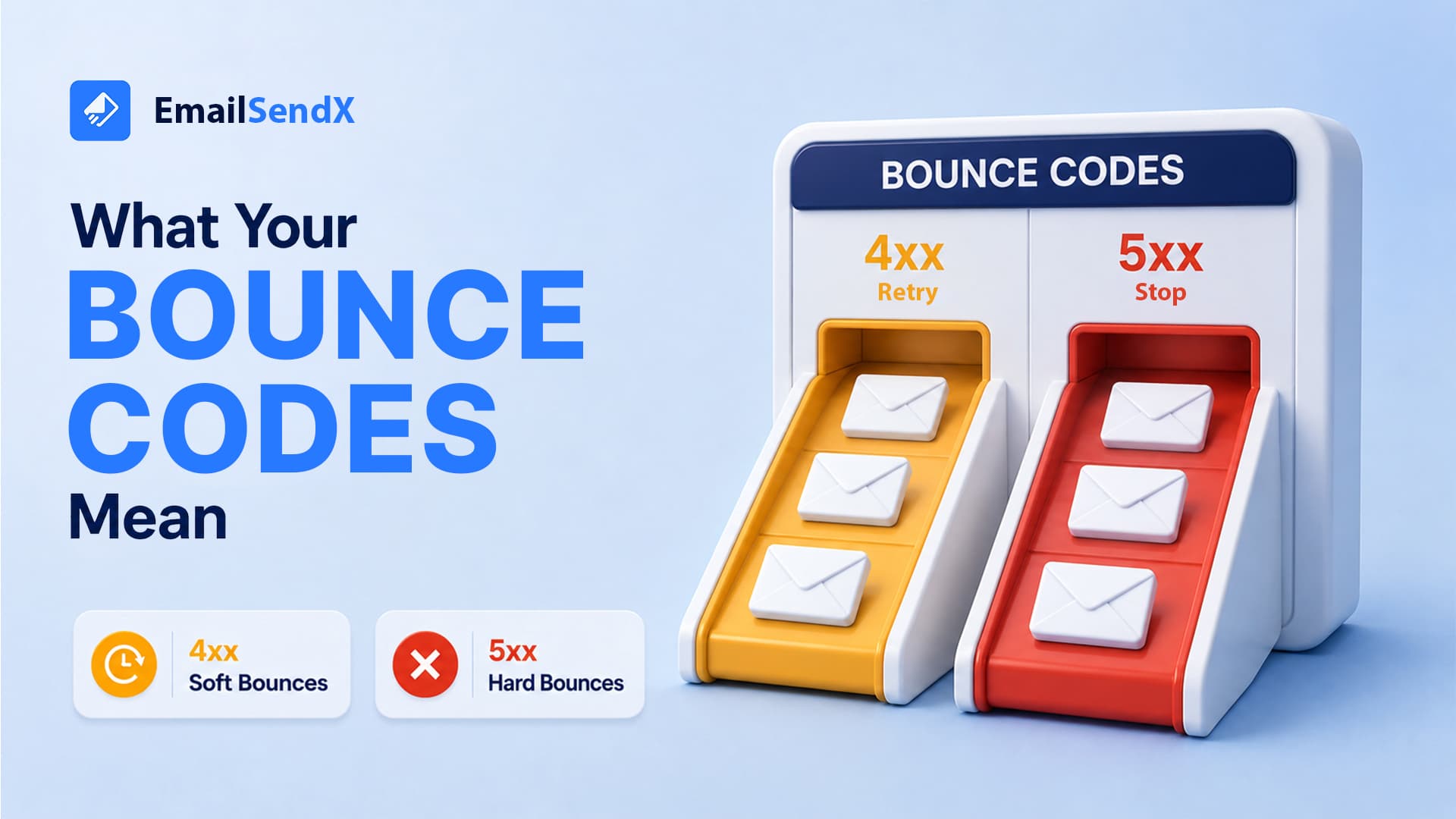
Email bounce codes are the SMTP status numbers a receiving server returns when it can’t deliver your message. The first digit is what matters: a 4xx is a temporary failure (a soft bounce — retry later), and a 5xx is a permanent failure (a hard bounce — stop sending to that address). For example, a
550means the mailbox doesn’t exist. Reading these codes correctly is how you protect your sender reputation.
Every bounce is really an SMTP error code — the receiving server’s reply during the handshake we walked through in our SMTP guide. Treating a permanent failure like a temporary one (by re-sending) is one of the fastest ways to damage reputation and end up in spam. This is the reference to keep open whenever you read a bounce log.
Soft vs hard bounce: the core distinction
| Soft bounce (4xx) | Hard bounce (5xx) | |
|---|---|---|
| Meaning | Temporary problem | Permanent problem |
| Examples | Mailbox full, server busy, greylisted | Address doesn’t exist, blocked |
| What to do | Let automatic retries run | Suppress the address immediately |
| Reputation risk | Low if it resolves | High if you keep sending |
The most common email bounce codes (reference table)
| Code | Type | What it means | What to do |
|---|---|---|---|
421 |
Soft | Service unavailable / too many connections | Slow down; retries will handle it |
450 |
Soft | Mailbox temporarily unavailable | Retry later |
451 |
Soft | Local error / greylisted | Wait; greylisting clears on retry |
452 |
Soft | Insufficient storage (mailbox full) | Retry; suppress if it persists |
550 |
Hard | Mailbox doesn’t exist or rejected | Suppress immediately — never re-send |
551 |
Hard | User not local / relay denied | Remove from list |
552 |
Hard | Message exceeds size / quota | Reduce size or suppress |
553 |
Hard | Mailbox name invalid | Fix or remove the address |
554 |
Hard | Transaction failed / flagged as spam | Check reputation & content; suppress |

What a “550 bounce” really means
The 550 bounce meaning is the one to know cold: the recipient address doesn’t exist or the server refused it. It’s permanent. Re-sending to a 550 tells mailbox providers you’re mailing addresses you shouldn’t have — a classic spammer signal — so a single 550 should remove that address from your list for good.
Soft vs hard bounce isn’t trivia. Every 5xx you keep sending to chips away at your sender reputation. Suppress hard bounces on the first failure and your inbox placement stays healthy.
How to respond to bounces (and protect reputation)
- Suppress every hard bounce (5xx) on the first occurrence. No exceptions.
- Let soft bounces (4xx) retry automatically — but suppress an address that soft-bounces repeatedly over several sends.
- Watch your overall bounce rate. Keep it under ~2%; a sudden spike signals a bad list import.
- Validate new lists before sending to catch invalid addresses before they bounce.
Let bounces manage themselves
EmailSendX reads every SMTP response for you — automatically classifying soft vs hard bounces, suppressing hard bounces on the first failure, and keeping your list clean so your reputation stays high.
Frequently asked questions
What is the difference between a soft and hard bounce?
A soft bounce (4xx) is temporary — retry. A hard bounce (5xx) is permanent — suppress the address immediately.
What does a 550 bounce mean?
The recipient address doesn’t exist or the server rejected it. It’s permanent — remove the address from your list.
Do bounce codes affect my sender reputation?
Yes. Repeatedly sending to addresses that hard-bounce signals poor list hygiene and lowers your reputation, pushing more mail to spam.
What bounce rate is acceptable?
Generally under 2%. A sudden spike usually means a bad or outdated list was imported.
Ready to try it?