On this page(8)
SPF, DKIM, and DMARC explained: the short version
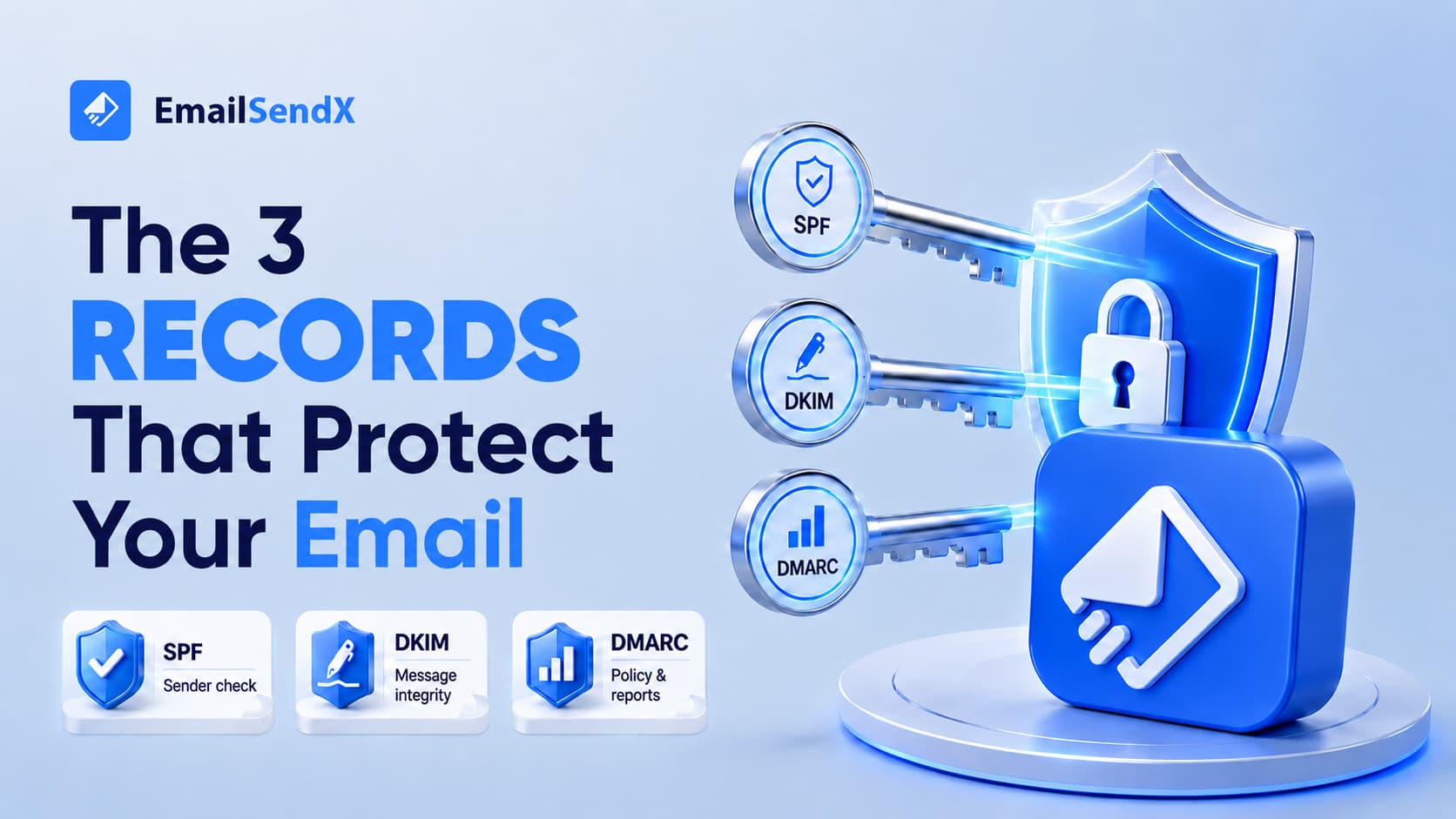
SPF, DKIM, and DMARC explained in one line: they are three DNS records that prove your email is really from you. SPF lists the servers allowed to send for your domain, DKIM adds a tamper-proof signature, and DMARC tells inbox providers what to do when a message fails — and emails you reports. Since Google and Yahoo’s 2024 bulk-sender rules, all three are effectively required to reach the inbox at volume.
If you’ve started an email authentication setup and drowned in acronyms, this is the plain-English version. These three records are the “identity” gate every mailbox provider checks first: fail them and your mail is filtered or rejected before the content is ever read. Get them right once and they quietly protect every message you send.

What each record does
| Record | What it proves | Protects against |
|---|---|---|
| SPF | This server is allowed to send for my domain | Random servers spoofing your domain |
| DKIM | This message wasn’t altered in transit | Tampering and forgery |
| DMARC | What to do if SPF/DKIM fail — and report it | Exact-domain phishing; also gives you visibility |
authorized to send?
signature valid?
pass → deliver · fail → act
What is SPF, and how do you set it up?
SPF (Sender Policy Framework) is a single DNS TXT record listing every server allowed to send mail for your domain. When a receiver gets your message, it checks whether the sending server is on that list.
A typical record looks like this — one TXT record on your root domain:
v=spf1 include:_spf.emailsendx.com include:_spf.google.com ~all
The ~all at the end means “soft-fail anything not listed.” Keep it to a single SPF record and stay under the 10 DNS-lookup limit, or SPF silently breaks.
What is DKIM?
DKIM (DomainKeys Identified Mail) adds an invisible, cryptographic signature to every message. The receiver fetches your public key from DNS and confirms the signature — proving the message wasn’t altered and really came from your domain. You publish the public key at a selector:
selector1._domainkey.yourdomain.com TXT "v=DKIM1; k=rsa; p=MIGfMA0GCSq...AB"
Your sending platform generates the key pair; you just paste the published record into DNS. DKIM is the most important of the three for inbox placement, because it survives forwarding where SPF often breaks.
What is DMARC, and how do you set up DMARC?
DMARC (Domain-based Message Authentication, Reporting & Conformance) ties SPF and DKIM to the visible From: address and tells receivers what to do on failure. Here is a starter DMARC record example:
_dmarc.yourdomain.com TXT "v=DMARC1; p=none; rua=mailto:[email protected]; pct=100"
The golden rule for how to set up DMARC safely is to enforce gradually, watching the reports at each step:
| Policy | What happens | When to use it |
|---|---|---|
p=none start here |
Monitor only; nothing blocked. Reports flow in. | Weeks 1–2, to see who sends as you |
p=quarantine tighten |
Failing mail goes to spam | Once legitimate sources all pass |
p=reject enforce |
Failing mail is blocked outright | Full protection — the end goal |
Never jump straight to
p=reject. Start atp=none, read the reports for two weeks to catch every legitimate sender (your CRM, invoicing tool, support desk), then tighten. Rush it and you’ll block your own invoices.
How to verify it’s all working
- Send a message to a Gmail account, open it, choose Show original, and confirm SPF, DKIM, and DMARC each read
PASS. - Use a free DMARC report reader to decode the daily XML reports into readable sources.
- Re-check after any change to your sending tools — new platforms need to be added to SPF and signed with DKIM.
Common mistakes
- Two SPF records. Only one is allowed; merge them or authentication fails.
- Blowing the 10-lookup SPF limit by stacking too many
include:statements. - DMARC alignment failures — your return-path/DKIM domain must align with the visible From: domain.
- Setting
p=rejecton day one before confirming every sender passes.
Authentication, done for you
EmailSendX walks you through SPF, DKIM, and DMARC during onboarding — generating the exact records to paste into DNS and verifying each one passes before you send. No guesswork, no broken invoices.
Frequently asked questions
Do I need all three of SPF, DKIM, and DMARC?
Yes. Since 2024, Google and Yahoo require SPF, DKIM, and a DMARC policy for bulk senders. Missing any one risks filtering or rejection.
What is DKIM in simple terms?
A tamper-proof signature on your email. The receiver verifies it against a public key in your DNS to confirm the message is authentic and unaltered.
What DMARC policy should I start with?
Start with p=none to monitor, read the reports for about two weeks, then move to p=quarantine and finally p=reject.
Why does my email fail DMARC even though SPF passes?
Usually an alignment problem: DMARC requires the SPF or DKIM domain to align with the visible From: domain. A mismatched return-path is the common cause.
Ready to try it?