On this page(5)
Why Are My Emails Going to Spam? The Short Answer
If you’re asking why are my emails going to spam, it’s almost always one of three things: your email isn’t properly authenticated, your sending reputation is weak or brand-new, or the people receiving your mail aren’t engaging with it (and sometimes marking it as spam). Everything else is a variation on those three themes.
Emails land in spam when the receiving provider can’t confirm who you are, doesn’t trust your domain’s history, or sees signals that recipients don’t want your mail. Fix authentication (SPF, DKIM, DMARC), protect your sending reputation, and send wanted, engaging email – and you climb back into the inbox.
Here’s the frustrating part: you write a helpful email, hit send, and it quietly slides into a folder nobody checks. No error, no bounce – just silence. The good news is that spam placement is rarely random. It’s a scorecard, and once you know what’s on it, most problems are fixable in an afternoon. Let’s walk through how the decision gets made, then the eleven reasons your mail ends up in spam and exactly how to fix each one.
How inbox providers actually decide what’s spam
Gmail, Outlook, and Yahoo don’t read your mind – they read signals. Those signals fall into three buckets, and every deliverability problem lives in one of them:
Think of it like being let into a members’ club. Identity is your ID at the door. Reputation is whether the doorman recognizes you as a regular who behaves. Engagement is whether the people inside are happy you showed up. Fail one and you might still get in; fail two and you’re standing outside – in the spam folder.
The 11 reasons your emails go to spam (and how to fix each)
Here’s the quick-scan version. Find your symptom, then read the detail below.
| # | Reason your email is in spam | The fix |
|---|---|---|
| 1 | No SPF record (or too many DNS lookups) | Publish one clean SPF record for your sending service |
| 2 | No DKIM signature | Enable DKIM signing and publish the key in DNS |
| 3 | No DMARC policy/failing alignment | Add a DMARC record; align your From domain |
| 4 | Brand-new domain with no warm-up | Ramp volume gradually over 2-4 weeks |
| 5 | Dirty list & spam traps | Clean your list; use double opt-in; never buy lists |
| 6 | High spam-complaint rate (≥0.3%) | Only email people who opted in; make unsubscribe easy |
| 7 | Spammy or misleading content | Honest subject lines; balanced text; no baiting |
| 8 | Missing or broken unsubscribe | Add one-click unsubscribe (List-Unsubscribe headers) |
| 9 | All-image email or messy HTML | Real text + alt text; clean, tested HTML |
| 10 | Bad shared-IP neighbors/wrong tooling | Send from a clean, dedicated reputation you control |
| 11 | Low engagement/unwanted mail | Segment, re-permission, and email the interested |
1–3. You’re not authenticated (SPF, DKIM, DMARC)
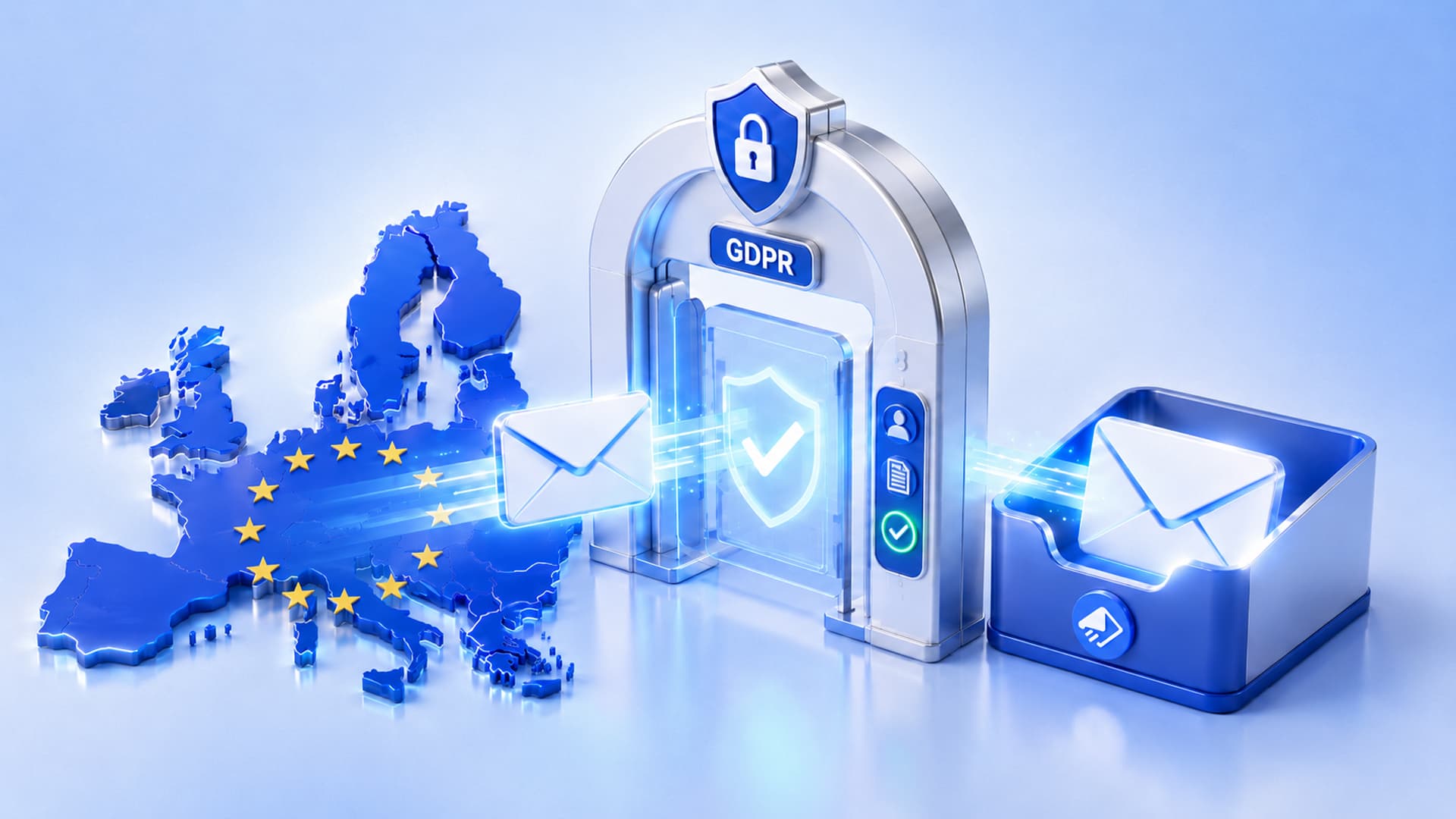
This is the number-one fixable cause, and as of 2024–2025 it’s non-negotiable: Gmail, Yahoo, and Microsoft all require bulk senders to pass SPF, DKIM, and DMARC. SPF lists which servers may send for your domain. DKIM adds a cryptographic signature proving the message wasn’t forged or altered. DMARC ties them together and tells receivers what to do if a message fails. Miss any one and you look exactly like a spoofer – because that’s what spoofers skip.
The fix: publish an SPF record for your sending service, turn on DKIM signing (your provider gives you the DNS records), and add a DMARC record – start at p=none to monitor, then move to quarantine and p=reject once your legitimate mail passes. If you want the step-by-step, see our guide on email DNS records explained.
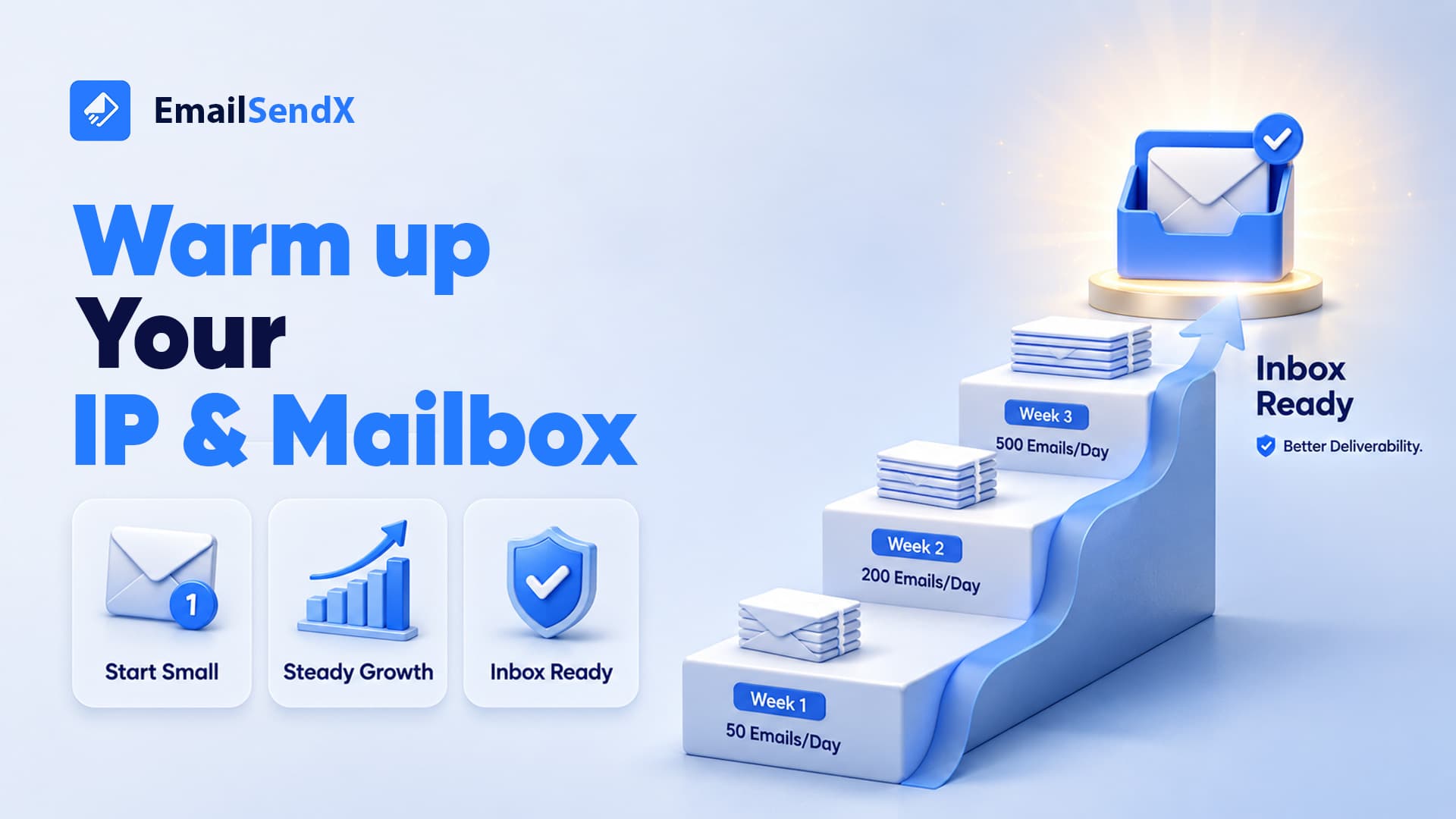
4. Your domain is brand-new and never warmed up
A domain with no sending history is a stranger. Blast 10,000 emails on day one and providers assume the worst. Reputation is earned by sending small, wanted volumes and letting positive engagement accumulate.
The fix: warm up gradually – start with your most engaged contacts, increase volume over two to four weeks, and watch your bounce and complaint rates. Full playbook in how to warm up a new email domain.
5. Your list is dirty (and full of spam traps)
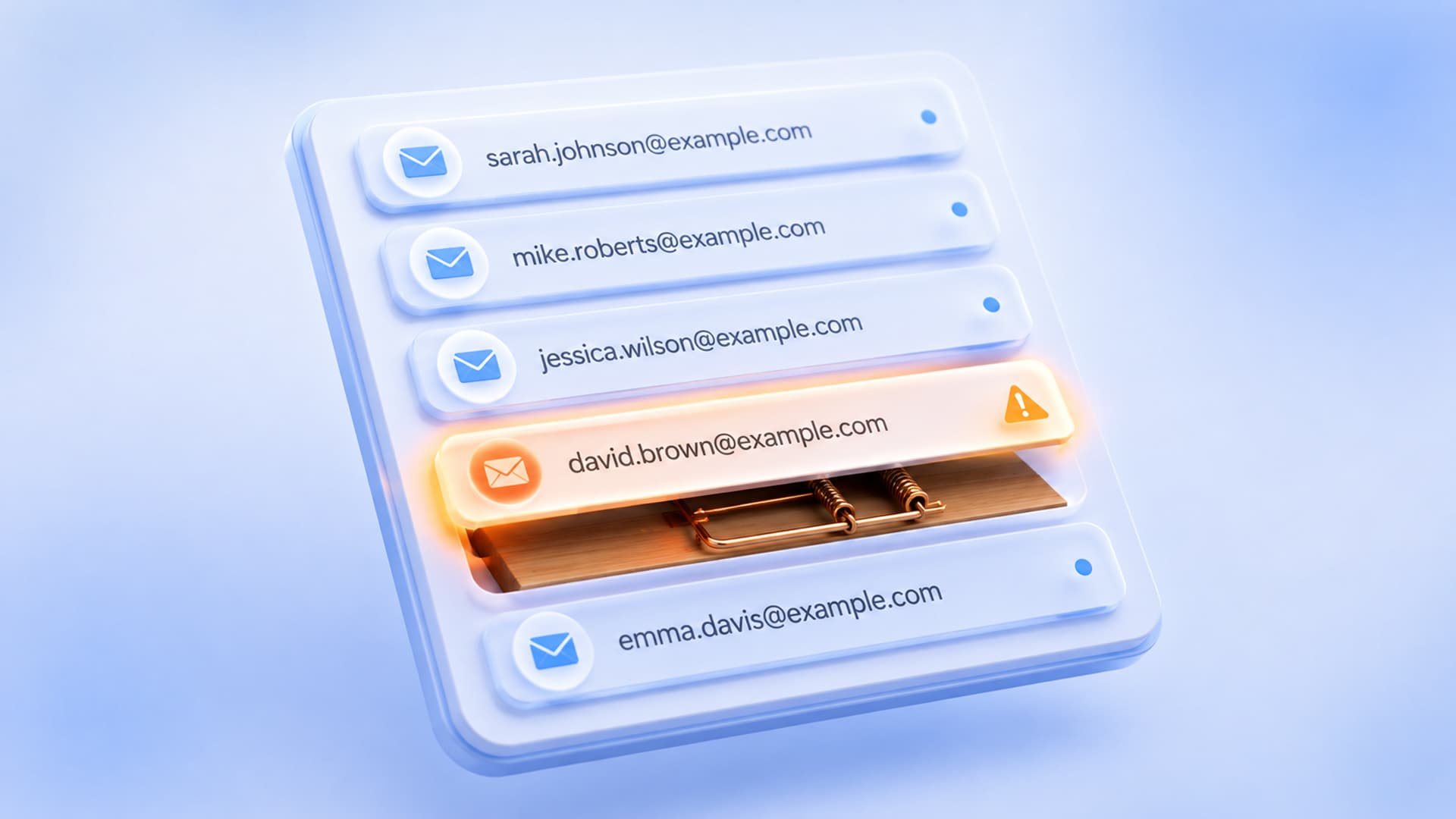
Old, purchased, or scraped lists are a fast track to spam. They’re loaded with dead addresses (which spike your bounce rate) and spam traps – addresses that exist only to catch senders who don’t have permission. Hit a few and your reputation tanks.
The fix: never buy lists. Use double opt-in so every subscriber genuinely asked to hear from you, and clean your list regularly – remove hard bounces and long-term non-openers. More on this in our deliverability checklist.
6. Too many people mark you as spam
The spam button is the loudest negative signal there is. Gmail wants your complaint rate below 0.1% and warns you never to cross 0.3%. That’s just three complaints per thousand emails. Cross it and deliverability degrades for everyone on your domain – and it recovers slowly.
The fix: only email people who clearly opted in, set expectations at signup, keep frequency sane, and make unsubscribing effortless (an easy unsubscribe is far better for you than a spam complaint).
7. Your content looks like spam
Modern filters are smarter than the old “don’t say free” myths – but they still react to patterns: misleading subject lines, ALL CAPS, a wall of exclamation marks, URL shorteners, mismatched links, or a subject that has nothing to do with the body.
The fix: write honest subject lines that match the content, keep a healthy text-to-link ratio, use your real domain in links, and don’t use bait-and-switch. If you’d be annoyed to receive it, so is the filter.
8. Your unsubscribe is missing or broken
Bulk senders are now required to include one-click unsubscribe (the List-Unsubscribe and List-Unsubscribe-Post headers, RFC 8058), and to honor opt-outs within two days. A hidden, broken, or login-required unsubscribe pushes frustrated readers straight to the spam button.
The fix: use an email platform that adds compliant one-click unsubscribe automatically, and process opt-outs immediately.
9. Your email is one big image (or broken HTML)
An email that’s a single image with almost no text is a classic spammer trick – filters know it, because it hides the content from them. Sloppy, unclosed HTML tags have the same effect.
The fix: keep a real text-to-image balance, always include alt text, and send clean, tested HTML. A visual builder that outputs proper code (see our visual email builder) removes this problem entirely.
10. You’re on a bad shared IP – or the wrong tool
On many cheap or free plans you share a sending IP with hundreds of strangers. If a few of them spam, the whole neighborhood’s reputation suffers, and your perfectly good email pays the price.
The fix: So, send on infrastructure where you control the reputation. Also, with EmailSendX you send through your own Amazon SES account – your own IPs, your own domain, your own reputation, not a crowded shared pool.
11. You’re emailing people who aren’t interested
Even with perfect authentication, if nobody opens, clicks, or replies, providers conclude your mail is unwanted and route it to spam. Engagement is the long game of deliverability.
The fix: segment by interest, re-permission or sunset dormant subscribers, and send genuinely useful email. Fewer, better emails to people who want them beat blasting everyone.
Your 10-minute spam-fix checklist
- Check SPF, DKIM, and DMARC are all present and passing.
- Confirm your From domain aligns with your authentication.
- Remove hard bounces and addresses that haven’t engaged in 6+ months.
- Add compliant one-click unsubscribe and honor it within two days.
- Re-read your subject line – does it honestly match the email?
- Balance text and images; also, add alt text.
- Also, Check your spam-complaint rate is well under 0.3%.
- If you’re on a shared IP, move to a reputation you control.
Send from a reputation that’s yours
EmailSendX runs on your own Amazon SES – your domain, your IPs, your reputation — with built-in authentication setup, one-click unsubscribe, and deliverability tooling so your email actually reaches the inbox.
Frequently asked questions
Why are my emails going to spam all of a sudden?
A sudden drop usually means a reputation event: a spike in complaints, a spam-trap hit from a stale list, an authentication record that broke (e.g., a DNS change), or a jump in volume. Check your complaint and bounce rates and confirm SPF/DKIM/DMARC still pass.
Does buying an email list cause spam placement?
Yes – almost always. Purchased lists contain spam traps and people who never opted in, which drives complaints and bounces and can damage your domain reputation for months. Only email contacts who opted in.
Will authentication alone fix my spam problem?
Authentication is necessary but not sufficient. It gets you past the front door; reputation and engagement decide whether you stay in the inbox. Do all three.
How long does it take to recover from a spam reputation?
With clean sending and good engagement, expect a few weeks. Reputation recovers slowly by design, so consistency matters more than any single fix.
Ready to try it?