On this page(7)
How to Warm Up a New Email Domain or IP (the Short Version)
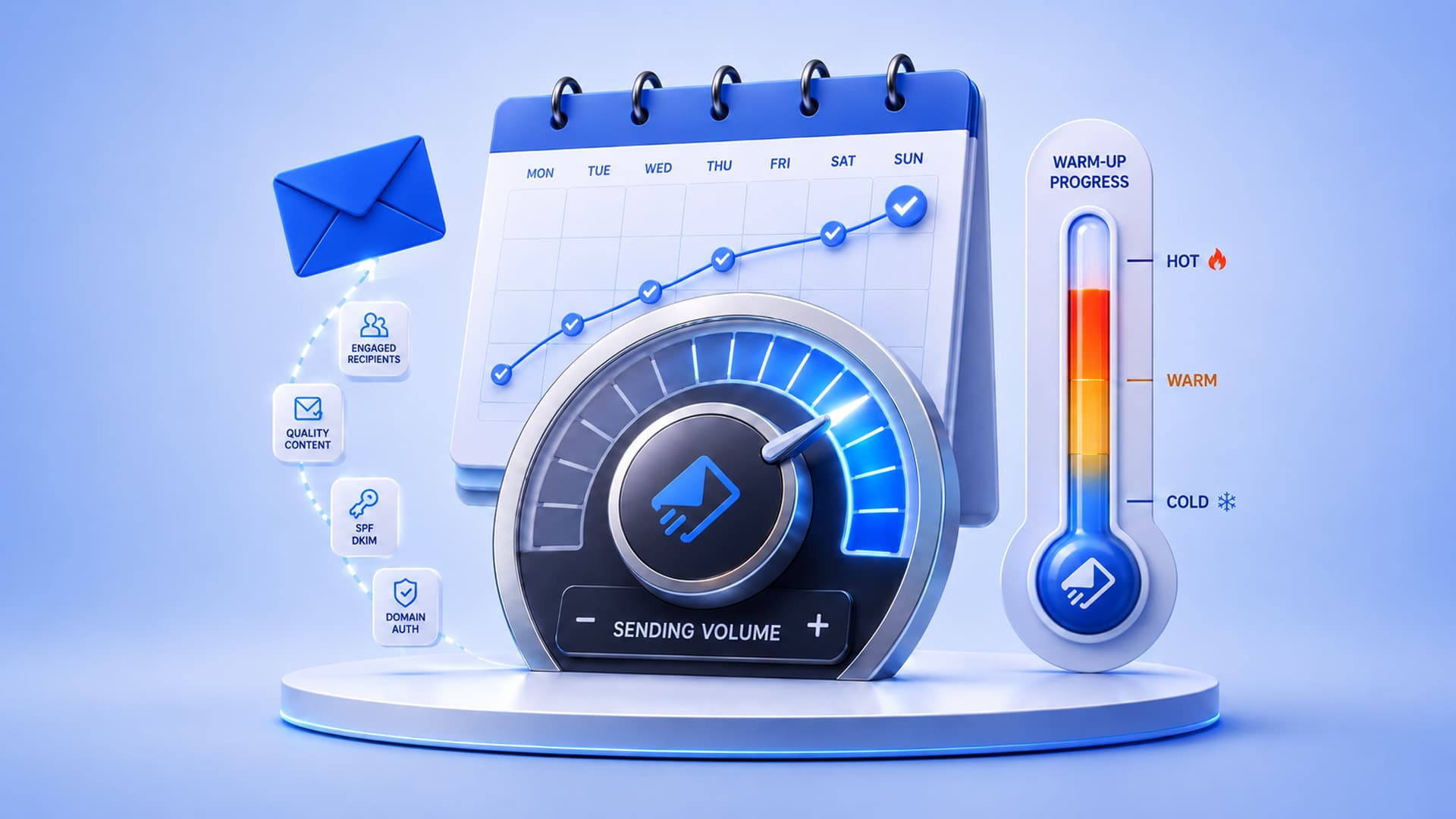
Learning how to warm up an email domain comes down to one principle: start small, send to people who actually want your email, and increase your volume gradually over two to four weeks so inbox providers learn to trust you before you send at full scale.
To warm up a new sending domain or IP, begin with a few hundred emails a day to your most engaged contacts, then roughly double the volume every few days while keeping bounces and complaints low. The goal is to build a positive reputation slowly – rushing it is the single fastest way to land in spam.
Imagine a brand-new domain as a stranger who moves into town and immediately knocks on 10,000 doors in one afternoon. People get suspicious. Now imagine that same person introducing themselves to a few neighbors, being helpful, and gradually meeting more people. That’s warm-up: you’re building a reputation, one good interaction at a time. Skip it, and even perfectly authenticated email gets treated like that door-knocking stranger.
What “warming up” actually means
Every time you send, mailbox providers record how it went: Did the address exist? Did the person open it? Reply? Delete it unread? Hit spam? A new domain or IP has none of this history, so providers are cautious – they throttle you or route you to spam until you prove yourself. Warm-up is the deliberate process of building that track record with small, high-quality sends before you scale up.
Domain warm-up vs IP warm-up – what’s the difference?
They’re related but not identical, and knowing which you need saves a lot of confusion:
| Domain reputation | IP reputation | |
|---|---|---|
| What it is | Trust attached to your sending domain (e.g., yourbrand.com) | Trust attached to the sending IP address |
| Who needs it | Everyone – it follows your brand everywhere | Mainly senders on a dedicated IP at higher volume |
| On shared IPs | Still yours to build and protect | Shared with others; you warm the domain, not the IP |
| Portability | Moves with your domain across providers | Tied to that specific IP |
If you’re a small or growing sender on shared infrastructure (including most Amazon SES setups early on), focus on domain warm-up. If you’re moving to a dedicated IP – typically once you’re sending hundreds of thousands per month – you warm the IP too.
A practical 4-week email warm-up schedule
This is a sensible starting template. Adjust to your list size and always let your engagement and bounce numbers, not the calendar, set the pace.
~200/day
~1k/day
~5k/day
~15k+/day
| Week | Daily volume (guide) | Send to | Watch |
|---|---|---|---|
| Week 1 | 100-300 | Your most engaged contacts only | Opens & replies high, bounces near zero |
| Week 2 | 500-1,000 | Add your next-most-engaged segment | Complaint rate under 0.1% |
| Week 3 | 3,000-5,000 | Broaden to active subscribers | No sudden spam-folder placement |
| Week 4 | 10,000-15,000+ | Full active list | Stable inbox placement before scaling further |
Warm-up do’s and don’ts
Do:
- Authenticate first – SPF, DKIM, and DMARC must be in place before you send a single warm-up email (here’s why that matters).
- Start with people who open and click – early positive engagement teaches providers you’re wanted.
- Send consistently. A steady daily rhythm beats erratic bursts.
- Send content people expect and enjoy – a welcome series is perfect warm-up fuel.
Don’t:
- Import an old or purchased list and blast it – bounces and spam traps will end your warm-up instantly.
- Double your volume overnight because a campaign “needs” to go out.
- Ignore the numbers. If bounces or complaints climb, slow down and hold volume.
How to tell your warm-up is working
Watch four numbers throughout: bounce rate (should stay low – a spike means list problems), spam-complaint rate (keep it under 0.1%), open/engagement rate (healthy and steady), and inbox placement (are you landing in Primary, not Promotions or Spam?). If all four hold as volume rises, you’re warmed up. For the full picture, see our email deliverability checklist.
Warm up on infrastructure you control
EmailSendX runs on your own Amazon SES, so the reputation you build is truly yours – with sending controls, engagement tracking, and deliverability tooling to guide your ramp from day one.
Frequently asked questions
How long does it take to warm up an email domain?
Typically two to four weeks for most senders. Larger lists or dedicated IPs can take longer. Let engagement and bounce metrics, not a fixed deadline, decide when you’re ready to scale.
Do I need to warm up if I use Amazon SES?
Yes. SES gives you infrastructure, but your domain still has no reputation on day one. Warm up your domain (and any dedicated IP) exactly as you would anywhere else.
Can I use an automated warm-up tool?
Automated tools that simulate opens can help, but nothing beats real engagement from real subscribers. Prioritize sending wanted mail to people who actually open it.
What happens if I skip warm-up?
You risk immediate spam placement and throttling, which damages your new domain’s reputation – and that’s slow to repair. Warming up is far faster than recovering.
Ready to try it?