On this page(6)
What is a spam trap?
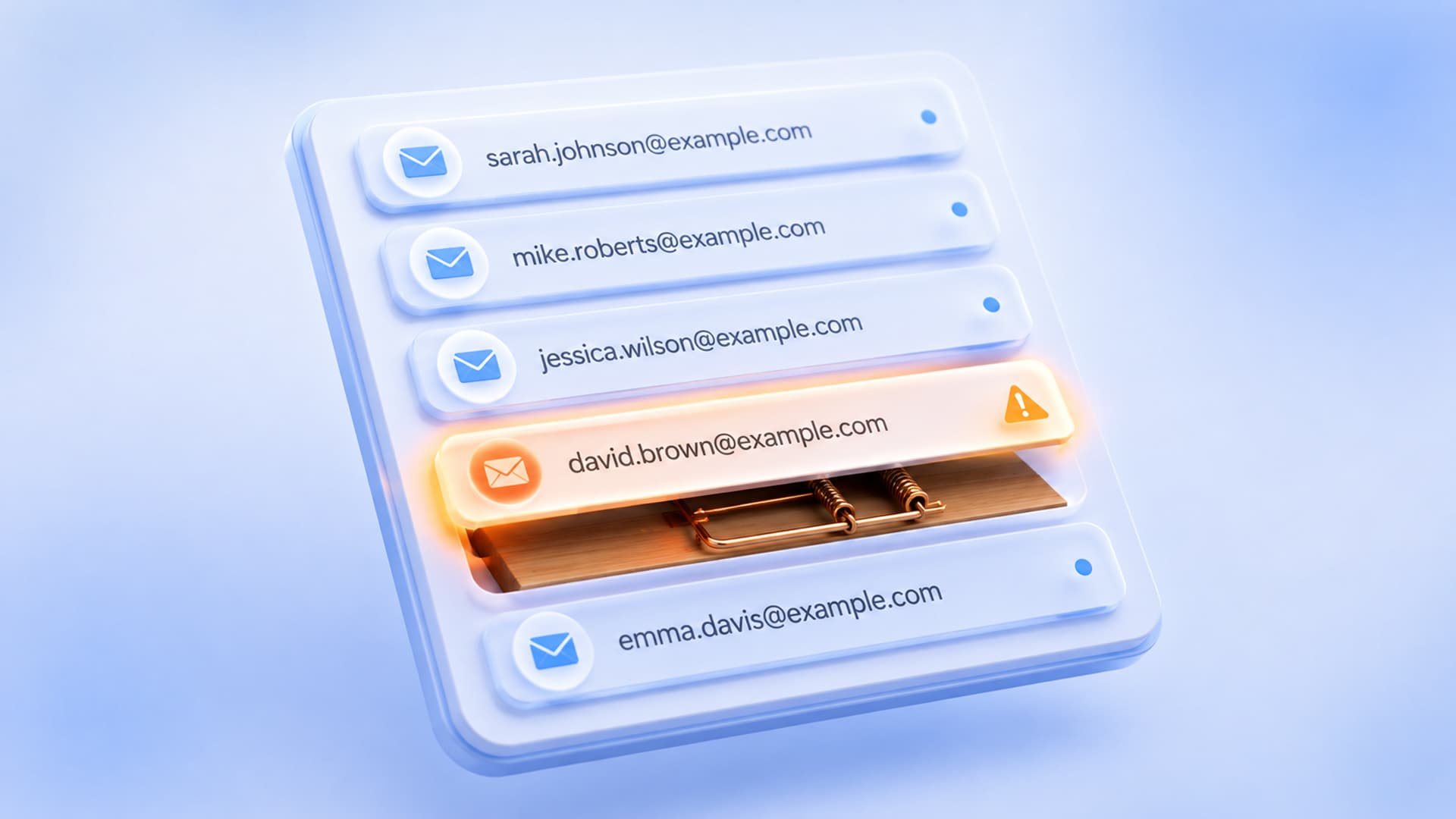
A spam trap is an email address that exists for one purpose: to catch senders with poor list hygiene. Nobody signs up to a spam trap on purpose — it’s planted (or repurposed) by mailbox providers and anti-spam organizations, so any mail arriving at it signals that you’re emailing people who didn’t opt in. Hit one and you can be quietly throttled or blacklisted. The good news: email spam traps are entirely avoidable with clean acquisition and regular list hygiene.
Imagine a mailbox that never asked to hear from anyone. If an email shows up in it, that’s proof, by definition, that the sender is mailing addresses they shouldn’t. That’s the whole idea behind a spam trap, and it’s why one address you’ve never heard of can tank a campaign you spent weeks on. Let’s break down the types, how you end up mailing them, and how to keep them off your list for good.
The types of spam traps
Understanding what is a spam trap means knowing they’re not all the same. There are three main kinds, and they tell different stories about your list:
| Type | What it is | What it says about you |
|---|---|---|
| Pristine trap | An address created solely as a trap — never used by a real person | You’re using purchased or scraped lists (real people don’t have these addresses) |
| Recycled trap | An old, abandoned address later reactivated as a trap | Your list is stale — you’re mailing people who left long ago |
| Typo trap | A misspelled-domain address (e.g. gmial.com) turned into a trap | You’re not validating signups at the point of entry |
How you end up hitting a spam trap
Nobody adds a trap on purpose. You hit a recycled spam trap or a pristine one through a handful of predictable habits:
- Buying or scraping lists — the fastest route to pristine traps. Purchased lists are full of them.
- Never cleaning your list — addresses that stop engaging eventually get abandoned and can become recycled traps.
- No validation at signup — typos like “gmial.com” slip in and may be typo traps.
- Importing ancient lists — that CSV from three years ago is a minefield.
Every spam trap you hit is really a symptom of one root cause: mailing people who didn’t clearly, recently opt in. Fix the acquisition and hygiene, and the traps disappear.
How to avoid spam traps
Here’s how to avoid spam traps in practice — and it’s the same discipline that protects deliverability generally:
- Never buy, rent, or scrape lists. Only email people who opted in with you.
- Use confirmed opt-in for higher-risk sources, so only real, reachable addresses join.
- Validate at the point of entry to catch typos before they land on your list.
- Practice regular list hygiene — suppress addresses that haven’t engaged in 6–12 months before they go stale.
- Validate before big imports or sends to catch invalid and risky addresses.
- Monitor your reputation so a sudden problem gets flagged early.
What to do if you think you’ve hit one
You usually won’t see the trap itself — you’ll see the symptoms: a sudden drop in deliverability, a blacklisting, or a spike in blocks. If that happens, stop sending to the risky segment, clean and re-validate your list, remove anything old or purchased, and rebuild engagement gradually. Then fix the habit that let the trap in, so it doesn’t happen again. (Our guides on getting off a blacklist and on list validation walk through the recovery in detail.)
Keep traps off your list automatically
EmailSendX validates lists on import to catch invalid and risky addresses before they bounce, keeps engagement-based hygiene simple, and monitors your reputation — so a single bad import can’t walk a spam trap onto your list.
Frequently asked questions
What is a spam trap in simple terms?
An email address that exists only to catch senders with poor list hygiene. Mail arriving at it signals you’re emailing people who didn’t opt in, which can get you throttled or blacklisted.
How do I know if I hit a spam trap?
You usually can’t see the trap directly — you see the effects: a sudden deliverability drop, a blacklisting, or a spike in blocks. Those point to hitting one.
What’s the difference between a pristine and a recycled spam trap?
A pristine trap was never a real address (a sign of purchased lists); a recycled trap is an old, abandoned address reactivated as a trap (a sign of a stale list).
How do I get spam traps off my list?
Stop mailing purchased or old lists, validate your list to remove risky addresses, suppress long-unengaged contacts, and only add people who clearly opted in.
Ready to try it?