On this page(11)
What Is Email Marketing Software and How Does It Help Businesses?
If you keep hearing that you “need email marketing software” but nobody has explained what it actually does, this guide is for you. It’s written for small business owners, agencies, ecommerce shops, and service providers who want a clear answer before spending a cent. By the end you’ll know what email marketing software is, the specific jobs it does, and how to tell a good fit from a bad one.
What is email marketing software, in plain terms?
Email marketing software is a tool that lets you send email to a list of people who asked to hear from you, and then keeps track of what happens next. Instead of pasting fifty addresses into the “To” field of your personal inbox and hoping for the best, you manage your contacts in one place, design a message once, and send it to everyone who opted in.
The important word there is asked. Good email marketing is permission-based: people gave you their address through a signup form, a checkout, a lead magnet, or a clear yes at some other touchpoint. That permission is what separates a healthy list from spam, and it’s the foundation everything else is built on.
What does email marketing software actually do?
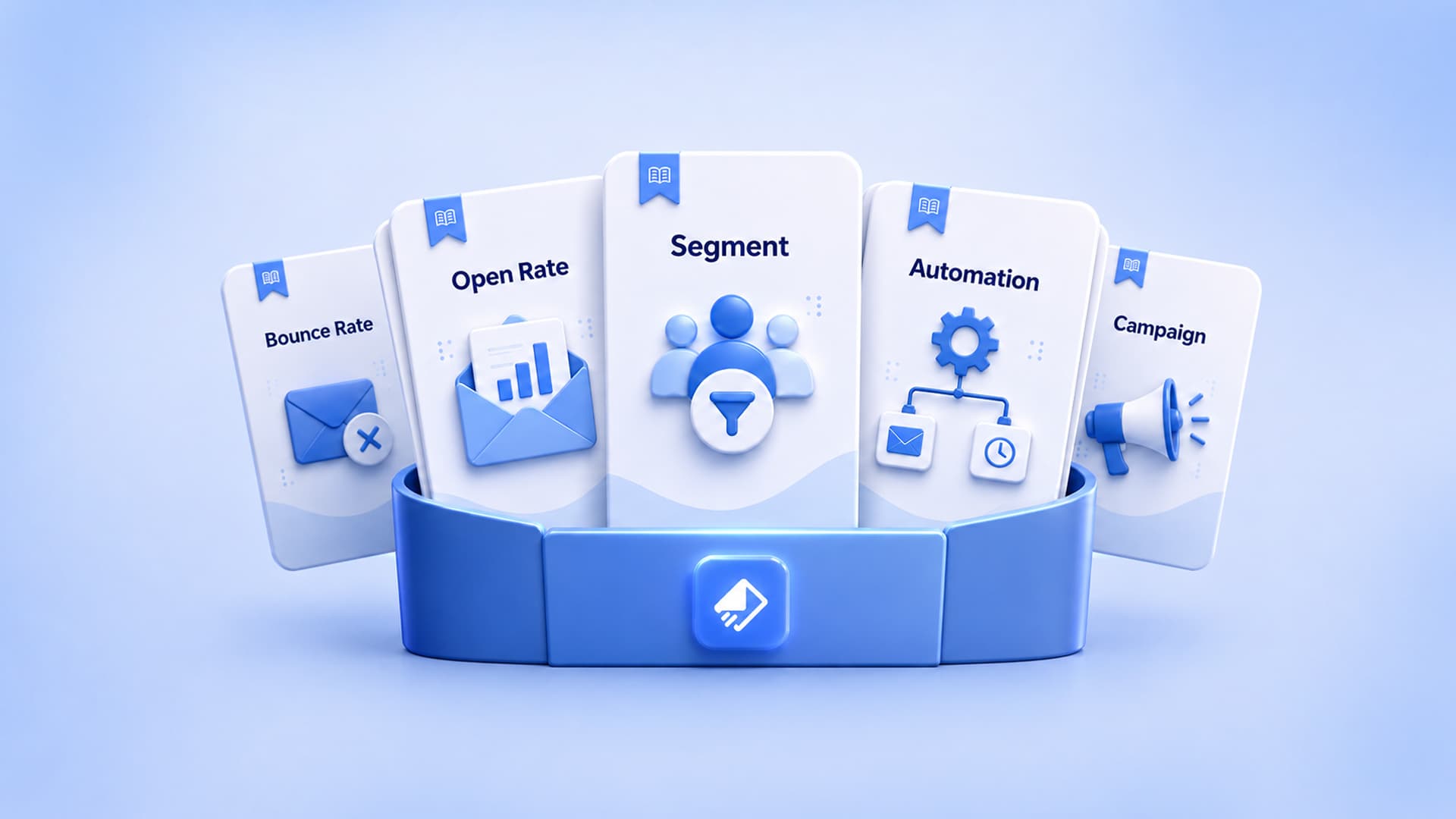
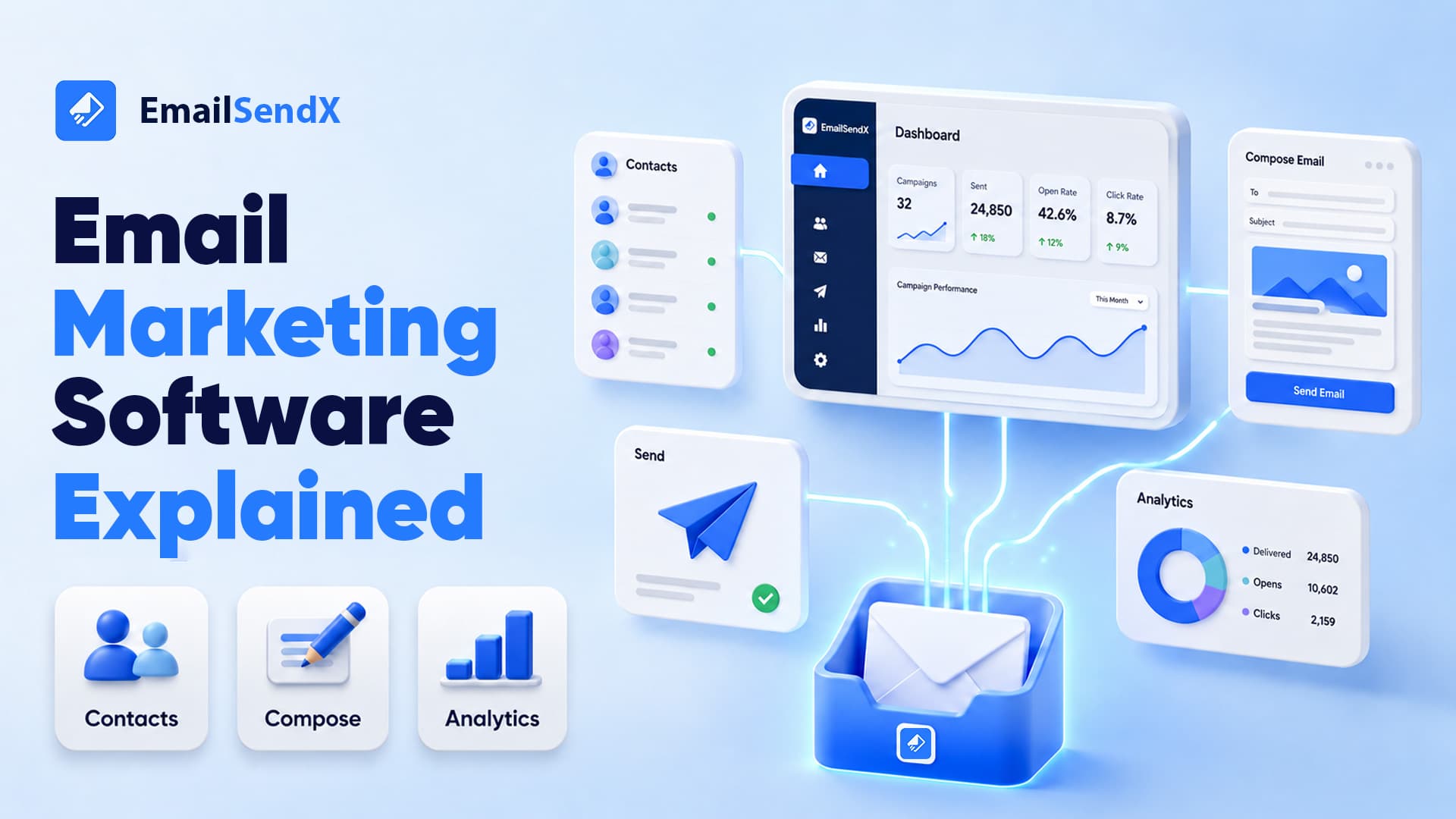
Under the hood, most platforms handle a handful of core jobs. When you’re comparing tools, these are the buckets to look at:
- Contact management. Store subscribers, tag them, and organize them into lists or segments so you can send the right message to the right group. This is your contact database, and it’s the part you’ll touch most.
- Campaign creation. Build the email itself with a drag-and-drop editor or templates, so you don’t need to write HTML by hand. A good visual email builder lets a non-designer produce something that looks intentional.
- Sending. Deliver your message to hundreds or thousands of inboxes at once, which your personal email account is not built to do.
- Automation. Send messages automatically based on what someone does, like a welcome note after signup or a follow-up a few days later.
- Reporting. Show you who opened, who clicked, and who unsubscribed, so you can learn what works.
A newsletter is the simplest use of all this: one message, sent to your whole list on a schedule. But the real leverage shows up when the software starts doing work while you sleep.
How does it help a business? The jobs it takes off your plate
Here’s where the abstract turns practical. Email marketing software helps in a few concrete ways.
It reaches everyone at once, personally
You write one message, and each recipient gets it addressed to them by name. You’re not copy-pasting, and you’re not exposing everyone’s address in a giant CC.
It follows up so you don’t have to remember
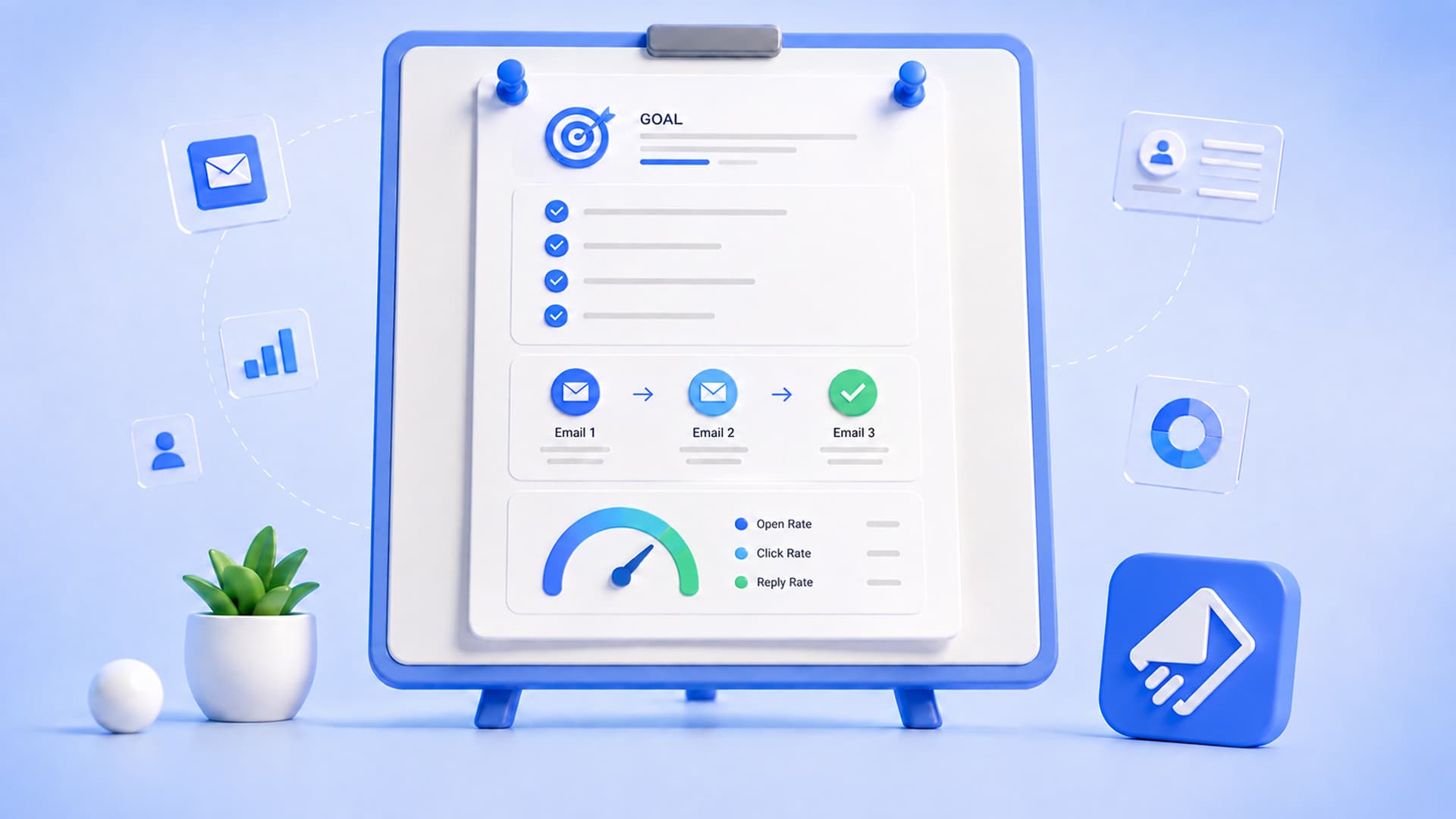
This is the part people underestimate. Most sales and signups don’t happen on the first email. With automation, you set up a sequence once and it runs on its own. For example, a simple welcome flow might look like this:
- Day 0: “Thanks for joining, here’s what to expect.” Deliver the thing they signed up for.
- Day 2: Share your single most useful resource or a quick win.
- Day 5: Answer the most common question new customers ask.
- Day 8: A soft invitation to take the next step, whatever that is for your business.
The best follow-up automation stops the moment someone replies or converts, so nobody gets a nudge they’ve already acted on. That’s the idea behind EmailSendX: email that follows up for you, and knows when to stop.
It shows you what’s working
Because everything runs through one system, you can see which subject lines get opened, which links get clicked, and which messages lead to action. Over time that turns guesswork into a habit of small, informed improvements. Look for analytics and reporting that measures real engagement rather than inflated numbers. For instance, some tracking counts an “open” every time a security bot or image proxy loads your email, which quietly overstates how many humans actually looked. Real-opens tracking that filters out that bot noise gives you a truer read.
A quick example: turning one form into a relationship
Say you run a small studio and someone downloads your pricing guide. Without software, that lead sits in a spreadsheet until you find time to email them, which is usually never. With email marketing software, the same event kicks off something like this:
Subject: Your pricing guide (plus the question most people ask next)
Hi Maria, here’s the guide you requested. Most people who download this want to know how quickly we can start, so I’ve answered that inside. Reply if you’d like me to take a look at your project. No pressure either way.
That email sends itself within minutes of the download. If Maria replies, the sequence stops and a real conversation begins. If she doesn’t, a gentle second touch goes out a few days later. You did the work once.
Who is it for?
Email marketing software earns its keep for almost any business that keeps in touch with customers, but the priorities differ by type:
- Small businesses want simplicity and flat, predictable pricing so the tool doesn’t get expensive as the list grows.
- Agencies juggle multiple clients and need clean separation, shared access, and repeatable workflows.
- Ecommerce stores lean on automated flows like welcome and post-purchase follow-ups to bring buyers back.
- SaaS companies care about onboarding sequences that guide new users to their first real result.
The common thread: a list of people who opted in, and a desire to stay useful to them without a full-time person running the send button.
What to look for when you choose a tool
Once you understand the categories, picking one gets easier. A few things worth weighing:
- Pricing model. Many platforms charge more as your contact count climbs, which punishes you for growing. Flat pricing with no per-contact fees keeps costs sane. EmailSendX takes this approach, and you can compare the math on the pricing page.
- How email actually gets sent. Some tools lock you into their sending network. Others let you bring your own provider, such as Amazon SES, SMTP, SendGrid, Brevo, Mailgun, Postmark, Resend, or Gmail, so you control your setup and often your costs.
- List health tools. Sending to dead or mistyped addresses hurts you. Built-in list verification catches bad addresses before you hit send.
- Automation depth. Can it run true multi-step follow-up sequences, and will they stop when someone replies? A lot of “automation” is just a single scheduled email.
- Does it keep the conversation in one place? When people reply, you want to see it. A built-in CRM and shared inbox mean replies don’t vanish into a personal mailbox nobody checks.
If you’re moving off a tool that’s gotten pricey or clunky as you scaled, it’s worth reading a straight comparison of alternatives before you commit again.
A note on permission (this part matters)
Email marketing works when you send to people who want to hear from you. It is not a tool for buying a list and blasting strangers. That’s cold outbound, it’s a different practice with different rules, and it tends to damage your ability to reach real subscribers. Everything in this guide assumes a permission-based list: people who signed up, bought something, or clearly opted in. Keep that line clean and the rest of email marketing gets a lot easier.
Getting started without overthinking it
You don’t need a grand strategy on day one. A reasonable first month looks like this:
- Import the contacts you already have permission to email, and verify the list so bad addresses don’t drag you down.
- Set up one simple welcome email that goes out when someone new joins.
- Send one useful message to your whole list, then read the report to see what landed.
- Add a two or three step follow-up sequence for your most important signup, and let it run.
That’s a working email program. From there you refine, using a campaign builder and templates to move faster each time.
The bottom line
Email marketing software is the difference between “I’ll email them when I get around to it” and a system that greets, follows up, and stays in touch on its own. For a small business, agency, ecommerce store, or SaaS team, that’s not a nice-to-have. It’s the difference between a list that grows quietly ignored and one that actually turns into customers.
If you want a tool that handles the follow-up for you and stops the moment someone replies, start free with EmailSendX. Bring your own sending provider, keep flat pricing, and let your email follow up for you.
Ready to put your email on autopilot?
Ready to try it?