On this page(11)
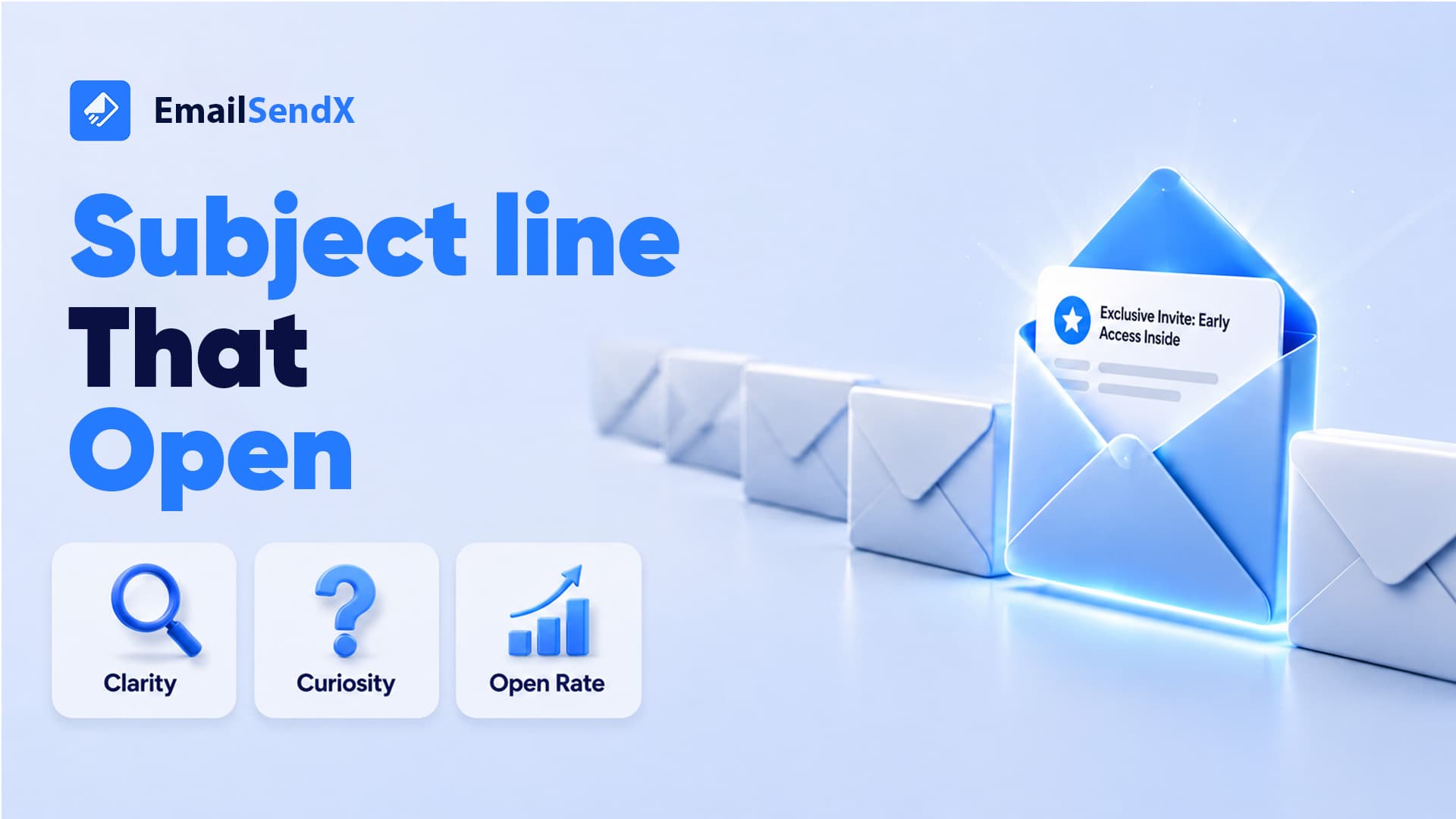
How to Write Better Email Subject Lines
If you send email to people who asked to hear from you, the subject line is the first small promise you make. This guide is for small business owners, agencies, ecommerce teams, and anyone learning how to write better email subject lines without resorting to tricks. You will get plain rules, real examples you can copy, and a simple way to test what works for your own list.
Start with the one job a subject line has
A subject line does not need to be clever. It needs to earn the open by being clear, relevant, and honest about what is inside. When someone gave you permission to email them, they already like you a little. Your subject line’s job is to remind them why, then get out of the way so the email can do its work.
Two failure modes cause most weak subject lines. The first is vagueness, where the reader cannot tell what the email is about. The second is exaggeration, where the subject line oversells and the email underdelivers. Avoid both and you are already ahead.
Lead with the value, not the wind-up
Readers skim their inbox in a second or two. Put the useful part first. If the payoff is a discount, a new feature, a helpful tip, or a deadline, that should be near the front of the line where it survives truncation on a phone.
Here is the same email framed two ways:
Weak: A quick note about some updates we wanted to share with you this week
Better: New: schedule sends by time zone
The better version tells the reader exactly what they get. It is shorter, it front-loads the news, and it reads fine even if the inbox cuts it off.
Keep it short enough to survive a phone screen
Most people read email on a phone, and mobile inboxes show only the first several words of a subject line. You do not need a hard character count, but a good habit is to write the subject, then read only the first five or six words and ask whether that fragment still makes sense on its own.
- Write the full subject line first, then trim every word that is not doing a job.
- Move the most important word toward the front.
- Cut throat-clearing openers like “Just wanted to,” “A quick,” and “We are excited to.”
- Say the specific thing. “3 pricing changes” beats “Some important account information.”
Match the subject line to the email inside
The fastest way to lose trust is a subject line that promises one thing and delivers another. A curiosity gap can feel tempting, but if the reader opens and feels tricked, the next email gets ignored, and enough of that trains people to unsubscribe or mark you as spam. Permission is a renewable resource only if you keep the promise.
A simple test: after you write the email, reread the subject line and ask, “Would the reader feel this was accurate once they finished?” If not, fix the subject line, or fix the email. This alignment matters most in automated sequences, where one misleading subject can sour a whole series. If you build follow-up flows in EmailSendX automations, write each step’s subject to reflect that specific message, not the campaign as a whole.
Use a few reliable subject line patterns
You do not need a new idea every time. Keep a short menu of patterns that fit permission-based email, and pick the one that matches the message.
- The specific benefit. “Cut your reporting time in half this month”
- The plain announcement. “New template: abandoned cart follow-up”
- The number or list. “5 subject line patterns worth stealing”
- The gentle question. “Still deciding on a plan?”
- The deadline. “Ends Friday: your onboarding call slot”
- The personal nudge. “Quick follow-up on your quote”
Notice that none of these rely on fake urgency, all-caps, or “RE:” tricks. They work because they are honest and specific, which is exactly what a list that opted in wants from you.
A mini template for a follow-up sequence
Here is how a short, permission-based follow-up sequence might read across three subject lines. The point is that each one stands on its own and stays honest about the message inside.
Email 1: Your guide to warmup is ready
Email 2 (2 days later): One setup step people miss
Email 3 (4 days later): Want a hand finishing setup?
With email automation software that stops a sequence the moment someone replies, the third email never lands in the inbox of a person who already answered you. That is the difference between a follow-up that feels helpful and one that feels like nagging. It is the idea behind our tagline, email that follows up for you, without talking over the people who already said yes.
Personalize with restraint
Merge tags like a first name can help a subject line feel written for one person, but only when the data is clean and the use feels natural. A misspelled name or an empty tag reading “Hi ,” does more harm than a plain subject line. Good contact data is what makes personalization safe, so keep your fields tidy and set fallbacks.
- Use first name sparingly, and always set a sensible fallback for blank fields.
- Personalize on behavior when you can. “Because you downloaded the SEO guide” beats a generic greeting.
- Reference the reader’s own action, not a guess about who they are.
Mind the words that trigger filters and fatigue
No responsible tool can promise a subject line lands in the primary inbox, and anyone who guarantees that is overselling. What you can do is avoid patterns that look like spam and wear out your readers: excessive exclamation points, ALL CAPS, money symbols stacked together, and words like “free” repeated in every send. These will not sink you on their own, but a habit of them adds up.
The bigger lever is list quality. Sending to stale or invalid addresses drags down engagement, which in turn makes even good subject lines perform worse. Cleaning your list with built-in list verification before a big send keeps your open signals honest, so the results you read actually reflect the subject line and not a pile of dead addresses.
Test, then trust what your own list tells you
Advice about subject lines is a starting point, not a verdict. Your audience is specific, and the only reliable feedback comes from your own sends. A/B testing two subject lines on a portion of your list, then sending the winner to the rest, turns opinion into evidence.
- Test one variable at a time so you know what caused the difference.
- Compare real engagement rather than raw opens, since real-opens tracking that filters bots gives you a truer read.
- Keep a running note of subject lines that worked, and reuse the patterns.
- Give a test enough audience to mean something before you decide.
Over time this becomes a small library of proven angles for your business, which is far more valuable than any generic list of “power words.” Whether you are running ecommerce campaigns or nurturing SaaS trials, the patterns your own readers reward will beat borrowed rules every time.
Bringing it together
Better subject lines are not a magic phrase. They are a habit: be specific, lead with the value, keep the promise the email makes, personalize with clean data, and test on your own list instead of guessing. Do that consistently and your opens improve because your readers learn they can trust the line at the top.
If you want a platform that pairs honest subject lines with follow-up that knows when to stop, start free with EmailSendX. Write the subject, set the sequence, and let email that follows up for you do the patient part, quietly stepping aside the moment someone replies.
Ready to put your email on autopilot?
Ready to try it?