On this page(10)
Email Marketing Terms Every Business Owner Should Know
If you run a small business, an agency, or an online store, you have probably opened an email marketing dashboard and felt buried in jargon. This guide breaks down the email marketing terms every business owner should know, in plain language, so you can read a report, brief a teammate, or pick a tool without second-guessing yourself. No fluff, just the words that actually change decisions.
The list-building basics
Everything in email starts with who you are allowed to send to. Get these terms right and the rest gets easier.
- Subscriber — a person who gave you permission to email them. In permission marketing, this is someone who signed up, bought from you, or asked to hear from you. Not a name you scraped or bought.
- Opt-in — the moment someone agrees to join your list. A single opt-in adds them right away. A double opt-in sends a confirmation email first and only adds them after they click, which keeps your list cleaner.
- Lead magnet — the free thing you offer in exchange for an email address, like a checklist, discount code, or short guide.
- List — your collection of subscribers. Most tools let you keep several, for example customers, newsletter readers, and event attendees.
- Suppression list — the addresses you must never email again, such as people who unsubscribed or complained. A good platform enforces this automatically so you do not accidentally re-add someone.
Keeping a list healthy over time is its own discipline. If you want the mechanics, our overview of email list management software walks through cleanup, tagging, and re-permission.
Segmentation and personalization
A single blast to everyone is rarely your best move. These two terms are how you send the right message to the right people.
Segmentation means splitting your list into smaller groups based on shared traits, so each group gets something relevant. Personalization means tailoring the content itself, like using someone’s first name or referencing their last purchase.
A few segments worth building early:
- New subscribers who joined in the last 30 days
- Customers who bought once but not again
- Engaged readers who open most of your emails
- Quiet subscribers who have not opened anything in months
Both lean on knowing your contacts, which is why a built-in CRM and clean contact management matter. When subscriber data lives next to your email tool, targeting stops being guesswork.
Campaigns, newsletters, and broadcasts
These words get used interchangeably, but they point at slightly different things.
- Campaign — a single planned send with a goal, like promoting a sale or launching a product. Building one usually happens in a campaign builder.
- Newsletter — a recurring email you send on a schedule to keep people engaged. Ours is the kind of thing you would set up with newsletter software.
- Broadcast — a one-time email sent to a list or segment right now, as opposed to an automated one that triggers later.
- Template — a reusable layout you drop your content into so every email looks consistent. A drag-and-drop visual email builder and a set of ready-made templates save you from starting blank every time.
Automation terms
Automation is where email stops being a chore. Instead of sending everything by hand, you set rules once and the system sends for you.
- Trigger — the event that starts an automated email, like someone joining a list or abandoning a cart.
- Sequence (or drip) — a series of emails sent over time after a trigger, spaced by days you choose.
- Follow-up — a message sent when someone has not responded yet. This is the core idea behind EmailSendX: email that follows up for you.
- Workflow — the full map of triggers, waits, and conditions that decide who gets what and when.
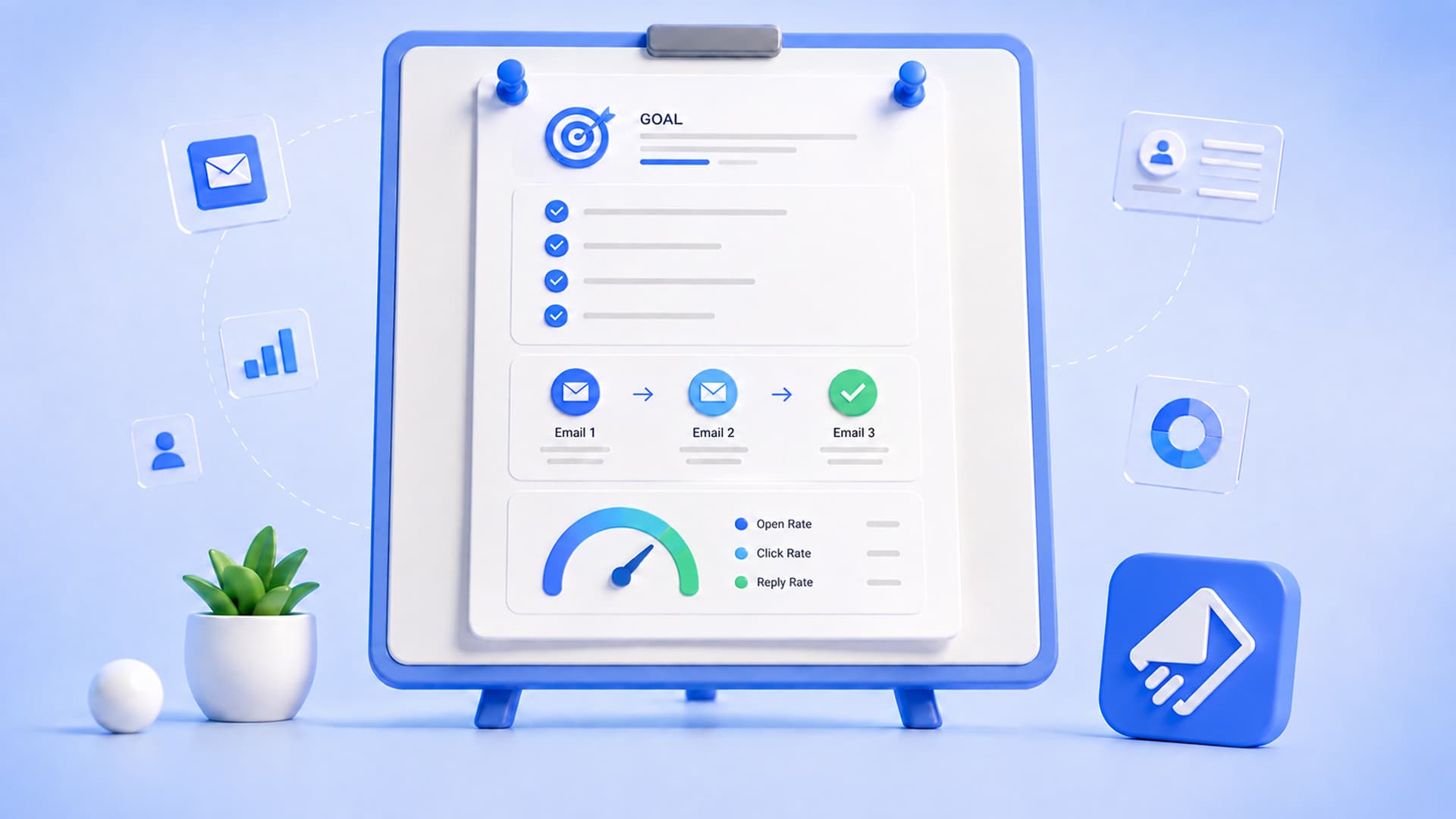
Here is a simple welcome sequence you might build for a new subscriber:
- Day 0 — Welcome email. Say thanks, set expectations, deliver the lead magnet.
- Day 2 — Your best free resource or a quick story about why you do this.
- Day 5 — A soft offer or invitation to reply with a question.
One detail that matters more than people expect: a good follow-up should stop the moment someone replies. If a subscriber writes back, they should not keep getting nudges to write back. That reply-aware behavior is baked into our automations, and you can dig deeper on the email automation software page.
Deliverability terms
Deliverability is the umbrella word for whether your email actually reaches the inbox instead of the spam folder or nowhere at all. No tool can promise inbox placement, but understanding these terms helps you avoid the common own-goals.
- Bounce — an email that could not be delivered. A hard bounce means the address is invalid or dead. A soft bounce is temporary, like a full mailbox.
- Spam complaint — when a recipient marks your email as spam. Too many of these hurt your sender reputation.
- Sender reputation — how mailbox providers judge you based on your sending history, bounces, and complaints. It builds slowly and can drop fast.
- SPF, DKIM, and DMARC — authentication records you add to your domain so providers can confirm the email really came from you. Setting these up is one of the highest-leverage things you can do.
- List verification — checking that addresses are real and reachable before you send, so you stop bounces at the source. EmailSendX includes built-in list verification for exactly this.
A quick habit that pays off: verify a list before your first send, then clean out repeat hard bounces. Fewer bounces means a stronger reputation over time.
Engagement and reporting metrics
After you send, these are the numbers you will actually look at. Knowing what each one measures keeps you from chasing the wrong goal.
- Open rate — the share of delivered emails that were opened. Useful as a trend, but treat it loosely, since some opens are triggered by bots and privacy features rather than real people.
- Real opens — opens filtered to exclude bots and automated prefetching, so you see closer to genuine human interest. This is what our analytics and reporting focuses on.
- Click rate (CTR) — the share of recipients who clicked a link. Often more honest than opens, because a click takes intent.
- Click-to-open rate — of the people who opened, how many clicked. It tells you whether your content matched the promise of your subject line.
- Unsubscribe rate — how many people opted out. A small amount is normal and healthy. A spike usually means you sent too often or to the wrong segment.
- Conversion — the action you actually wanted, like a purchase, a booking, or a reply. This is the metric that pays the bills.
Subject lines, preview text, and the inbox
Two short pieces of text decide whether your email even gets opened.
The subject line is the headline in the inbox. The preview text (sometimes called the preheader) is the snippet that shows next to or under it. Written together, they do the real convincing.
Here is the difference a considered pair makes:
Subject: Your order shipped, plus a quick tip
Preview: Track your package and get the most out of it in two minutes.
When replies start coming back, they land somewhere. A shared inbox is a single mailbox your whole team can see and answer from, so nothing slips through the cracks. EmailSendX pairs sending with a built-in shared inbox so conversations and campaigns live in one place.
Pricing and sending terms
Finally, the words that show up when you compare tools and open an invoice.
- Per-contact pricing — a model where your bill grows as your list grows, whether or not you email those people. It can quietly punish you for succeeding at list building.
- Flat pricing — a predictable price that does not spike with list size. EmailSendX uses flat pricing with no per-contact fees, which you can see on the pricing page.
- Sending provider — the service that physically delivers your email. Many platforms lock you into their own. EmailSendX lets you bring your own, including Amazon SES, SMTP, SendGrid, Brevo, Mailgun, Postmark, Resend, and Gmail, so you control cost and deliverability.
- Deliverability vs. delivery — delivery means the message left and was accepted by the receiving server. Deliverability means it reached the inbox rather than spam. They are not the same, and the gap between them is where reputation lives.
If you are weighing options, our Mailchimp alternative comparison lines these terms up side by side, with guides for small business, ecommerce, and agencies.
Wrapping up
You do not need to memorize every term to run good email. Start with permission, keep your list clean, segment when it helps, and let automation handle the follow-up so you are not sending everything by hand. The vocabulary above is really just a map of those habits.
When you are ready to put the words into practice, you can start free with EmailSendX and set up your first sequence in an afternoon. It is email that follows up for you, so the right message goes out at the right time without you watching the clock.
Ready to put your email on autopilot?
Ready to try it?