On this page(10)
How to Use Email Automation for Lead Follow-Up
If you collect leads faster than you can personally reply to them, this guide is for you. Setting up email automation for lead follow-up lets you respond to every new lead on time, keep the conversation going until they’re ready, and hand off to a human the moment they engage. You’ll get a practical framework, a sample sequence you can copy, and the guardrails that keep your follow-up helpful instead of annoying.
What lead follow-up automation actually is (and isn’t)
Automated lead follow-up means a pre-written series of emails goes out on a schedule after someone opts in, so nobody falls through the cracks between “they raised their hand” and “they’re ready to talk.” The person on the other end asked to hear from you: they downloaded a guide, requested a demo, joined a waitlist, or filled out a contact form. That permission is the whole foundation.
This is not cold outreach. It’s not buying a list and blasting strangers. Every contact in a follow-up sequence gave you an address and a reason to use it. Keep that line bright. When you honor it, automation feels like good service. When you cross it, it feels like spam, and your reporting will show it fast.
Map the moment: when does follow-up start?
The trigger is the event that says “this person is now a lead.” Get the trigger right and the rest of the sequence has a clear job. Common triggers:
- Lead magnet download — they grabbed a checklist, template, or ebook.
- Demo or call request — they asked to talk to a person.
- Free trial or account signup — they created an account but haven’t activated.
- Contact form or quote request — they asked a direct question.
- Newsletter signup with intent — they subscribed via a high-intent page like pricing.
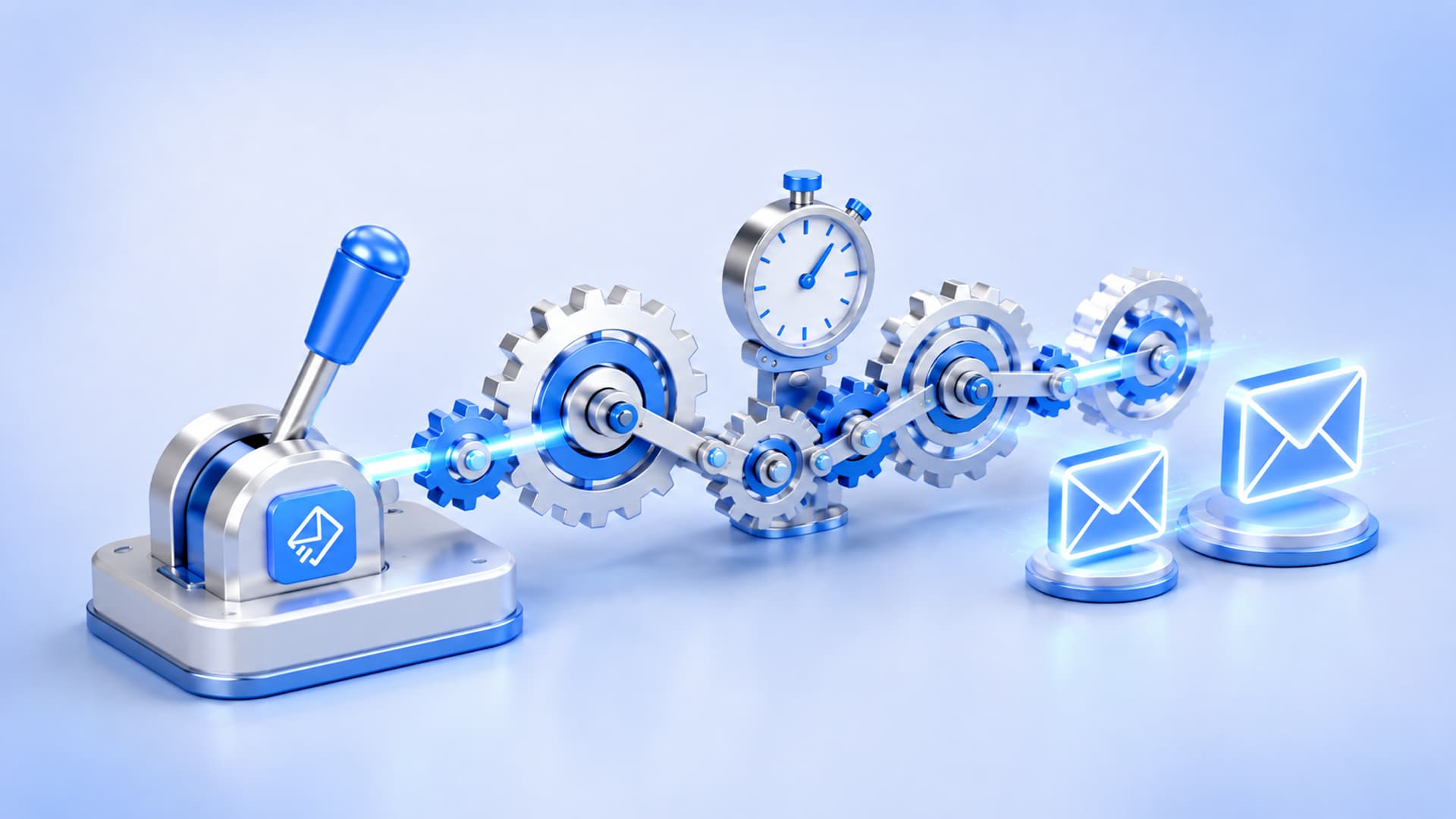
Each trigger deserves a slightly different tone. Someone who requested a demo is warmer than someone who downloaded a free PDF, so the demo follow-up can be more direct. In EmailSendX you can attach an automation to the event that created the contact, so the right sequence fires the instant the lead arrives instead of on a nightly batch.
The rule that makes follow-up feel human: stop on reply
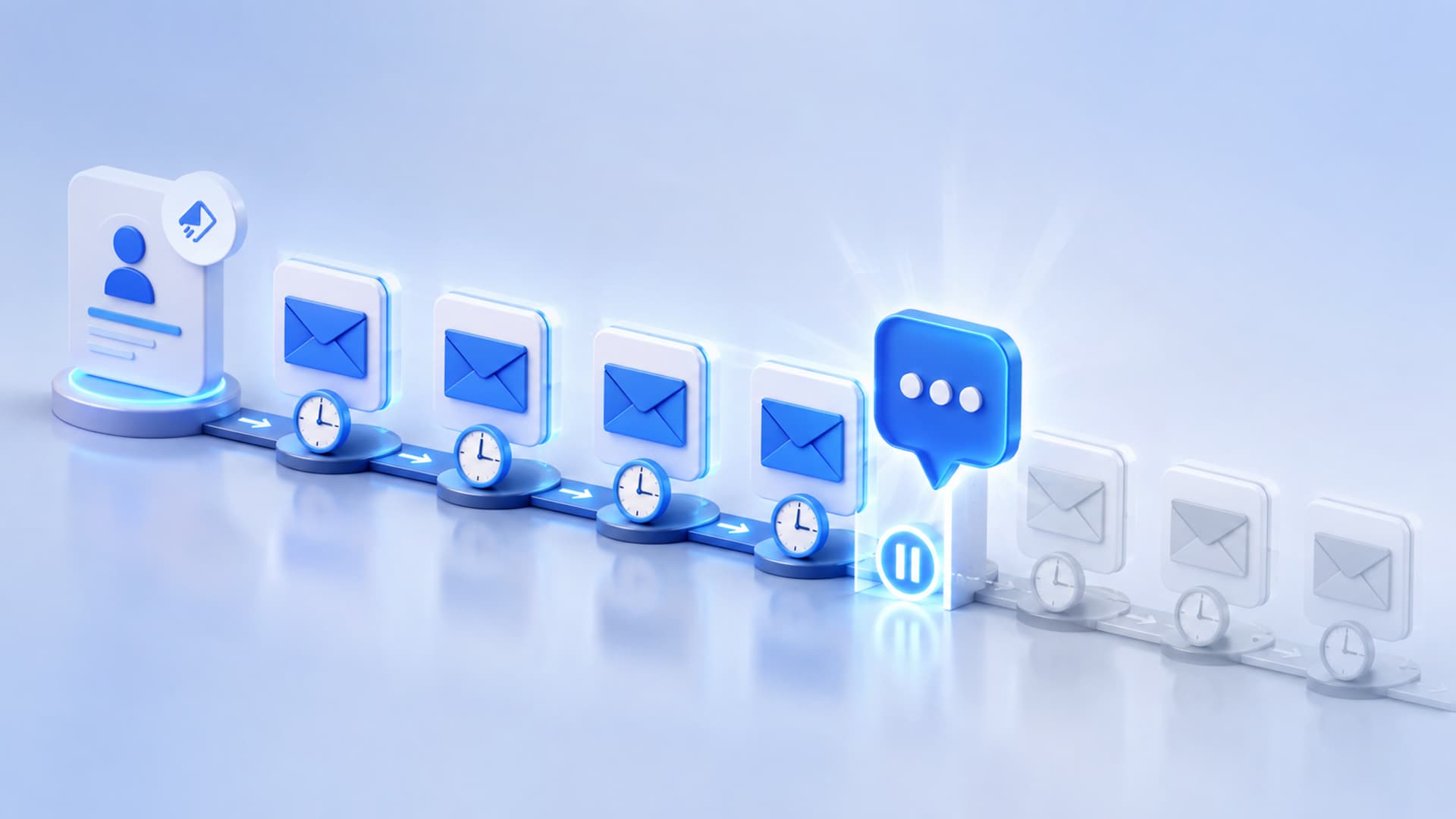
The fastest way to ruin a good follow-up sequence is to keep sending scheduled emails after the lead has already answered you. Nothing says “you’re talking to a robot” like getting “just checking in” the day after you replied.
So build your sequence around one non-negotiable rule: the automation stops the moment someone replies. This is core to how EmailSendX works — sequences follow up for you and then get out of the way the second a real conversation starts. That’s the point of the tagline, email that follows up for you: it does the boring, consistent part so you can focus on the actual reply.
Design principle: every automated message should read like it could be the last one you send before a human takes over. If the lead engages, a person should, too.
A sample 5-email follow-up sequence you can copy
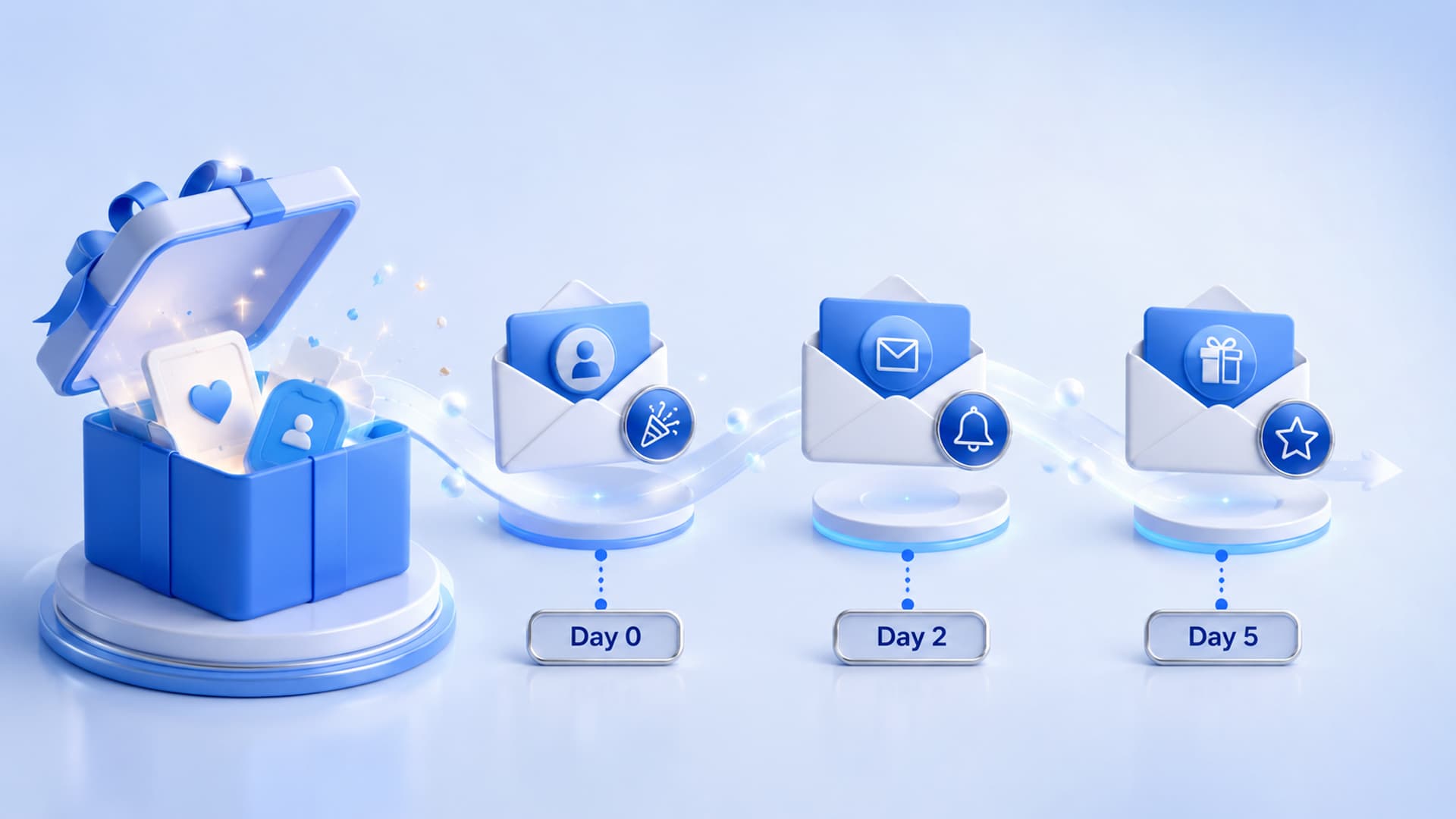
Here’s a permission-based sequence for a lead who downloaded a resource or requested info. Adjust timing to your sales cycle; a short cycle can compress this into a week, a longer one can stretch it over three.
- Day 0 — Deliver + set expectations. Send what they asked for immediately, and tell them what’s coming.
- Subject: Here’s your [resource] (plus what to do next)
- Day 2 — One useful idea. No pitch. Share a single tip that helps them use the thing they downloaded.
- Subject: The one step most people skip
- Day 4 — Address the obvious objection. Name the concern they’re probably having and answer it plainly.
- Subject: “But will this work for a team like mine?”
- Day 7 — Make one clear offer. Now invite the next step: a call, a trial, a reply.
- Subject: Want me to walk you through it?
- Day 11 — The graceful close. Give them an easy out and an open door.
- Subject: Should I close your file?
That last email does more work than people expect. A polite “should I close this out?” respects their time and often prompts the reply the previous four didn’t. And because the sequence stops on reply, whichever email lands, the follow-ups quietly end.
Write follow-ups people actually finish reading
Automated doesn’t have to mean generic. A few habits keep these emails feeling personal:
- Lead with them, not you. Open on the problem they were trying to solve when they signed up.
- One idea per email. Each message should have a single job and a single call to action.
- Write from a person. Send from a real name and reply-to, not noreply@. You want replies.
- Keep it short. Follow-up emails should feel like a note from a colleague, not a brochure.
- Make the CTA a low-friction next step. “Reply with a yes” beats “Book a 45-minute consultation.”
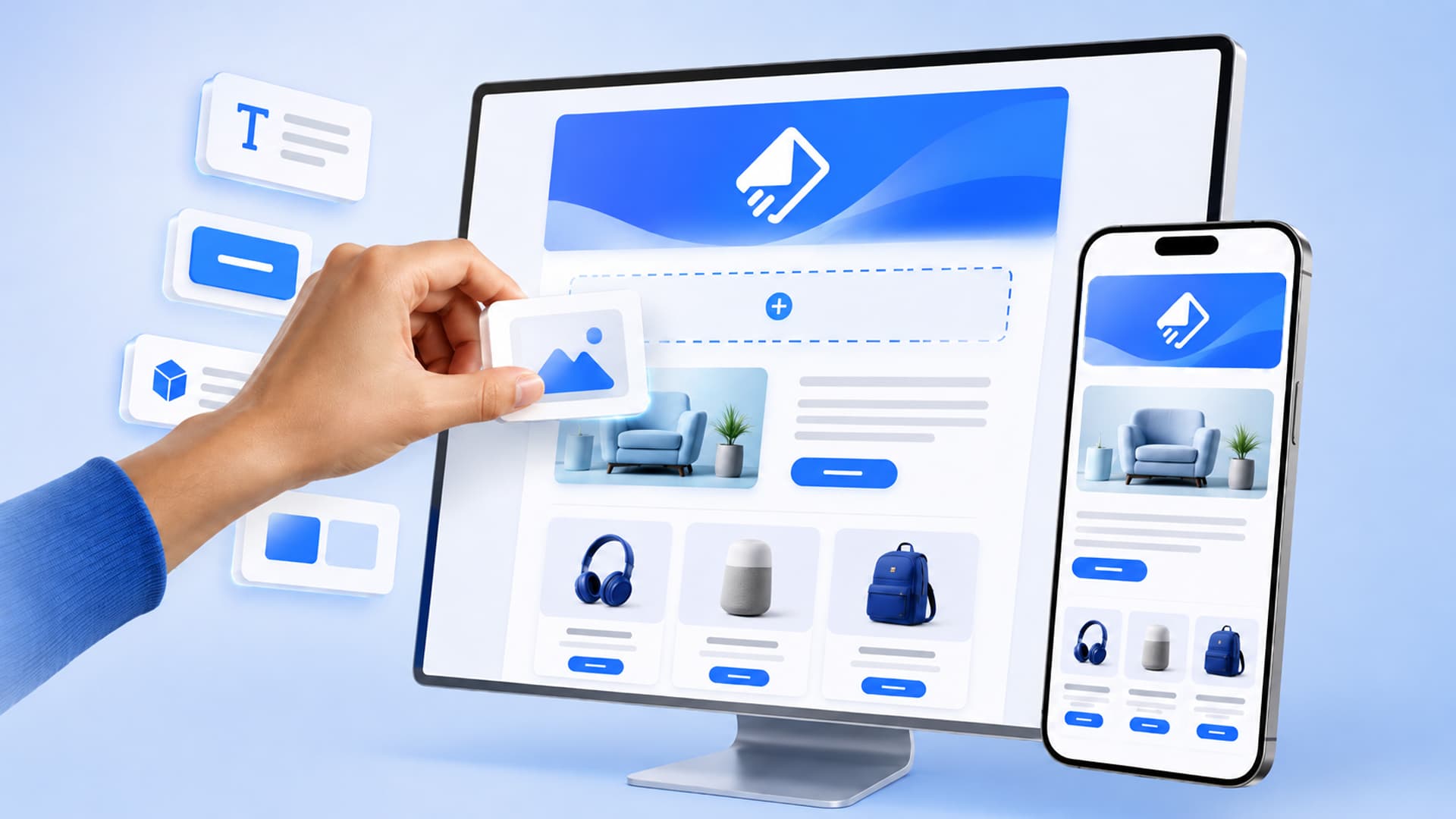
You can build these visually and reuse proven layouts with a visual email builder and a library of templates, so setting up each new sequence takes minutes instead of an afternoon.
Protect deliverability before you automate
Automation multiplies whatever you feed it. If your list has typos, dead addresses, and spam traps, an automated sequence sends to all of them repeatedly, and that hurts how mailbox providers treat you. Two habits matter most:
- Verify addresses at capture. Built-in list verification catches invalid and risky addresses before they ever enter a sequence.
- Keep your list clean over time. Good list management means suppressing bounces and honoring unsubscribes automatically, so you’re only following up with people who can and want to receive it.
One more note on measurement: pay attention to real engagement, not inflated numbers. EmailSendX uses real-opens tracking that filters out bot activity, so when you decide who’s engaged enough to escalate to a call, you’re acting on genuine interest rather than an automated scan.
Route warm leads to a human fast
The goal of follow-up automation isn’t to email forever, it’s to get to a conversation. So decide in advance what “warm enough” looks like, and make the handoff instant. A lead who replies, clicks the demo link, or hits your pricing page has told you they’re ready.
This is where a connected CRM and shared inbox earn their keep. When a sequence stops on reply, that reply should land somewhere your team can see it and answer together, with the lead’s full history right there. No copying between tools, no dropped threads. The automation did its job; now a person closes the loop.
Choose tooling that fits how you send
A follow-up system is only as good as the platform running it. A few things worth insisting on:
- Send through your own provider. EmailSendX lets you bring your own sending provider — Amazon SES, SendGrid, Brevo, Mailgun, Postmark, Resend, Gmail, plain SMTP, and more — so you keep control of your sending reputation.
- Flat pricing, not per-contact fees. Follow-up works best when you can reach every lead without a bill that grows with your list.
- Sequences plus a place to reply. Look for automation and a shared inbox under one roof so the handoff is seamless.
Whether you’re a small business nurturing inbound leads, an agency running follow-up for clients, or a SaaS team activating trials, the pattern is the same: trigger, follow up, stop on reply, hand to a human. If you’re weighing options, our pricing and Mailchimp alternative pages lay out how the flat model compares.
Putting it all together
Email automation for lead follow-up is really just a promise kept at scale: someone raised their hand, and you answered every time, on time, until they were ready. Get the trigger right, write like a person, verify your list, stop the sequence the instant they reply, and route warm leads to a real conversation. Do that, and follow-up stops being the thing you’re behind on.
Ready to build a sequence that does the consistent part for you? Start free with EmailSendX and set up email that follows up for you, then gets out of the way the moment your lead replies.
Ready to put your email on autopilot?
Ready to try it?