On this page(8)
Transactional vs marketing emails: the short answer
The difference between a transactional email vs marketing email is intent. A transactional email is triggered by something a person did — a receipt, a password reset, a shipping update — and they’re expecting it. A marketing email is something you decided to send to promote or nurture — a newsletter, a sale, a re-engagement campaign. They look similar, but mixing them on the same sending setup quietly damages your deliverability.
Learn about transactional email vs marketing email properly. Two emails land in your inbox a minute apart. One is a receipt for the coffee subscription you just bought. The other is that same brand’s “20% off everything!” newsletter. To you, they’re both “email from the coffee company.” To a mailbox provider like Gmail, they are two completely different species — and treating them as the same thing is one of the most common deliverability mistakes growing companies make.
Let’s make the marketing vs transactional email distinction concrete, and then cover the part that actually affects your inbox placement.
What is a transactional email?
What is a transactional email? It’s a one-to-one message triggered by a user’s action or account status — the system sends it because something happened. People expect these, open them at very high rates, and would be annoyed not to receive them. They’re functional, not promotional.
What is a marketing email?
A marketing email is a one-to-many message you send to inform, promote, or nurture — on your schedule, not in response to a specific action. Open rates are lower, recipients can unsubscribe, and consent rules (like clear opt-outs) apply.
Transactional email examples vs marketing examples
The fastest way to tell them apart is to look at transactional email examples next to marketing ones:
| Transactional (triggered, expected) | Marketing (sent, promotional) |
|---|---|
| Order receipt / invoice | Weekly newsletter |
| Password reset | “20% off this weekend” |
| Shipping & delivery updates | Product launch announcement |
| Account or security alerts | Re-engagement / win-back campaign |
| Booking / appointment confirmation | Abandoned-cart promo (the grey area — see below) |
Why mixing them hurts deliverability
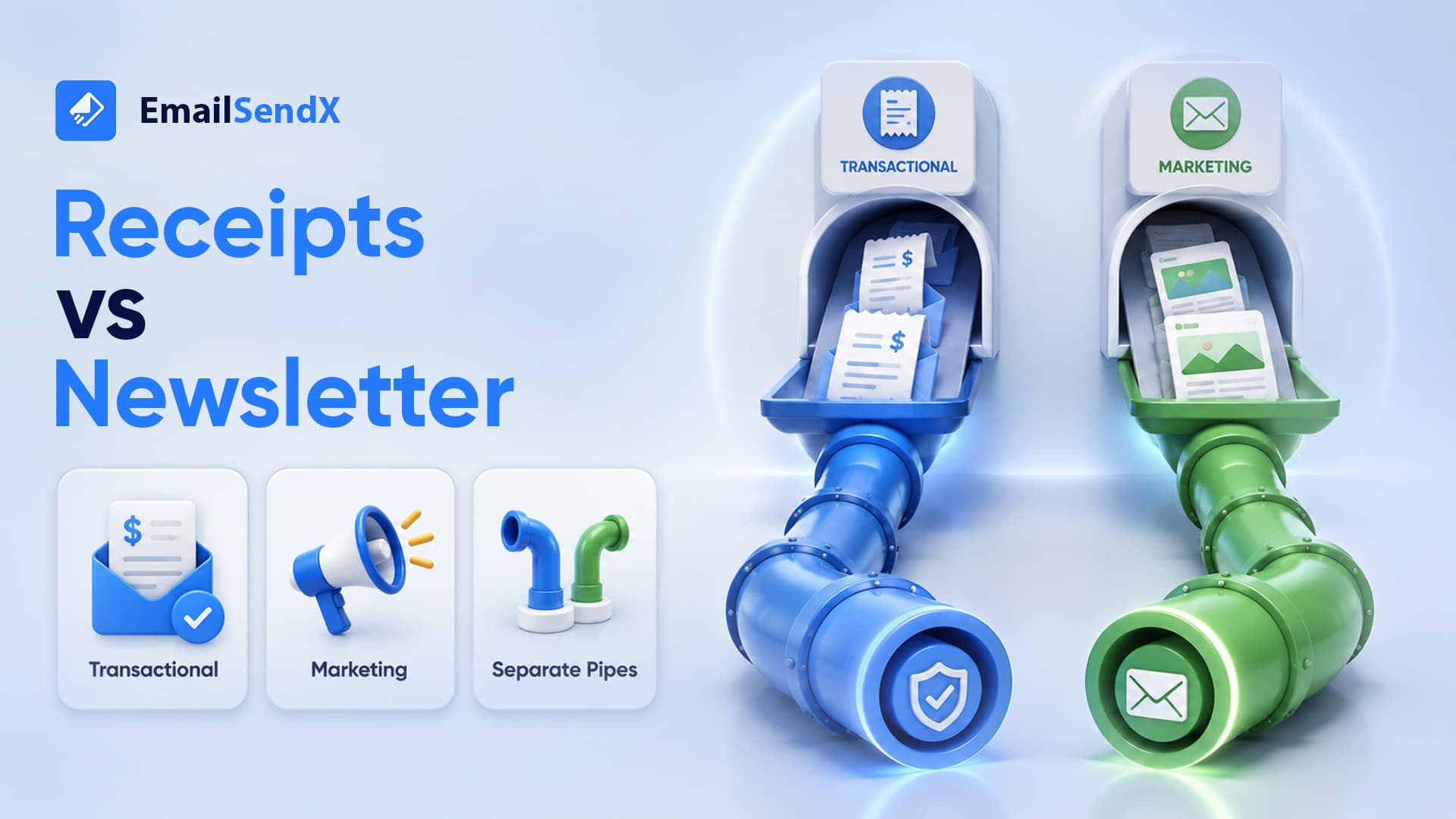
Here’s the part that matters. Transactional email earns a great reputation: high opens, near-zero complaints, people genuinely want it. Marketing email is riskier: lower engagement, more unsubscribes, the occasional spam complaint. If you send both from the same domain and IP, the riskier marketing mail drags down the pristine reputation your receipts built — and suddenly password resets start landing in spam. That’s a real emergency, because a customer who can’t reset their password can’t use your product.
The golden rule: keep separate sending streams. Send transactional mail from one subdomain (and reputation) and marketing from another. That way a rough marketing campaign can never put your password resets in the spam folder.
e.g. mail.yourdomain.com — receipts, resets, alerts. Protect this reputation at all costs.
e.g. news.yourdomain.com — campaigns, newsletters. Keep its ups and downs away from transactional.
The grey area: abandoned cart and order follow-ups
Some emails blur the line. An abandoned-cart reminder is triggered by behavior (feels transactional) but its purpose is promotional (it’s marketing). The safe call: treat anything with a promotional goal as marketing — apply consent and unsubscribe handling, and send it on your marketing stream. When in doubt, ask “would a reasonable person consider this an ad?” If yes, it’s marketing.
How to set this up without a headache
You don’t need two vendors. A good sending platform lets you run transactional and marketing on separate, isolated streams from one place — with the right authentication on each subdomain — so your receipts stay bulletproof while your campaigns do their thing.
Keep your receipts out of the spam folder
EmailSendX lets you run transactional and marketing on separate, isolated sending streams — each with its own domain and reputation — so a heavy campaign can never knock your password resets into spam.
Frequently asked questions
What’s the main difference between transactional and marketing emails?
Intent. Transactional emails are triggered by a user’s action and expected (receipts, resets); marketing emails are sent by you to promote or nurture (newsletters, sales).
Can I send transactional and marketing email together?
You can, but you shouldn’t from the same domain and IP. Mixing them lets risky marketing mail damage the strong reputation your transactional mail builds, which can push critical messages like password resets into spam.
Is an abandoned-cart email transactional or marketing?
Marketing. It’s triggered by behavior but its purpose is promotional, so apply consent and unsubscribe handling and send it on your marketing stream.
Do transactional emails need an unsubscribe link?
Generally no — they’re expected, non-promotional messages. Marketing emails do require a clear unsubscribe. Keep the two separate so the rules stay clean.
Ready to try it?