On this page(6)
What is an email spam words checker?
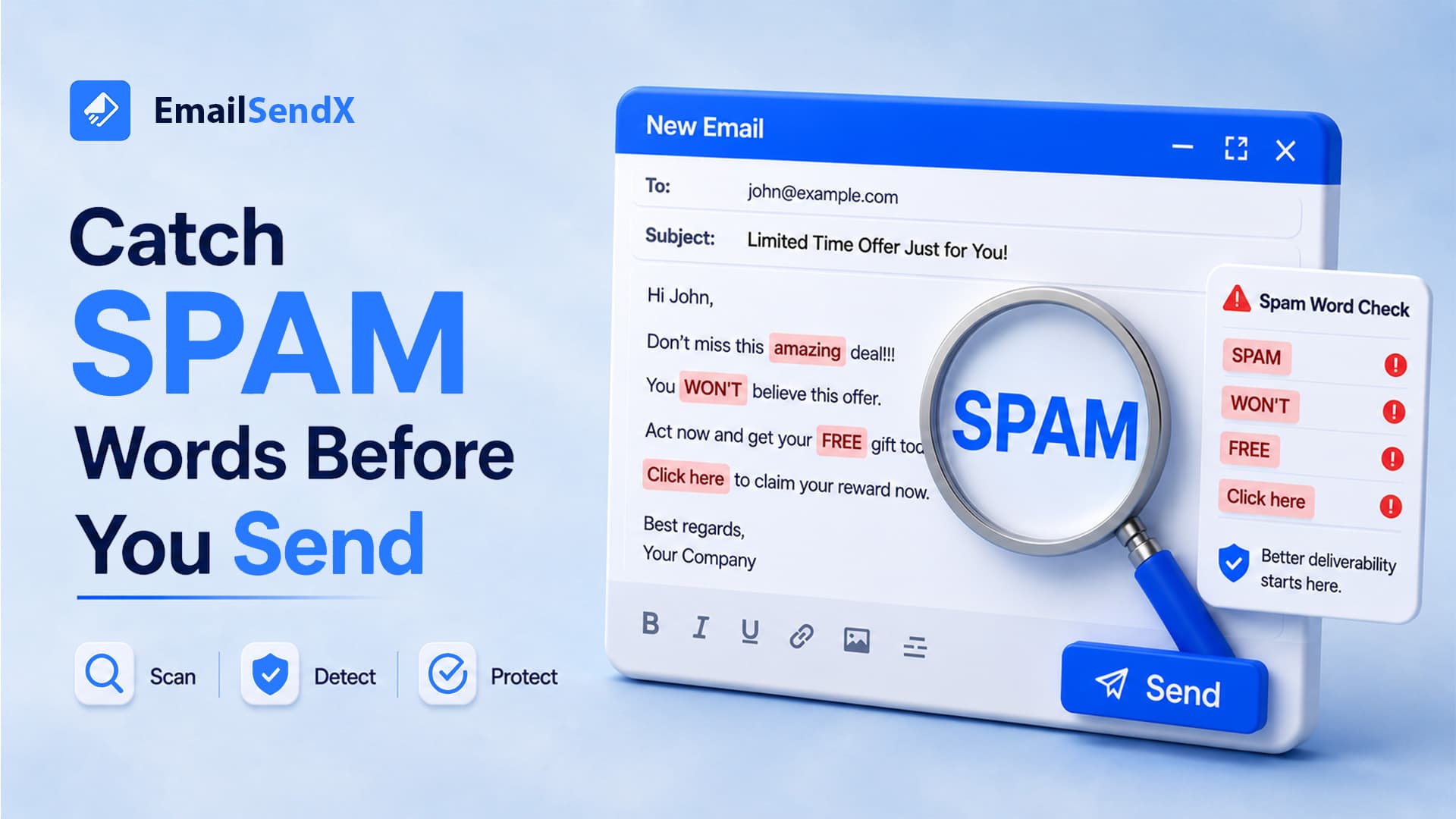
An email spam words checker scans your subject line and body for the trigger words, formatting, and link patterns that filters associate with spam — before you hit send. EmailSendX builds this into a one-click pre-send spam check that also confirms your authentication and shows an inbox preview, so a risky campaign never reaches a single recipient.
It’s the email equivalent of spell-check: a fast safety net that catches the obvious problems while there’s still time to fix them. But to use one well, you need to know what it can and can’t do — because spam words are only part of why mail lands in the junk folder.
Do spam trigger words still matter in 2026?
Yes, but less than most people fear. Modern filters lean on machine learning, sender reputation, and engagement far more than a keyword blocklist (that’s why authentication and reputation are the bigger levers — see our guide on why emails go to spam). A single “free” won’t doom you.
What does hurt is a cluster of spam signals: salesy trigger words stacked with ALL CAPS, multiple exclamation marks, image-only layouts, and shady links. A good email spam test flags that pile-up before it costs you the inbox.
Common spam trigger words (2026), by category
| Category | Examples | Safer alternative |
|---|---|---|
| Money / greed | “Free!!!”, “100% free”, “cash bonus”, “earn $$$” | Name the specific offer plainly |
| Urgency / pressure | “Act now”, “urgent”, “limited time”, “don’t miss out” | State a real deadline once |
| Overpromising | “Guaranteed”, “risk-free”, “miracle”, “no catch” | Describe the actual outcome |
| Shady / spammy | “This isn’t spam”, “Dear friend”, “winner” | Use the recipient’s real name |
| Formatting tells | ALL CAPS, red text, “!!!”, hidden text | Normal sentence case |
What a real pre-send check looks at
A spam-word scan alone is shallow. A genuinely useful pre-send spam check reviews four things together:
spam words, caps, links, text-to-image ratio
SPF / DKIM / DMARC all passing?
how it renders across major clients
blacklists, broken links, risky domains
Inside EmailSendX’s pre-send email spam words checker
In EmailSendX, the check runs with one click before you schedule a campaign. You get a plain-language score, the exact spam trigger words highlighted in your copy, a pass/fail on SPF, DKIM, and DMARC, and an inbox preview rendered across the clients your audience actually uses. Fix the flags, re-run, send with confidence.
A spam-word checker that runs after you send is a post-mortem. One that runs before is insurance — and it costs you ten seconds.
A real example
A SaaS team drafted a launch email with the subject “FREE upgrade — ACT NOW!!!” The pre-send check flagged three urgency triggers, all-caps, and triple exclamation marks, and warned the image-to-text ratio was too high. They rewrote it to “Your upgrade is ready” with a balanced layout. Same offer, far cleaner signals — and it landed in the primary inbox.
Check before you send — free
EmailSendX scans every campaign for spam-trigger words, verifies your authentication, and shows an inbox preview before it goes out. Catch the problems while you can still fix them.
Frequently asked questions
Does an email spam words checker guarantee inbox placement?
No. Content is one factor; authentication, sender reputation, and engagement matter more. A checker reduces content risk but can’t fix a poor reputation on its own.
What’s the difference between a spam-word checker and an email spam test?
A spam-word checker scans your copy for trigger words. A broader email spam test (like EmailSendX’s pre-send check) also reviews authentication, rendering, and links.
How many spam words are too many?
There’s no fixed number — it’s about the cluster. A couple of salesy words in otherwise clean, well-authenticated mail is fine; a pile of them with bad formatting is the problem.
Ready to try it?