On this page(8)
The Most Underused Email Automation in 2026 Is the One That Writes Itself
The average B2B blog publishes 2–4 posts per week. The average B2B newsletter sends once per week. Doing that math, you have weeks of email content sitting in your RSS feed, ready to ship, that nobody’s shipping. The connection — the “RSS-to-email automation” — is the most underused feature in modern email platforms.
This is the complete 2026 guide to RSS to email automation — how it works, the three patterns that win, the formatting traps that break in Outlook, and the platforms that handle it properly.
The thesis: If you publish content on a schedule, RSS-to-email is your highest-ROI email automation. It writes the campaign for you, ships it when content is fresh, and quietly compounds list value over time without anyone managing it.
What RSS-to-Email Actually Is
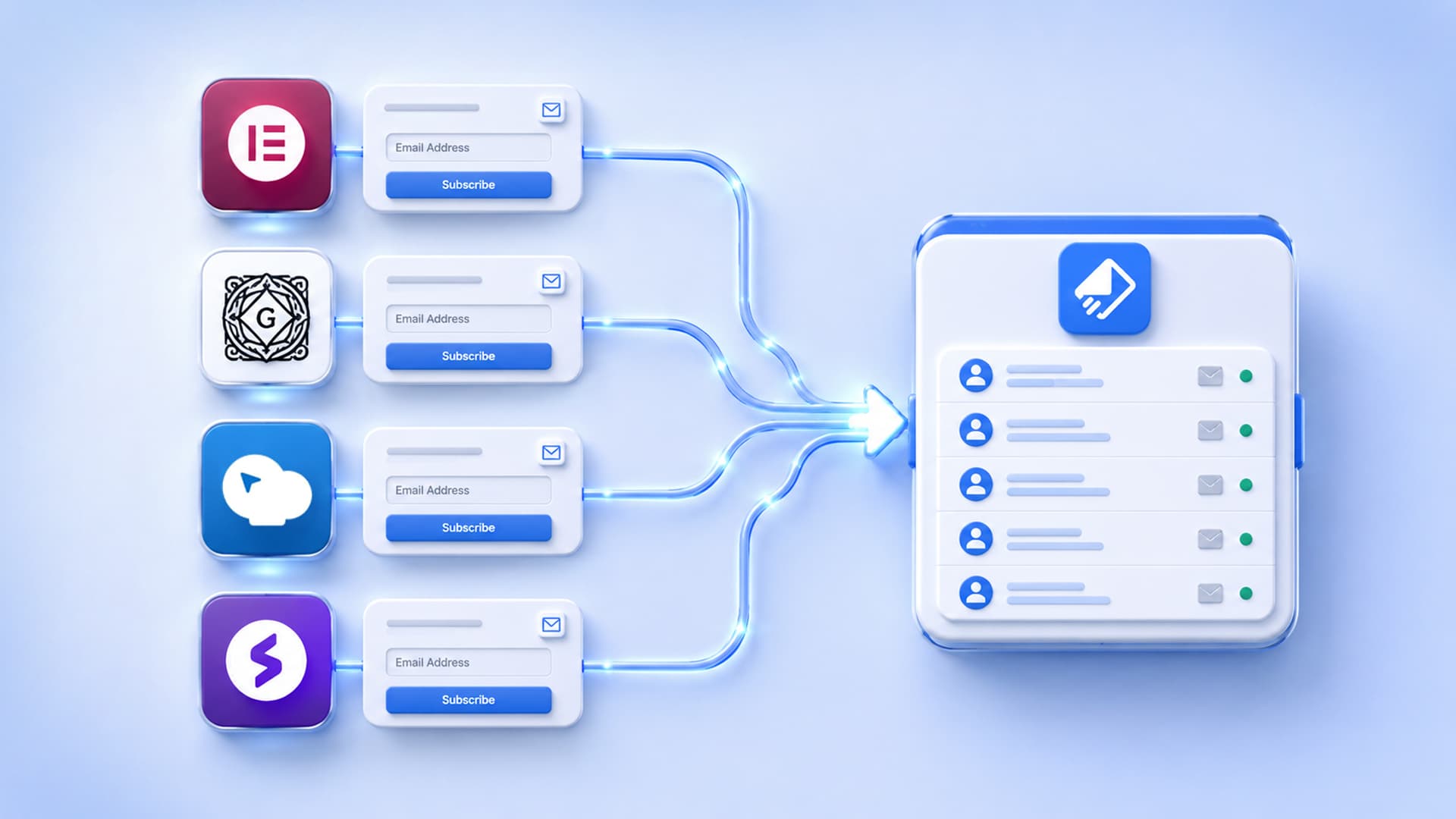
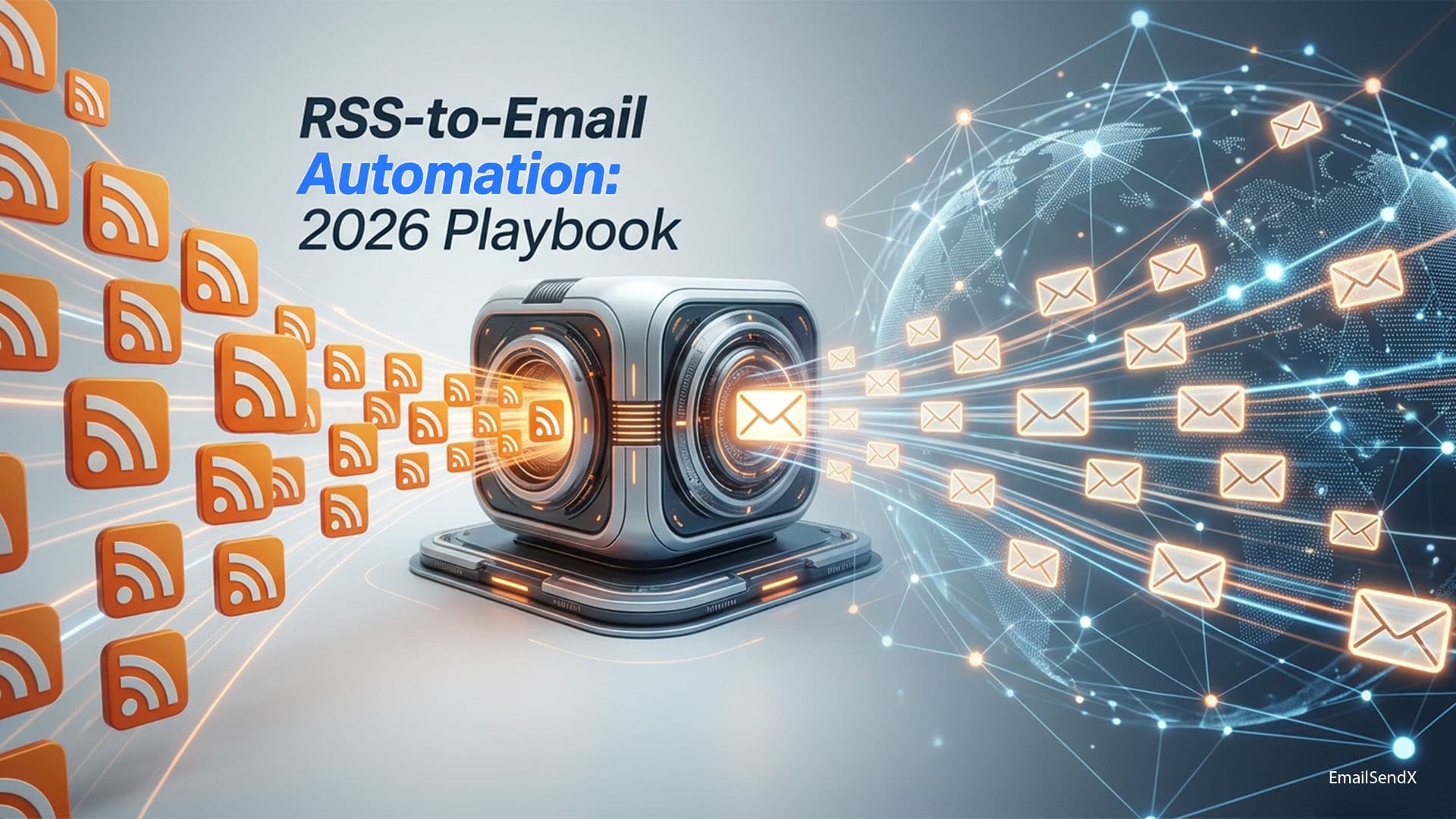
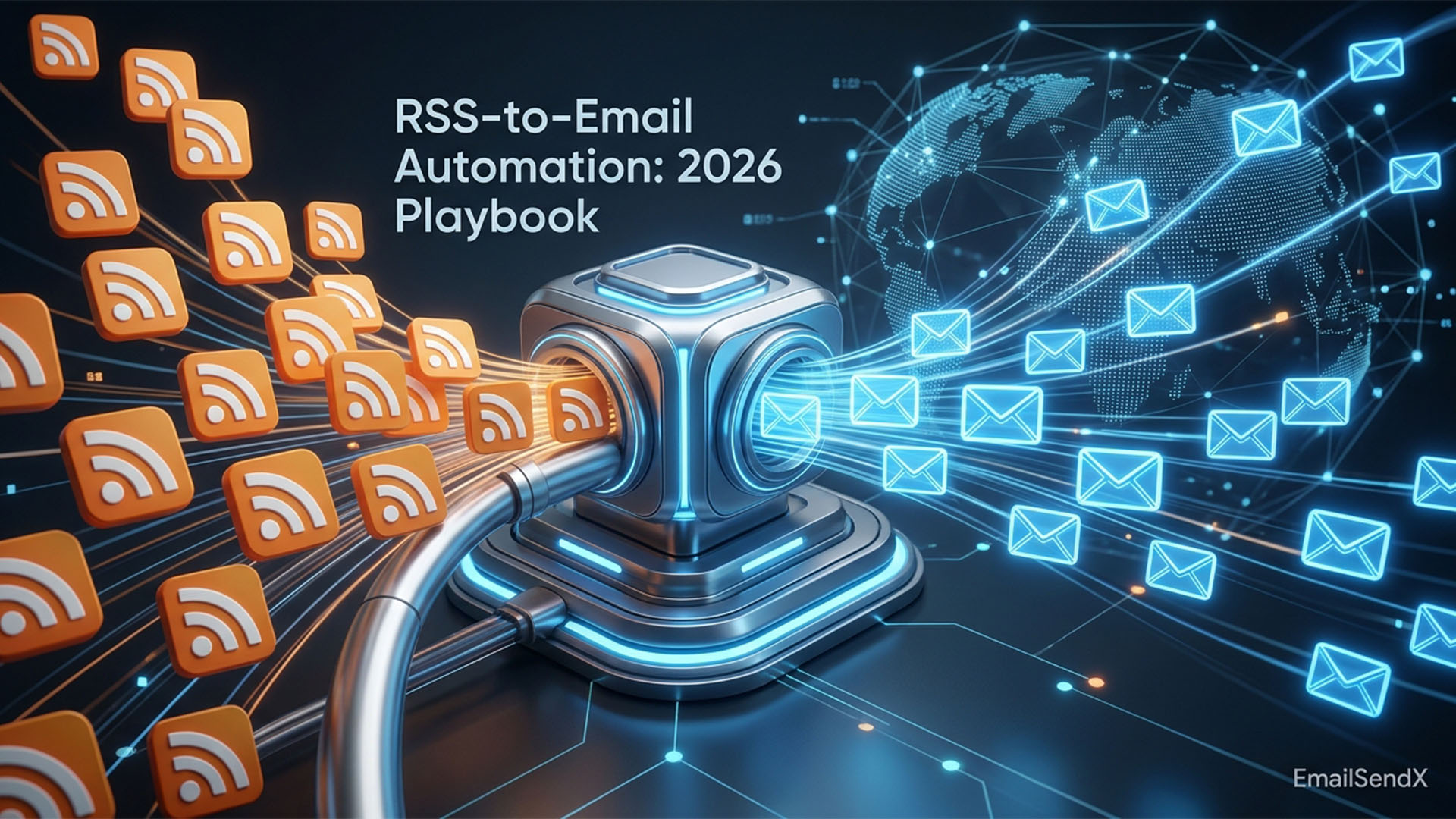
RSS-to-email watches your blog’s RSS feed for new posts. When new content appears, it auto-generates an email containing those posts and schedules a send. No campaign builder, no manual copy-paste, no marketing team approval cycle.
Two flavors:
- Single-post send: Every new blog post triggers a standalone email.
- Digest send: A weekly or daily roundup of all posts from the period.
Digest is the more common pattern. Single-post works for low-frequency, high-stakes publishers.
The Three Patterns That Win in 2026
1. The Weekly Roundup
Every Friday at 9am, auto-send a digest of that week’s 3–5 published posts. Subject line: “This week on [Brand]: [topic 1], [topic 2], and [topic 3].” Open rates typically 35–42% for engaged audiences.
2. The Topic-Filtered Digest
Use RSS categories or tags to filter posts to specific segments. Subscribers to “Email Deliverability” tag get those posts; subscribers to “Agency Ops” get those. One feed, multiple segments, multiple digests.
3. The Single-Post Notification
For low-frequency, high-stakes publishers (1–2 posts/week). Every new post triggers a single-post email. Subject line is the post title; body is the excerpt plus link.
How RSS-to-Email Compiles into a Campaign
The platform pulls items from your RSS feed at a configured interval (every 1 hour for fresh content, every 24 hours for digest sends). For each unsent item, it pulls:
<title>— becomes the campaign subject or post heading<link>— the CTA URL<description>or<content:encoded>— excerpt body<media:thumbnail>or<enclosure>— featured image<category>— for segment routing
It then merges these into a pre-defined template and schedules the send.
The 5 Formatting Traps That Break RSS-to-Email
- Featured images too wide. WordPress feeds often include 1920px-wide hero images. Outlook on Windows downscales them poorly, making layouts collapse. Resize via the template wrapper or feed plugin.
- HTML inside
<description>. Some feeds wrap content in messy inline HTML. Strip to clean text or markdown in the template merge. - Missing excerpt fallback. Posts without a custom excerpt produce empty digest items. Always have a fallback (first 50 words of content).
- Auto-tracking on every link. If your platform auto-wraps URLs, the link can exceed Outlook’s 2000-character URL limit. Trim before send.
- Send timing collisions. Many platforms default RSS digests to fire when new content lands. Configure a fixed send time (e.g., Friday 9am) instead.
The thing nobody tells you
The first RSS digest you send to a list is usually the highest-opening email of the year — novelty matters. Save your highest-value content for the launch.
RSS-to-Email vs Manual Newsletter Compilation
| Dimension | RSS automation | Manual |
|---|---|---|
| Setup time | 30 min once | 1–3 hours/week |
| Marginal cost per send | Zero | 1–3 hours |
| Editorial control | Template-level | Per-issue |
| Personalization depth | Limited | High |
| Risk of staleness | Low | High when busy |
| Conversion rate | Slightly lower | Slightly higher |
Pro tip
Run both. Automated weekly digest for retention. Manual quarterly “best of” email for activation. The two patterns reinforce, not replace.
How EmailSendX Handles RSS-to-Email
EmailSendX ships RSS-to-email natively with the patterns above:
- RSS feed connector with configurable polling interval.
- Digest or single-post mode per workspace.
- Category-based segment routing — one feed, multiple audiences.
- Template-level customization — brand colors, footer, CTA layout.
- Fixed-time scheduling — not just “when content lands.”
- Image rewrap — auto-resizes hero images to email-safe widths.
EmailSendX’s RSS-to-email runs unattended, segment-aware, with proper formatting.
Try EmailSendX free →
FAQ: RSS-to-Email Automation
Does RSS-to-email hurt deliverability?
No — it’s a normal campaign send from your sending infrastructure. The trigger is automated; the send mechanics are identical to a hand-built campaign.
Can I send RSS-to-email from a custom feed (not WordPress)?
Yes. Any valid RSS or Atom feed works. Custom feeds from headless CMSes, Ghost, Substack, even GitHub-published Markdown all qualify.
How do I avoid sending a duplicate if a post is republished?
Platforms track <guid> per item. As long as the GUID stays consistent, republished posts don’t re-trigger. Some platforms also dedupe on URL.
Can I A/B test RSS-to-email campaigns?
Subject-line A/B testing yes (auto-generated variants from post title). Body content A/B testing is harder because the body is templated, but template-level tests work.
Does EmailSendX’s RSS automation segment by category?
Yes — map RSS categories to EmailSendX segments. One feed can fan out into 5+ segment-specific digests automatically.
Ready to try it?