On this page(11)
The Reason Your 47-Segment Setup Hasn’t Beaten Your Old 3-Segment Setup
Every agency that’s been running email for more than a year has the same artifact in their account: a list of 30, 40, sometimes 50 segments that someone built once, used twice, and forgot about. “New Subscribers Q2 2023.” “Holiday Promo Engaged.” “Webinar Attendees Did Not Open Follow-Up.”
None of them move revenue anymore.
The honest math on email segmentation in 2026: three to eight active segments capture 90% of the lift you’ll ever get. Beyond eight, you’re spending more time maintaining segments than running campaigns through them.
This is the operator’s guide to segmentation that actually moves revenue — with the eight segments worth building, the twelve lookalikes that waste your team’s time, and the agency-specific twist most playbooks skip.
TL;DR: Build behavioral segments (what people did), engagement segments (how often they interact), and lifecycle segments (where they are in your funnel). Skip demographic-only segments unless they’re paired with behavior. Sunset any segment that hasn’t been used in 90 days.
What Email Segmentation Actually Is (And Isn’t)
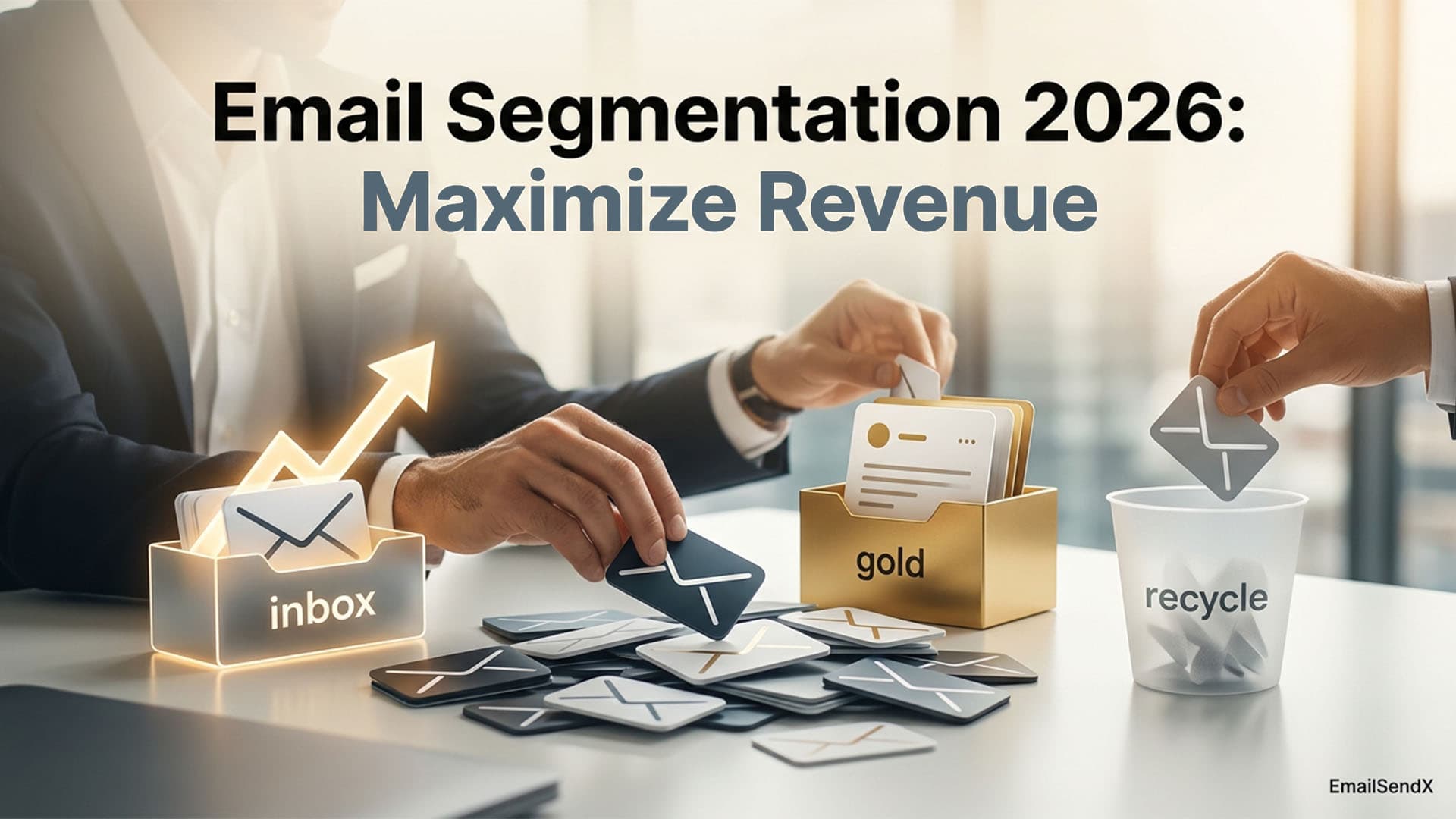
Segmentation is dividing your list into smaller groups so different messages go to different people. That’s the boring definition. The more useful one: segmentation is the act of deciding who shouldn’t get the next email.
Most marketers think about segmentation as “who gets this campaign.” The operators who get the highest open rates think about it as “who do I exclude so the message stays relevant.” Same outcome, completely different mindset.
Segmentation is also not the same as personalization. Personalization swaps tokens (“Hey {first_name}”). Segmentation decides whether you send the email at all. The first is cosmetic. The second is strategic.
Why Segmentation Matters More in 2026 Than Ever
Three pressures converged:
- Apple Mail Privacy Protection inflated open rates. Behavior-based segmentation (clicks, replies, purchases) became more reliable than open-based segmentation. The old playbook of “send to people who opened the last 5 campaigns” is increasingly noise.
- Gmail’s 0.3% complaint threshold punishes broad sends. Tighter targeting = fewer complaints = higher inbox placement = compounding reputation.
- AI subject lines and copy don’t fix bad targeting. A perfect AI-generated subject sent to the wrong audience underperforms a mediocre subject sent to the right one. Segmentation is the upstream lever.
The 4 Dimensions of Segmentation That Work
1. Behavioral — what they actually did
The strongest signal. Did they click, purchase, abandon a cart, download a resource, hit a feature gate? Behavior predicts future behavior better than any demographic ever will.
2. Engagement — how often they interact
Are they opening every email or none of them? Engagement segments unlock cadence personalization (active subscribers tolerate weekly; dormant ones need quarterly) and protect deliverability by suppressing dead weight.
3. Demographic — who they are
Useful as an overlay on behavior, dangerous as a standalone. “Marketing managers” isn’t a segment; “marketing managers who clicked the pricing page” is.
4. Lifecycle stage — where they are in your funnel
Subscribers behave radically differently in their first 14 days, after first purchase, at 90-day inactivity, etc. Lifecycle stage segments often produce the highest single-segment lift.
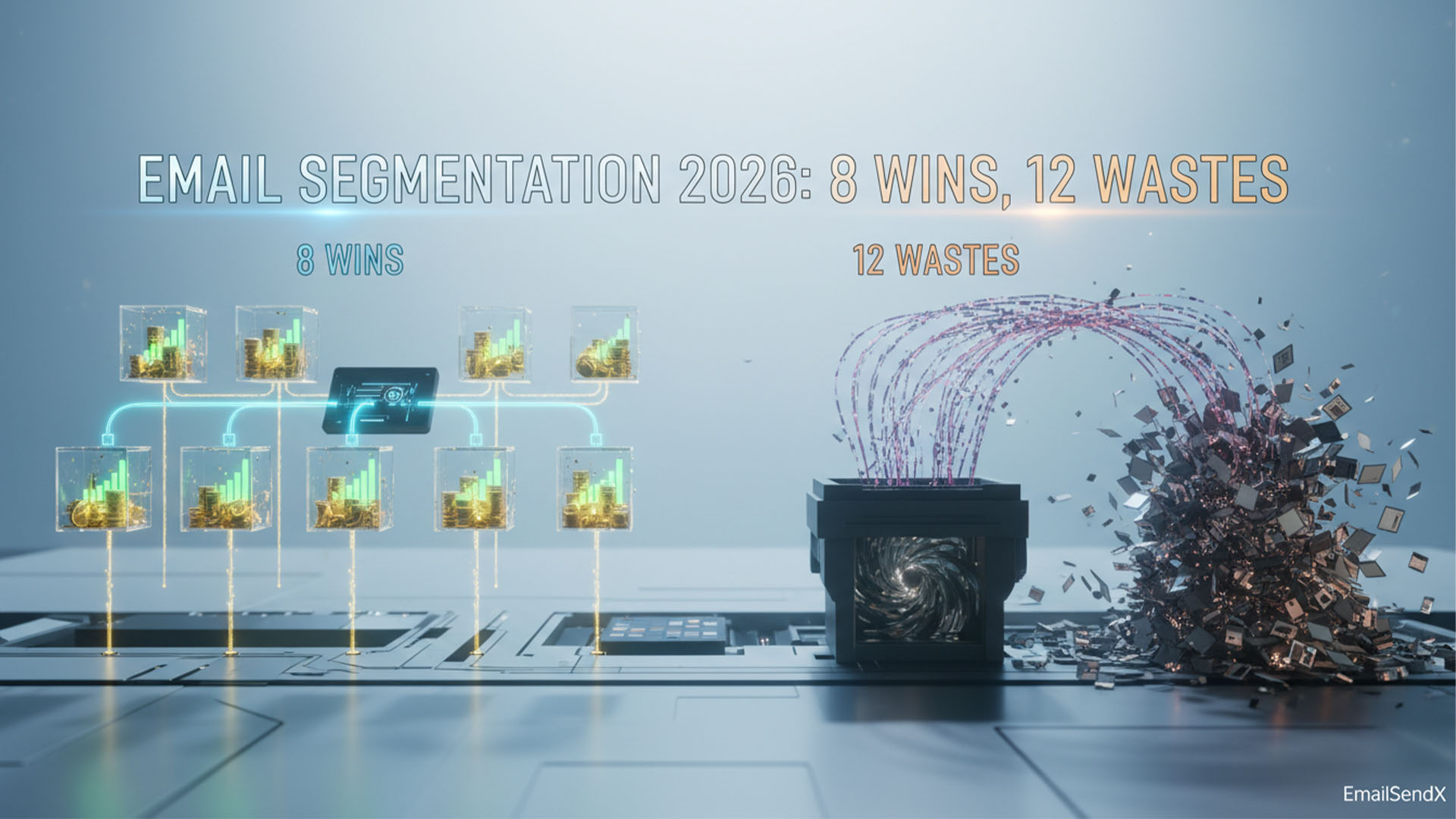
The 8 Segments That Move Revenue
These are the segments worth the engineering time. Most accounts can run their entire program on these eight.
| # | Segment | Definition | Why it works |
|---|---|---|---|
| 1 | New — first 14 days | Subscribed in last 14 days, no purchase yet | Highest open rates in your account. The welcome flow lives here. |
| 2 | Active engaged | Opened or clicked in last 30 days | Your reliable audience. Default segment for product news, top-of-funnel content. |
| 3 | Cart abandoners | Started checkout, didn’t complete in last 24 hours | 8.5% average revenue recovery rate. Highest-ROI single automation in ecommerce. |
| 4 | Post-purchase | Purchased in last 30 days | Cross-sell window. Customer education. NPS surveys. |
| 5 | VIP / top 10% | Top 10% by LTV or engagement score | Exclusive content. Early access. Different offer cadence. |
| 6 | Re-engagement candidates | No open in 60–90 days | One last value email before suppression. Protects deliverability. |
| 7 | Time-zone optimized | Same time-zone bucket | Send timing matters. Group recipients so “9am Tuesday” means the same thing. |
| 8 | Product interest signal | Engaged with a specific product/category in last 30 days | The cleanest demographic-behavior overlay. Different from “product browsers” abstractly. |
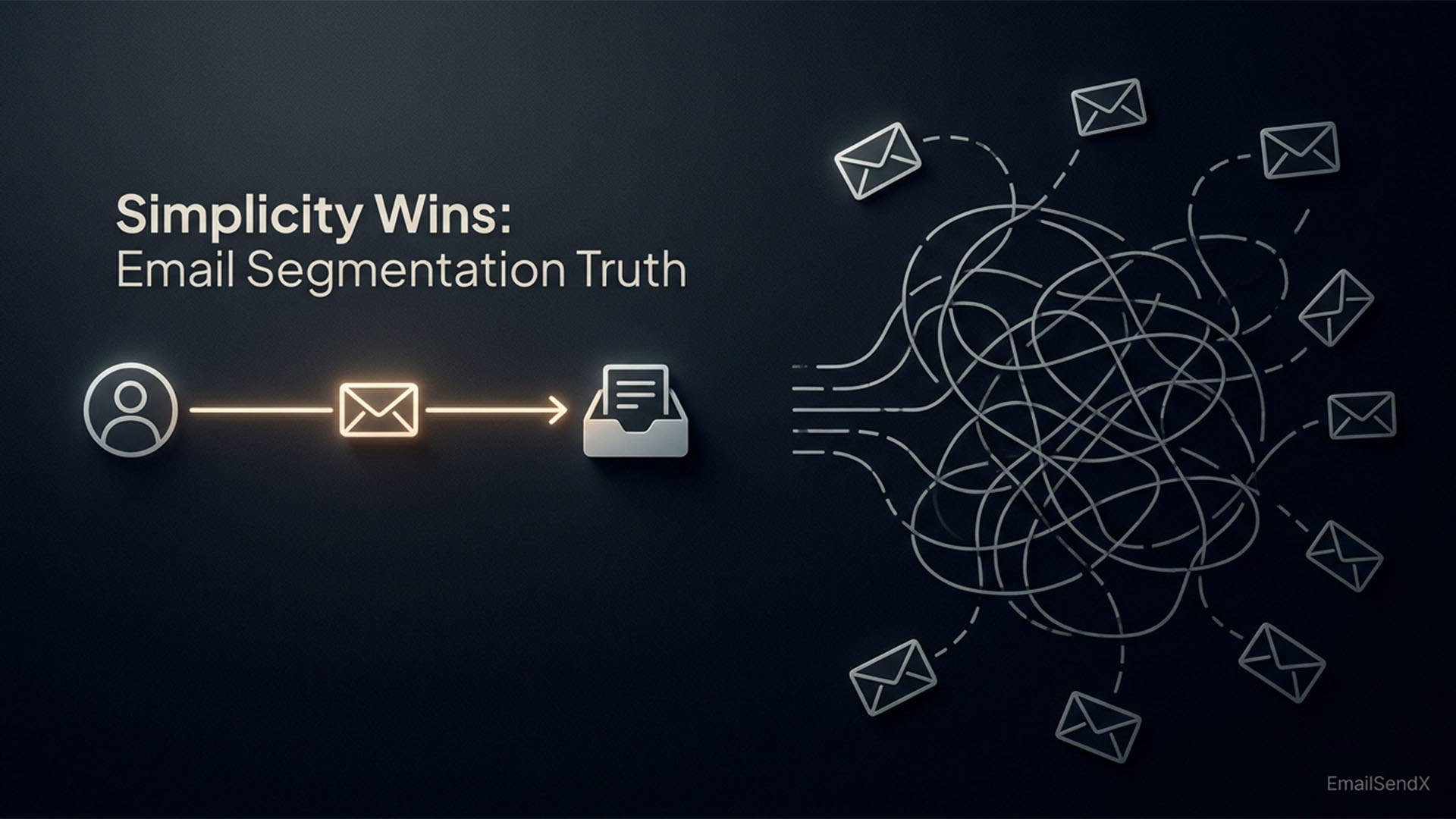
That’s it. Eight segments. If your account has more than eight active segments, half of them are probably the next list.
The 12 Segments That Waste Your Time
These are the segments operators build because they seem clever, then never use because they don’t produce action.
- First name starts with letter — novelty test, no commercial value.
- Email provider (Gmail / Yahoo / Outlook) — useful for testing rendering, not for segmenting campaigns.
- Multi-condition compound segments with 5+ clauses — the audience size collapses to single digits and the maintenance overhead is permanent.
- “Did not open last 3 campaigns” without context — doesn’t distinguish dormant from MPP-affected users.
- Pure demographic without behavior overlay — “Female subscribers age 35–44” is a stereotype, not a segment.
- Subscriber tenure > X months — long-term subscribers don’t share behavior just because they signed up early.
- Single source attribution — “Came from Facebook” matters at signup, not for ongoing campaigns.
- Engagement segments shorter than 7 days — too volatile to send to reliably.
- “Has phone number on file” — data-completeness, not audience signal.
- Geographic country without behavior — unless you have country-specific products or compliance reasons.
- Open count thresholds (“opened more than 10 emails”) — rewards survivorship, not engagement.
- Quiz / survey response without follow-through — they took a quiz; they didn’t commit to a preference.
Most of these aren’t wrong as data. They’re wrong as triggers for sending different campaigns.
How to Build Segments That Compound Over Time
- Start with 3, grow to 8. The discipline is in the constraint. New segment? Justify the campaign it’ll power before you build it.
- Document the hypothesis. “We think active-30-day subscribers tolerate a second weekly email.” Either the data confirms it or you sunset the segment.
- Use dynamic, live-computed segments. Snapshot lists go stale in days. Dynamic segments recalculate on every send.
- Sunset quarterly. Audit segments every 90 days. If a segment hasn’t been used in the last quarter, delete it.
- Watch for overlap. Two segments with 80%+ shared audience are the same segment. Merge.
The single highest-ROI segmentation move
If you do one thing this quarter: build an engagement-tiered segment ladder (active 30d, active 90d, dormant 90d, dormant 180d). Use it to vary cadence by tier. Active subscribers tolerate weekly; dormant ones need quarterly with breakthrough content; 180-day dormant should be suppressed entirely. This single move typically lifts open rate 3–6 points across the program.
The Agency Twist Most Playbooks Skip
Multi-client segmentation: each workspace lives on its own
The agency-specific failure mode: building one master segment library and applying it across clients. “VIP” for client A’s audience means $500 LTV; for client B’s audience it means $50 LTV. Same label, completely different definitions, hidden inconsistency that breaks every cross-client report.
The fix: per-workspace segment definitions, isolated. Each client’s “Active Engaged” lives in their workspace with rules tuned to their data. The agency stays consistent on the concept (every workspace has an Active Engaged tier); the thresholds stay flexible per client.
One thing to never segment by
First name. Not as part of personalization, not as a segment filter, not in subject lines. In 2026, first-name token usage correlates with lower open rates and triggers Gmail spam filters more often. The data is consistent across studies. If your client’s segments still include a first-name field, retire it.
Segmentation Mistakes That Cost Agencies the Most
- Re-sending the same campaign to “non-openers” 48 hours later. MPP-era opens are unreliable. You’re likely re-sending to people who already read it.
- Splitting too narrowly for A/B tests. 200 people in a segment can’t produce statistical significance on any subject line test.
- Merging engaged and dormant in “everyone” sends. The dormant subscribers drag down engagement signals; mailbox providers reduce inbox placement for the engaged subscribers too.
- Building segments after a campaign instead of before. Reactive segmentation is admission that you didn’t plan the audience. Plan the segment first; build the campaign to fit.
How EmailSendX Handles Segmentation
EmailSendX’s segmentation engine is built around the eight high-leverage segments above, computed live, with per-workspace isolation:
- Dynamic segments — recalculate on every send based on the rules, not a snapshot.
- Behavioral triggers native — opens, clicks, replies, purchases, custom events from REST API or webhooks.
- Engagement scoring built in — pre-computed active 30d / 90d / 180d / dormant tiers per workspace.
- Per-workspace segment libraries — client A’s VIP threshold is independent from client B’s.
- Cross-workspace list sharing — share an agency-wide segment with view-only or send permission, without copying data.
- Live counts — audience size updates in real time as you adjust segment rules.
EmailSendX gives you live dynamic segments, per-workspace isolation, and engagement-tiered ladders out of the box.
Try EmailSendX free →
FAQ: Email Segmentation
How many segments should I have in 2026?
Three to eight active segments cover 90% of the lift. More than eight usually means half are unused.
Is behavioral segmentation better than demographic?
Yes — behavior predicts future behavior better than demographics. Use demographic as an overlay on behavior, not as a standalone segment.
How small is too small for a segment?
Below 200–500 recipients, you can’t reliably A/B test or measure performance. Either grow the segment, fold it into a larger one, or accept it’s a campaign-of-one and treat the metrics as directional only.
Should I segment by first name or signup source?
Neither. First-name segmentation has no commercial signal. Signup source matters once (at welcome), then becomes noise.
How often should I rebuild my segment library?
Audit quarterly. Delete anything unused in the last 90 days. Merge segments with >80% audience overlap. Keep the library tight; it pays back in faster decision-making.
Does EmailSendX support behavioral triggers for segmentation?
Yes — opens, clicks, replies, purchases, custom events, deal-stage changes, and activity overdue all serve as segment criteria. Segments recompute live on every send.
Ready to try it?