On this page(11)
Running Email for 12 Brands Is a Different Sport — Here’s How to Win It
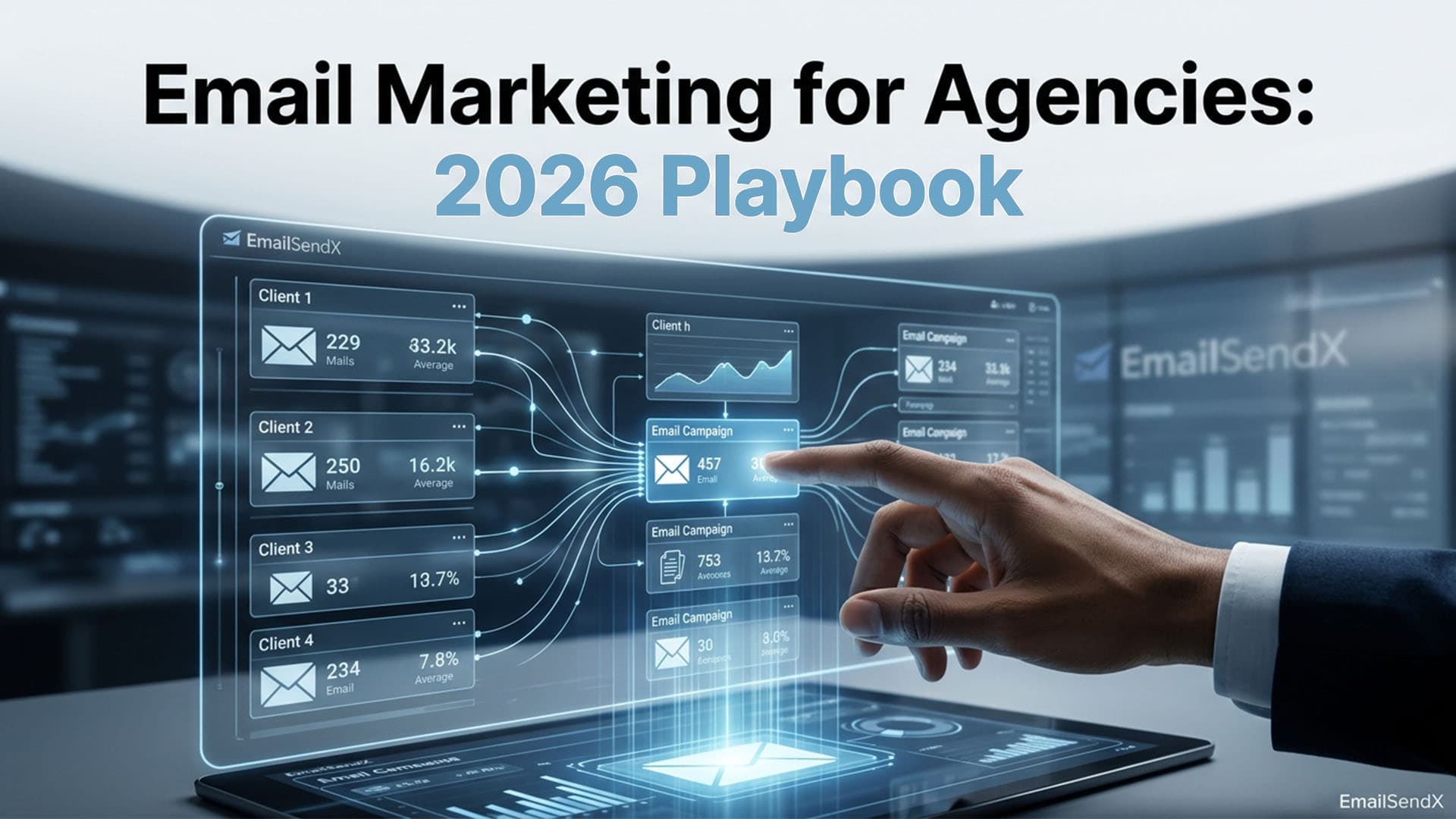
Running email marketing for multiple clients is a different sport than running it for one brand. The complexity doesn’t scale linearly — it scales geometrically. Twelve clients means twelve sending domains, twelve sets of DKIM records, twelve audiences, twelve approval chains, twelve billing entities, twelve compliance footprints, and roughly 144 places where something can go wrong.
This playbook is the operational layer agencies in 2026 use to scale email across dozens of clients without the chaos — or the late-night Slack messages from the account manager wondering why the Q2 newsletter went out twice to the same list.

The agency thesis: The job isn’t to send pretty emails. The job is to guarantee that the right email goes to the right list, from the right domain, with the right approvals, on the right schedule, every time, without leaking data between clients.
Pillar 1: Workspace Isolation Is Non-Negotiable
The single most expensive mistake agencies make is sharing one email platform account across multiple clients. The reasons it fails:
- Data leakage — an account manager pastes the wrong list into the wrong campaign.
- Reputation cross-contamination — one bad client tanks the shared IP.
- Compliance audit failure — GDPR requires per-controller data segregation.
- Billing nightmares — you can’t cleanly recharge clients without per-workspace usage data.
The minimum viable architecture is one isolated workspace per client. Each workspace owns its contacts, templates, sending providers, automations, team members, and audit log.
Pillar 2: Standardize the Onboarding Sequence
Every new client onboarding should hit the same checklist in the same order. The agencies that scale past 10 clients have onboarding under 90 minutes total.
The 12-step client onboarding sequence
- Create new workspace with client’s legal entity name.
- Connect sending provider (typically client’s own SES or SendGrid sub-account).
- Verify sending domain (DKIM + SPF + DMARC).
- Set up tracking domain (CNAME to platform).
- Import master contact list (with consent timestamps).
- Create core segments (active, dormant, VIP).
- Upload brand assets (logo, color palette, fonts).
- Build 3 master templates (newsletter, promo, transactional).
- Configure suppression list (existing unsubscribes + complaints).
- Set up approval workflow (Draft → Review → Send).
- Invite client team members with appropriate role.
- Send a test campaign to internal stakeholders.
Why standardization beats heroism here
Agencies that scale beyond 10 clients stop relying on memory and Slack threads — they make onboarding a checklist anyone on the team can run. The 12 steps above are the same every time. Complexity goes into the workspace data, not the process.
Pillar 3: Build the Approval Workflow
The single biggest delivery mistake in agency email is premature send — the campaign goes live before the client signs off. The mitigation is a structured approval workflow, not a Slack thread.
| Stage | Owner | SLA |
|---|---|---|
| Draft | Copywriter | 2 days |
| Internal review | Strategist | 1 day |
| Submit to client | Account manager | Same day |
| Client approval | Client lead | 2 days |
| Schedule send | Account manager | Same day |
Pillar 4: Deliverability Per Client, Not Shared
If you send all clients through one shared IP pool, your worst-performing client’s reputation drags down everyone else’s deliverability. Agencies that scale enforce BYOS (bring-your-own-SES) per client: each client provides their own AWS account, their own IPs, their own reputation footprint.
The added benefit: when a client offboards, their warmed-up sending infrastructure leaves with them — cleanly — and your remaining clients are unaffected.
Pillar 5: Compliance Layer (GDPR + CAN-SPAM + RFC 8058)
Multi-client agencies must enforce compliance per workspace, not globally. The non-negotiables:
- Per-workspace physical address — CAN-SPAM requires sender’s real postal address in every email.
- Per-workspace double opt-in with timestamped consent.
- Per-workspace suppression list — one client’s unsubscribe must not leak to another.
- One-click unsubscribe (RFC 8058) in every marketing email header.
- GDPR data export & deletion on request, scoped to the right workspace.
Pillar 6: Billing & Cost Recharge
Agencies that recharge email costs to clients need per-workspace usage data: emails sent, AI credits consumed, contacts stored, providers used. Without it, you’re estimating margin per retainer instead of measuring it.
The recharge model that works
Flat retainer covers the platform fee + your team time. Per-thousand sends are passed through at cost (or marked up 20–40%). AI credits are bundled or billed à la carte. Storage and contacts roll into the retainer.
Pillar 7: Reporting — One Dashboard, Per-Client Breakdown
Account managers need a single view of every client’s campaigns this week. The minimum reporting layer:
- Per-workspace open, click, bounce, complaint rates.
- Aggregate sends per month for billing reconciliation.
- Provider failover events.
- Deliverability red flags (sudden bounce spike, complaint surge).
- Campaign approval pipeline status.
Pillar 8: The Tools That Make This Real
This entire playbook is impossible without the right tooling. Mailchimp, Klaviyo, ConvertKit, and ActiveCampaign were built for one brand, and they all retrofit agency features awkwardly. The platforms that handle multi-client email natively are short:
- EmailSendX — multi-workspace native, BYOS across 8 providers, white-label, built-in CRM.
- HighLevel — full agency suite, Mailgun-locked.
- Vendasta — multi-product agency platform, expensive entry.
How EmailSendX Implements Every Pillar
EmailSendX was built from first principles for agencies running email for many clients. Every pillar in this playbook maps directly to a feature:
| Playbook pillar | EmailSendX feature |
|---|---|
| Workspace isolation | Unlimited workspaces, sealed environments |
| Standardized onboarding | 90-second workspace spin-up + provider wizard |
| Approval workflow | Draft → Submit → Approve → Send, role-gated |
| BYOS per client | 8 providers, auto-failover, per-workspace creds |
| Compliance per workspace | Per-workspace address, suppression, RFC 8058 |
| Billing recharge | Per-workspace usage data + audit log |
| Cross-client reporting | Aggregate dashboard with workspace drill-down |
Unlimited workspaces, white-label, your own SES — first campaign live in 12 minutes.
Try EmailSendX free →
FAQ: Multi-Client Email Marketing
How many clients before I need a multi-workspace platform?
Three. Below that, separate accounts on a normal platform are tolerable. At three or more, the operational tax of context-switching, separate logins, and cross-client mistakes outweighs the platform cost.
Should I send all clients through my own SES account or theirs?
Theirs, almost always. It keeps reputation scoped, simplifies offboarding, and aligns billing with their AWS account.
How do I handle GDPR data subject requests across multiple clients?
Per-workspace data export and deletion. The platform must let you delete a contact in one workspace without touching the same email in another.
What’s a fair per-client retainer for email marketing?
$1,500–$5,000/month is the 2026 sweet spot for a 4–6 campaigns/month + 2 automations + reporting retainer. Outside that range you’re either underpriced or over-scoped.
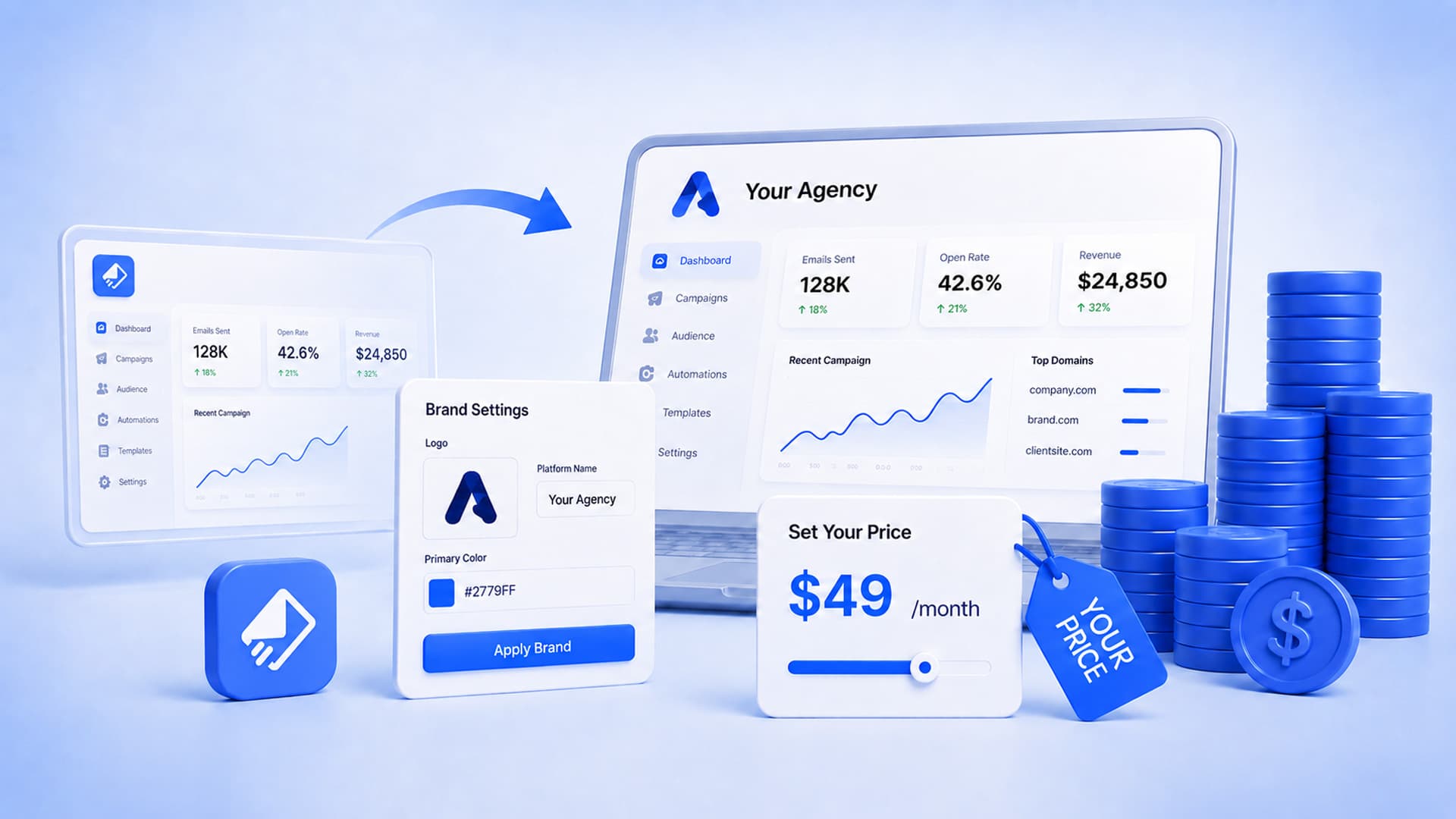
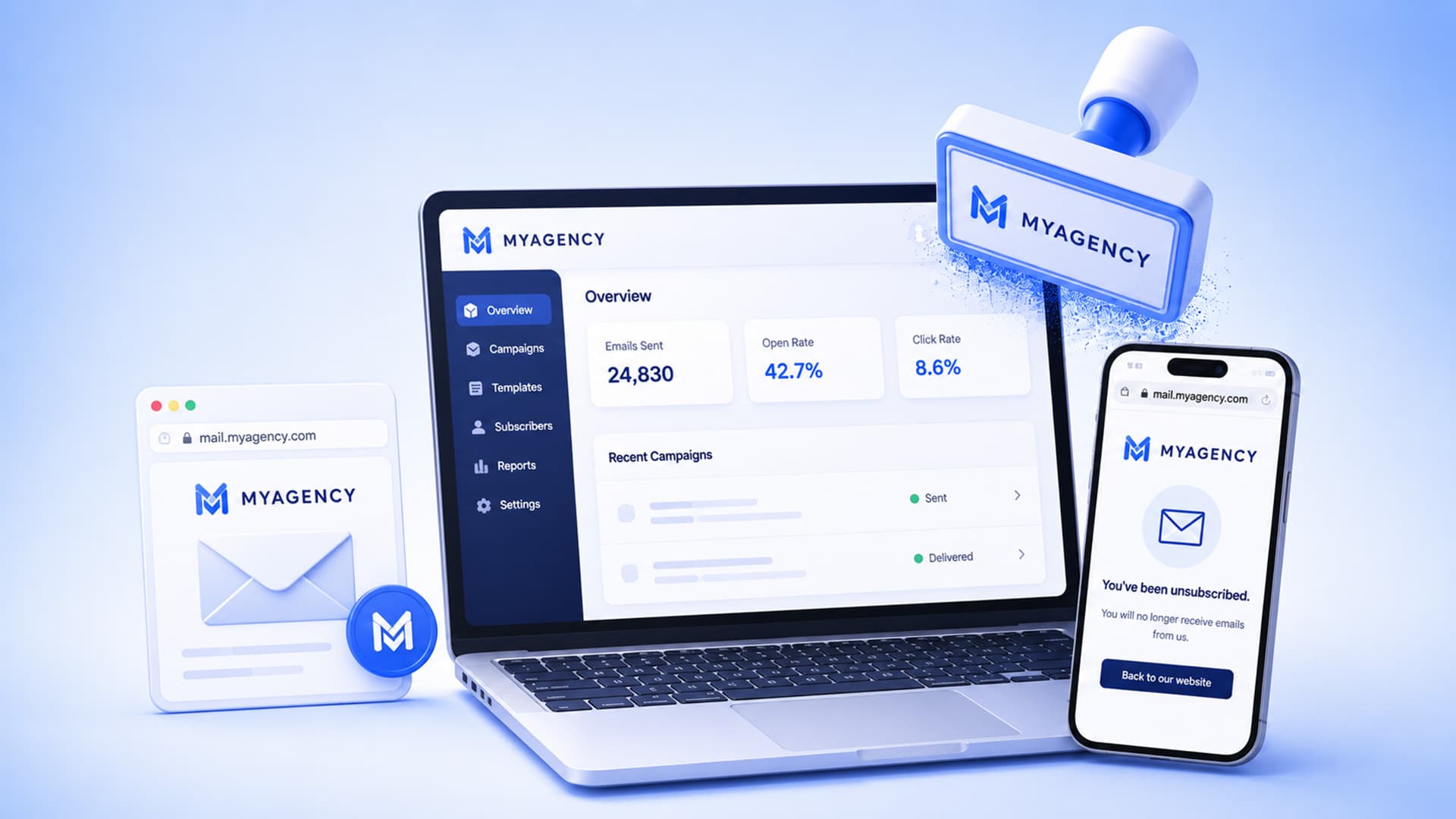
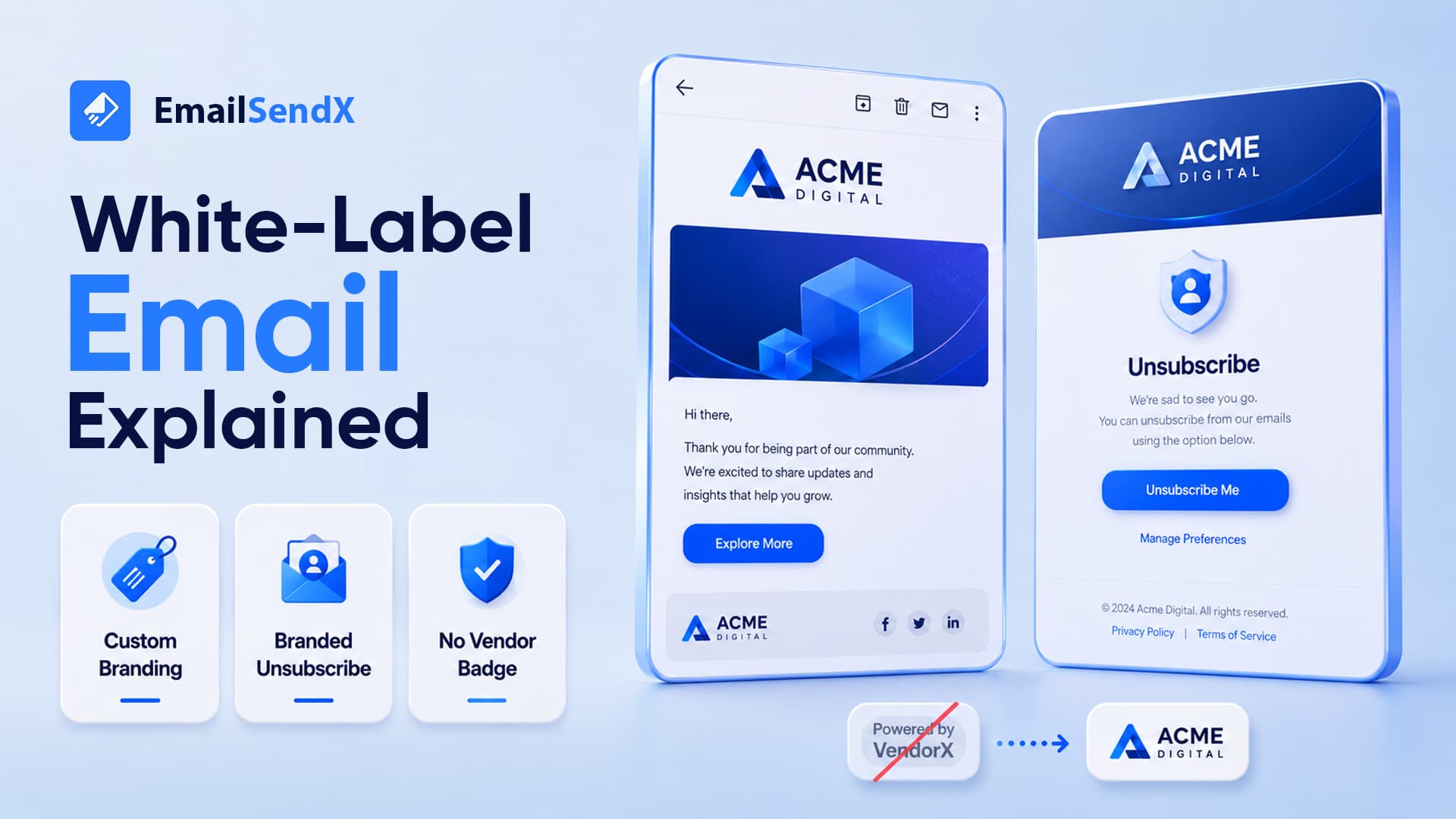
Can I white-label EmailSendX for client dashboards?
Yes. Custom tracking domains, branded unsubscribe pages, and workspace-scoped client logins are standard on every paid plan.
Ready to try it?