On this page(9)
Why Agencies Are Quietly Killing Their HubSpot Starter Seat in 2026
The 2024 agency stack looked like this: ActiveCampaign for email, HubSpot Starter for CRM, Calendly for booking, Zapier for the duct tape. Twelve clients, twelve duplicate setups, four monthly subscriptions per workspace, and a Zapier task count that quietly crept past 5,000/month. Learn more about email marketing CRM.
The 2026 version is shorter. Many of those agencies have killed the HubSpot Starter seat. Not because HubSpot got worse — but because the email marketing platform finally grew a real CRM. And once you can trigger an automation off a deal stage without leaving the workspace, the $45-per-client line item starts looking optional.
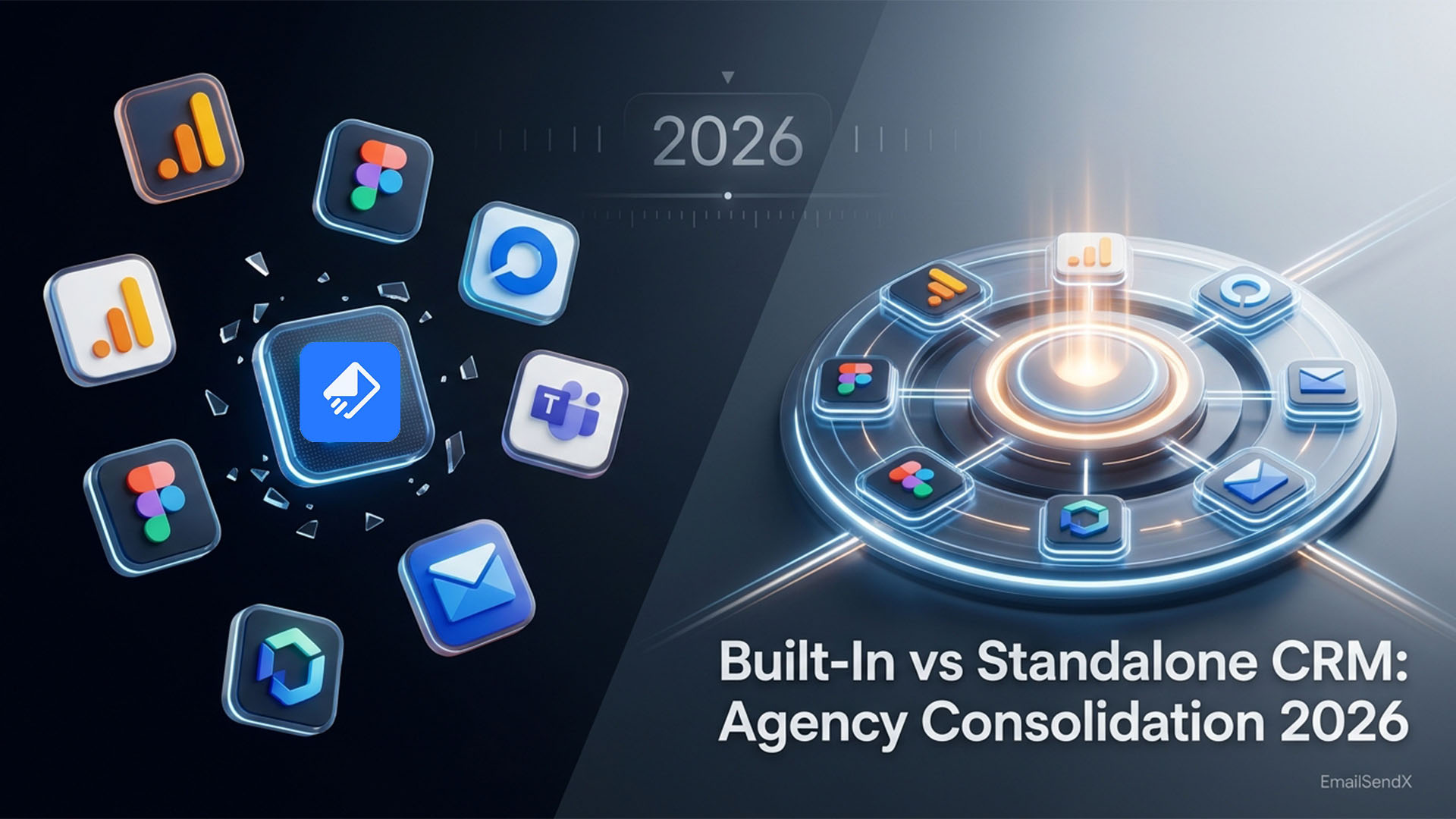
This is the honest breakdown of email marketing CRM vs standalone CRM for agencies in 2026 — cost math, workflow gaps, migration paths, and the three cases where standalone still wins.
TL;DR: Built-in CRMs are now good enough for 80% of agency workflows. The remaining 20% — enterprise sales orgs, complex deal forecasting, dedicated SDR teams — still need a standalone like HubSpot or Salesforce. Everyone else is overpaying.
The $45-Per-Client Math That Started the Conversation
HubSpot Starter is $45 per seat per month. For an agency running 12 clients, the math is rarely “1 seat” — it’s closer to 12 sub-accounts at $45 each, plus extra seats for team members, plus the Sales Hub upgrade because Starter doesn’t have pipeline automations.
| Setup | Monthly cost | Annual |
|---|---|---|
| HubSpot Starter, 12 clients, 1 admin seat | $540 | $6,480 |
| HubSpot Pro, same setup (Sales Hub Pro) | $1,440 | $17,280 |
| EmailSendX Pro with built-in CRM | $24 | $288 |
The savings aren’t marginal — they’re structural. The reason: built-in CRMs share the same database as email, so there’s no second platform to license per workspace.
What Standalone CRMs Solved — and Don’t Anymore
Standalone CRMs solved a real problem from 2010 to 2020: email tools had no concept of deals, pipelines, or weighted forecasts. You needed a separate database for sales because email databases couldn’t represent the same record across multiple lifecycle states. So Salesforce, HubSpot, and Pipedrive built that database, and we all paid for it.
By 2026, modern email platforms ship with that database baked in. EmailSendX has accounts, deals on a Kanban or list, customizable pipelines with weighted probabilities, activities (notes, tasks, calls, meetings), and trigger-based automations that fire off deal stage changes. That covers what most agencies actually use HubSpot Starter for.
What Built-In CRMs Get Right
1. Triggered automations across systems
When a deal moves to “Won” in a standalone CRM, you need a Zapier integration to enroll the contact in an email onboarding sequence. With a built-in CRM, the trigger is native: Deal stage = Won → enroll in “New Customer Welcome” automation. Zero glue code.
2. One source of truth
No more debugging which platform has the right phone number. The email and the deal share the same contact record. Update one, the other updates.
3. Per-workspace isolation (the agency unlock)
Standalone CRMs typically charge per workspace or sub-account. Built-in CRMs in multi-workspace platforms get isolation for free — client A’s deals can’t leak into client B’s pipeline.
When Standalone Still Wins (Three Cases)
- Dedicated SDR or sales teams. If you have 5+ SDRs running outbound, you need power features (sequences with cadences, call recording integration, predictive lead scoring) that built-in CRMs don’t have yet.
- Complex revenue ops with forecasting. Multi-product, multi-stage forecasting with quota attainment, territory management, weighted close probabilities by rep — standalone CRMs win.
- Enterprise compliance requirements. If you need SOC 2 Type II evidence for the CRM specifically, audit logs at the sales-stage level, or strict role-based access control on deal data, standalone enterprise CRMs are more mature.
The Migration Path (When You’re Ready)
Step-by-step plan
- Export deals + contacts from HubSpot/Pipedrive. CSV with custom fields, deal stage history, owner attribution.
- Map pipeline stages. Your existing stages translate 1:1 into the new platform’s pipeline builder.
- Recreate automations. Stage-triggered emails, overdue activity alerts, deal-won onboarding sequences.
- Run parallel for 30 days. Old + new live simultaneously, sales team works in new, old runs as read-only safety net.
- Cut over and cancel. Decommission old CRM, save 80–95% on monthly fees.
What we hear from agencies post-migration
Two consistent observations from agencies who’ve done the move: (1) the team adopts the built-in CRM faster than standalone because they’re already in the email platform daily, and (2) sales-to-marketing handoff friction drops to near zero because there’s no handoff — same database.
Cost Math: 3-Year TCO Comparison
| Setup | 3-year total |
|---|---|
| HubSpot Starter ($45/seat) + Mailchimp Standard, 12 clients | $31,860 |
| HubSpot Pro (Sales Hub) + Klaviyo, 12 clients | $58,320 |
| EmailSendX Pro + own SES (12 clients) | ~$2,628 |
One nuance worth knowing
The TCO numbers assume the built-in CRM covers your use case. If you genuinely need standalone-CRM-only features (territory forecasting, SDR cadence orchestration), the savings disappear because you’ll add the standalone back. The discipline is being honest about what features you actually use, not what features you could imagine using.
How EmailSendX Implements Built-In CRM
EmailSendX ships a full CRM module in every workspace at no extra cost. Accounts and contacts with custom fields. Deals on a Kanban or list. Customizable pipelines with weighted probabilities and rotting-deal alerts. Activities — notes, tasks, calls, meetings — with overdue surfacing. And the connector that ties it all together: deal-stage and activity triggers can launch any email automation natively, without Zapier.
- Stalled deal trigger: if a deal hasn’t moved in 14 days, auto-enroll into a re-engagement sequence.
- Won deal trigger: drop the contact into a 7-email customer onboarding flow.
- Lost deal trigger: add to a winback list, follow up in 90 days.
- Activity overdue: notify owner + escalate after 3 days.
EmailSendX gives you email, automation, and a full CRM in one workspace.
Try EmailSendX free →
FAQ: Built-In CRM vs Standalone CRM
Is a built-in CRM really as capable as HubSpot Starter?
For 80% of agency use cases, yes — deals, pipelines, activities, automations. The 20% that requires HubSpot Pro or Salesforce is dedicated sales teams, complex forecasting, or enterprise compliance.
Can I run the built-in CRM and HubSpot side-by-side?
Yes — via Zapier or REST API sync. But it defeats the cost-saving point. The whole reason to consolidate is to stop paying for both.
What about Salesforce? Do agencies still use it?
Salesforce remains the right choice for enterprise sales orgs and agencies with dedicated revops headcount. For the majority of small-to-mid agencies, it’s overkill.
Can I migrate from Pipedrive to a built-in CRM?
Yes. Pipedrive exports clean CSVs of deals and contacts. The pipeline structure translates 1:1 to most modern built-in CRMs. Plan 1–2 weeks for migration including parallel runs.
Does EmailSendX’s CRM support per-client isolation?
Yes — each workspace has its own CRM database. Client A’s deals never appear in Client B’s pipeline, even if the same contact email exists in both.
Ready to try it?